
Best Mac file manager
Best Mac file manager: choose by workflow, not feature count.
Start with the file job you repeat every week. Finder is an excellent free default; a dedicated file manager earns its place only when two panes, keyboard actions, archives, folder comparison, remote transfer, or media batches remove real friction.
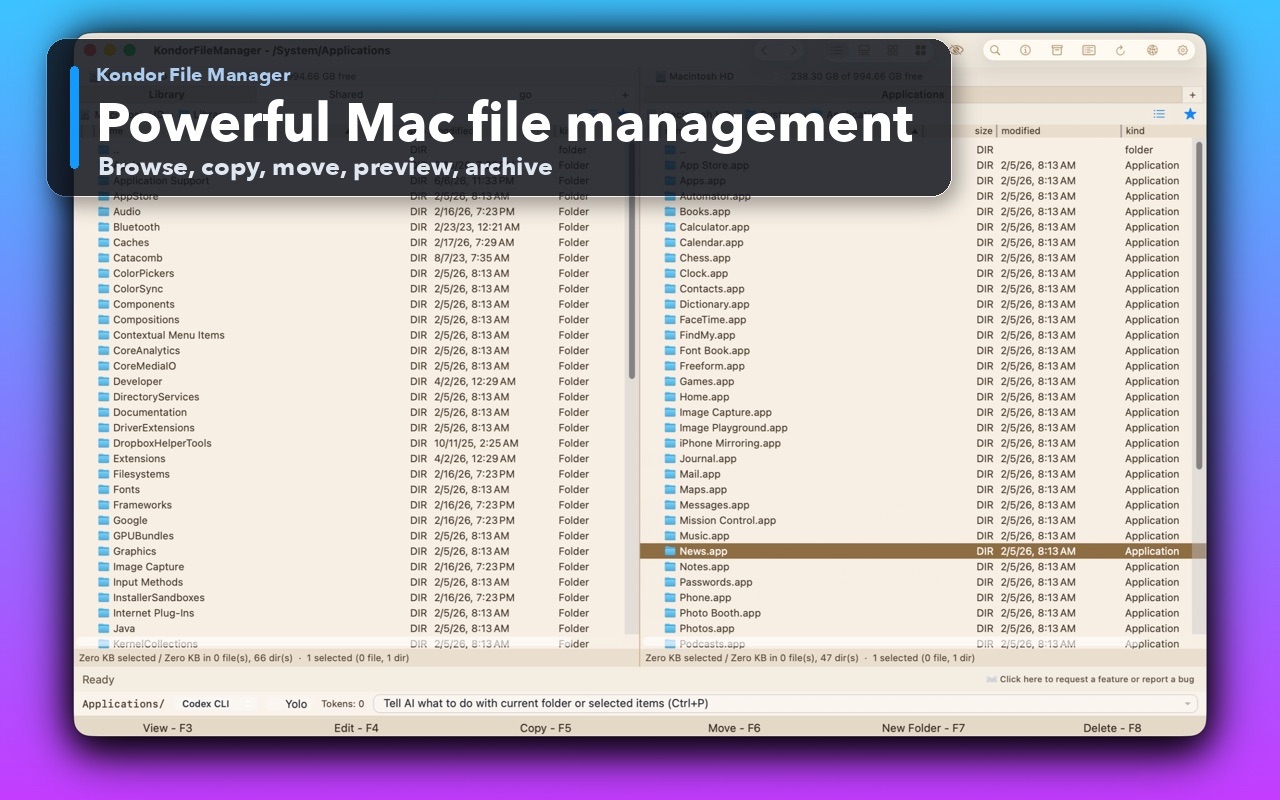
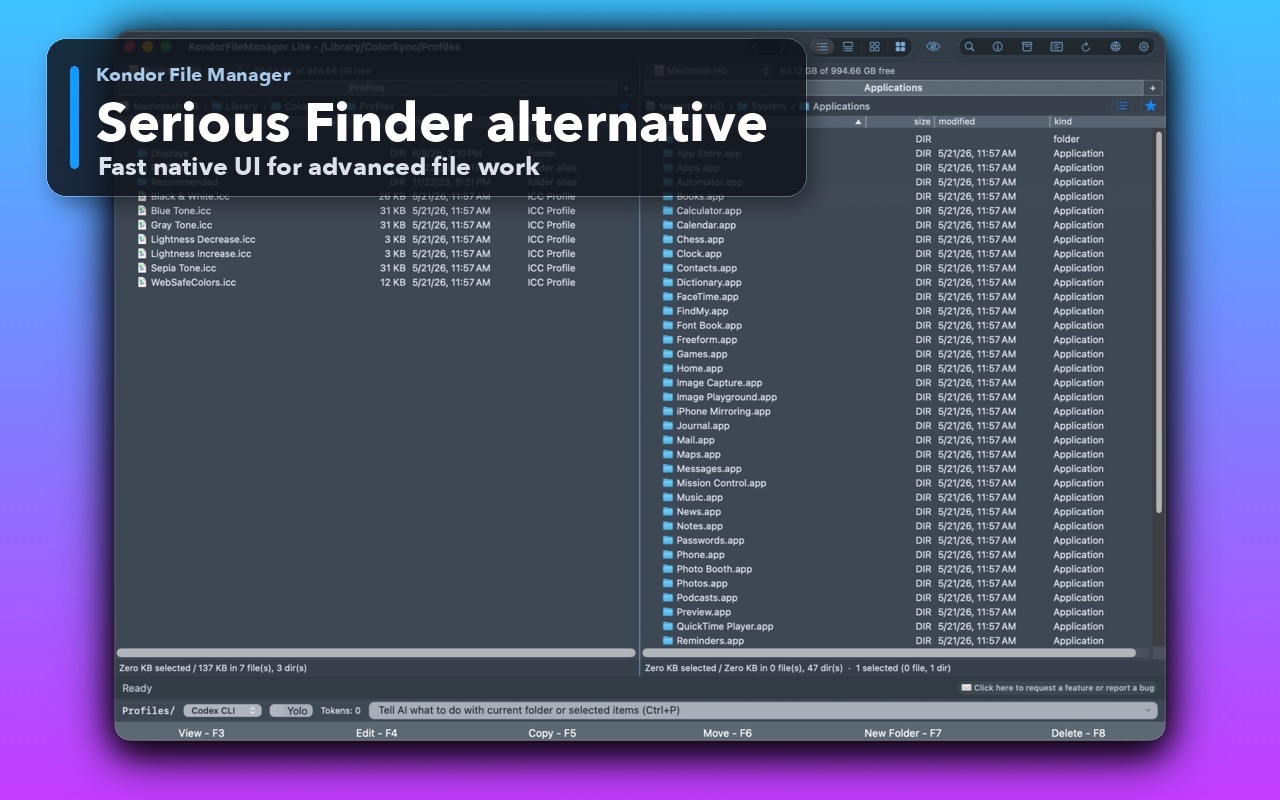
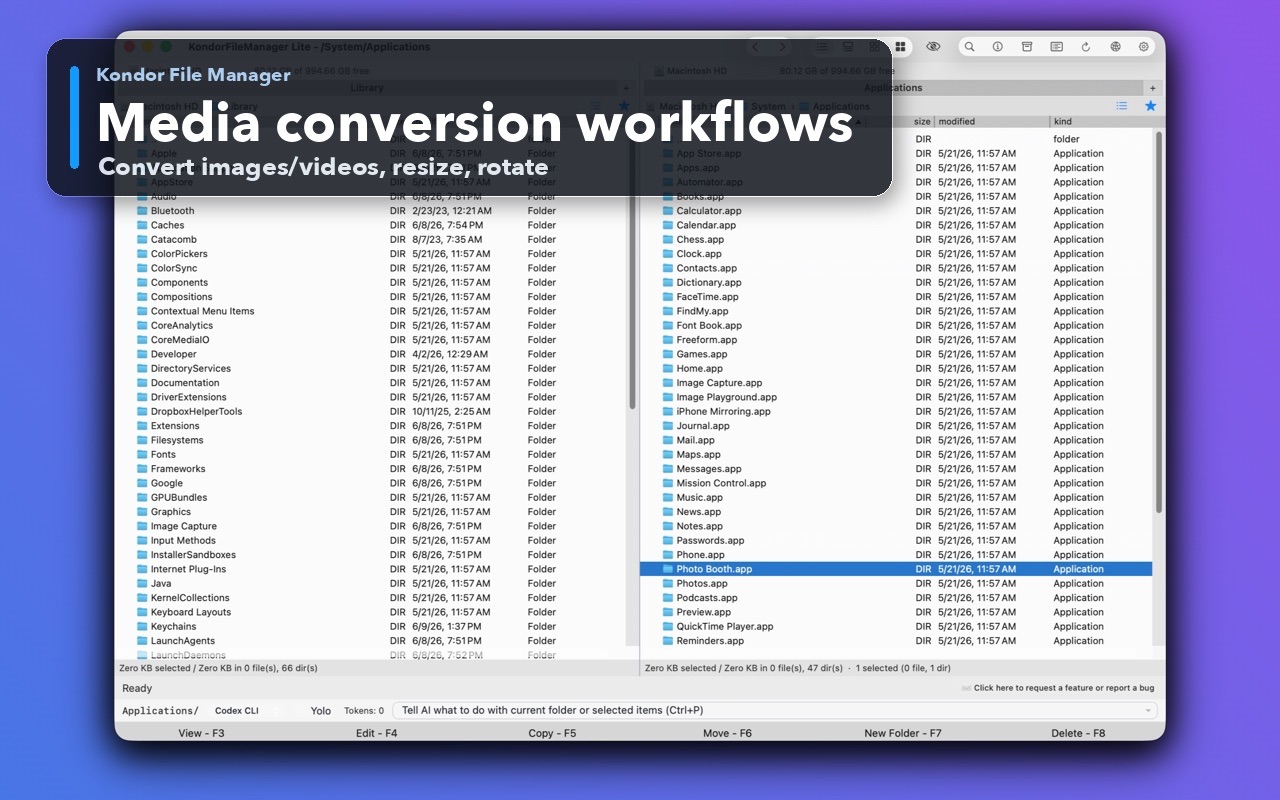
Product screenshots
What this workflow looks like in Kondor.
Inspect the real interface before downloading, including the panes, dialogs, and controls used for this job.
Who it helps
Use Kondor when file work needs more control.
Mac users comparing Finder alternatives before installing another file utility.
Power users deciding between Commander One, ForkLift, Path Finder, Finder, and a newer option.
Buyers who care about pricing, privacy, signed downloads, and workflow fit before paying.
What slows people down
Where the default workflow gets slow.
Feature lists can look similar even when the daily workflow feels very different.
A file-transfer-first app, a modular Finder replacement, and a compact commander-style file manager solve different problems.
The wrong choice adds another utility without reducing the actual file-work friction.
How Kondor helps
Purpose-built surfaces for this workflow.
Match the tool to the repeated job, then keep the rest of your Mac workflow unchanged.
Use the free Lite mode for daily local basics before deciding whether Pro workflows are worth $19/year.
Compare the workflow-specific pages before choosing: Finder alternative, dual-pane, folder sync, remote transfer, archive, S3, and media conversion.
Workflow examples
Common ways people use this workflow.
Choose by bottleneck
Pick the tool that solves the file job you repeat weekly: compare folders, transfer to servers, unpack archives, prepare media, or clean large folders.
Verify trust before download
Look for signed/notarized downloads, clear pricing, privacy posture, support pages, and honest limitations.
Try the workflow, not the marketing
Open the same real folder job in each tool and judge speed, keyboard control, previews, progress visibility, and recovery from mistakes.
Trust
Why the download is lower risk.
Kondor's Direct Edition DMG is Developer ID signed and notarized.
Kondor has dedicated comparison pages for Finder, Commander One, Total Commander, Double Commander, ForkLift, and Path Finder.
Kondor's site keeps Lite/Pro pricing and privacy claims visible before download.
Related pages
Next useful comparison or guide.
FAQ
Quick answers before you choose.
What is the best Mac file manager?
There is no universal best. Finder is the strongest default for simple browsing. Kondor is a strong fit when repeated file work needs dual panes, keyboard actions, previews, archives, folder sync, remote resources, or media workflows.
Should I choose a transfer client or a full file manager?
Choose a transfer client if remote server transfer is almost the whole job. Choose a broader file manager when the job also includes local browsing, archives, previews, sync, cleanup, and batch actions.
Is a paid Mac file manager worth it?
It is worth it when it saves repeated time or reduces mistakes during real file work. Kondor keeps local basics free and charges Pro for advanced workflows such as remote resources, sync, archives, media tools, and device support where available.
What is a good free file manager for Mac?
Finder is free and built into macOS. Kondor Lite is another free option for users who want a dedicated native file manager with two panes and local file-work basics before deciding whether advanced Pro workflows are useful.