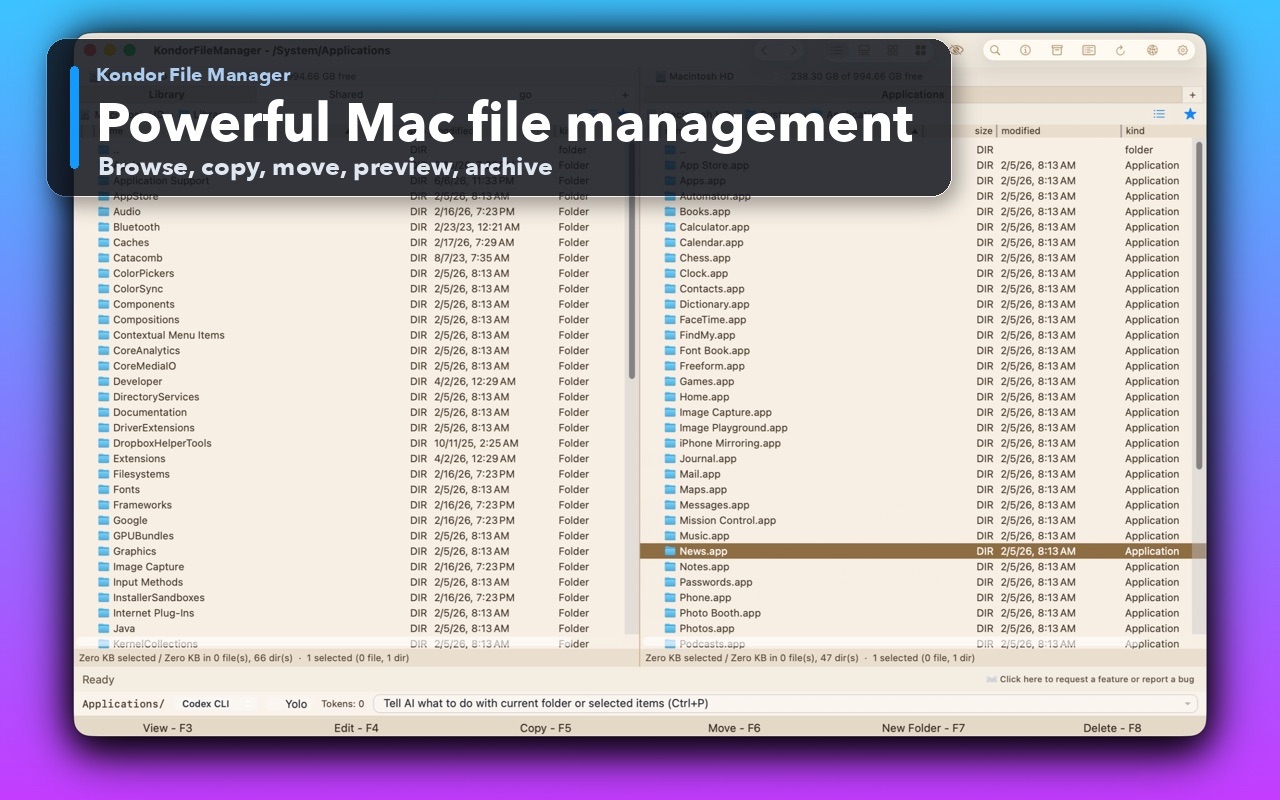
Fast file control
Native macOS panes, visible file details, and focused keyboard-first actions.
 Kondor
A fast, native dual-pane file manager that cuts window juggling and keeps source, destination, preview, progress, and powerful actions in one clear workspace.
Version 1.2.14 · 7.1 MB · Developer ID signed, notarized, and stapled
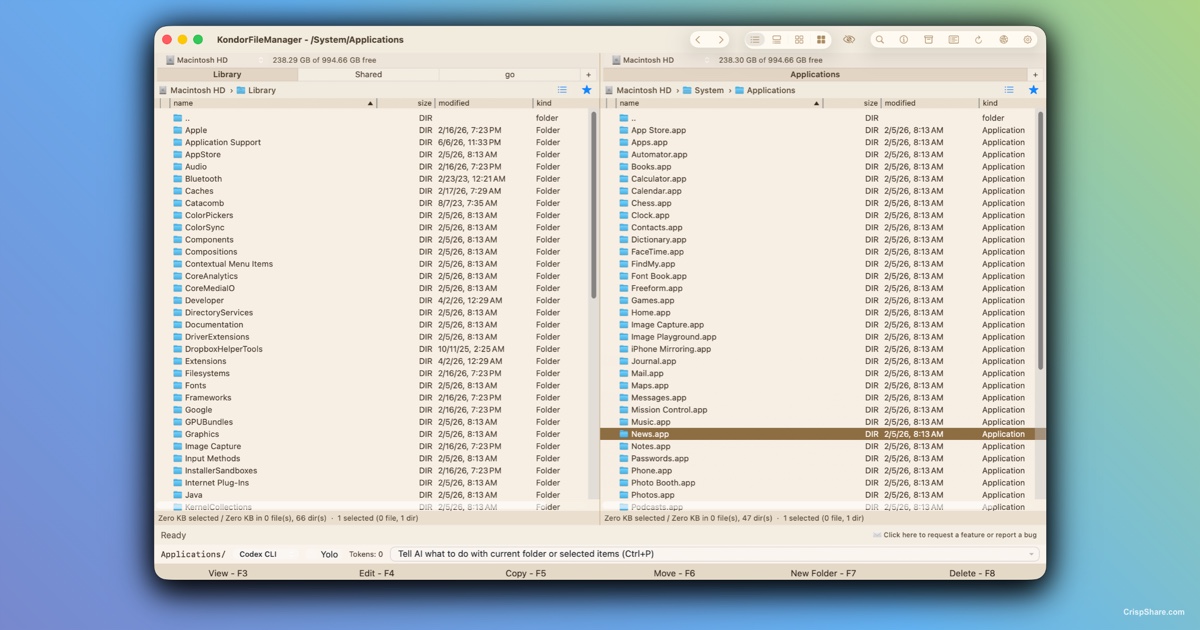
Kondor File Manager is for Mac users who need more than basic folder windows: faster navigation, clearer file lists, previews, archives, remote locations, folder comparison, sync, media conversion, and dependable keyboard control.
Use Kondor as a Mac file manager when you regularly organize downloads, compare folders, inspect large file sets, extract archives, transfer files, connect to remote resources, or prepare image and video batches.
The goal is simple: keep file work visible, fast, and local-first instead of scattering the same job across Finder windows, archive utilities, cloud tools, media converters, and temporary scripts.
These are the current desktop screenshots from the live App Store Connect listing, showing the real Kondor interface and major workflow surfaces.
Native macOS panes, visible file details, and focused keyboard-first actions.
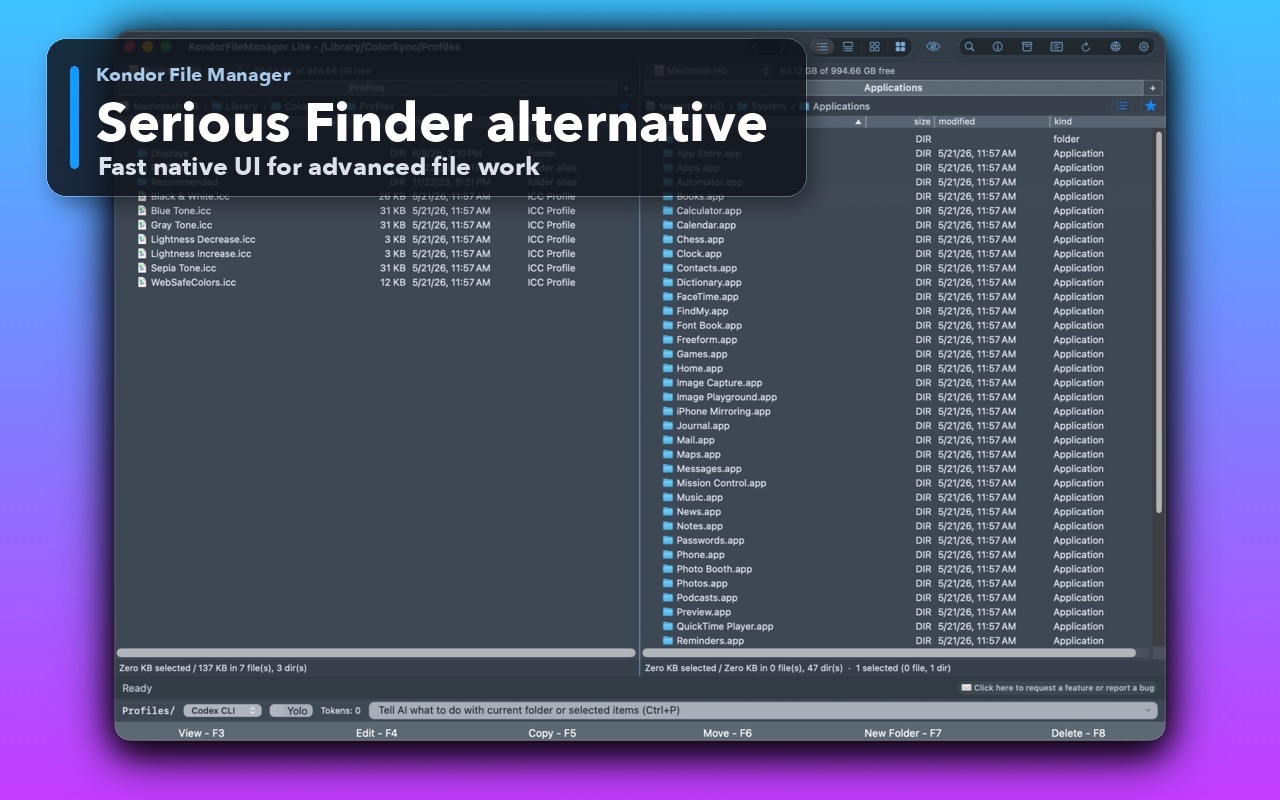
Switch between detailed lists and icon-first browsing when files need visual scanning.
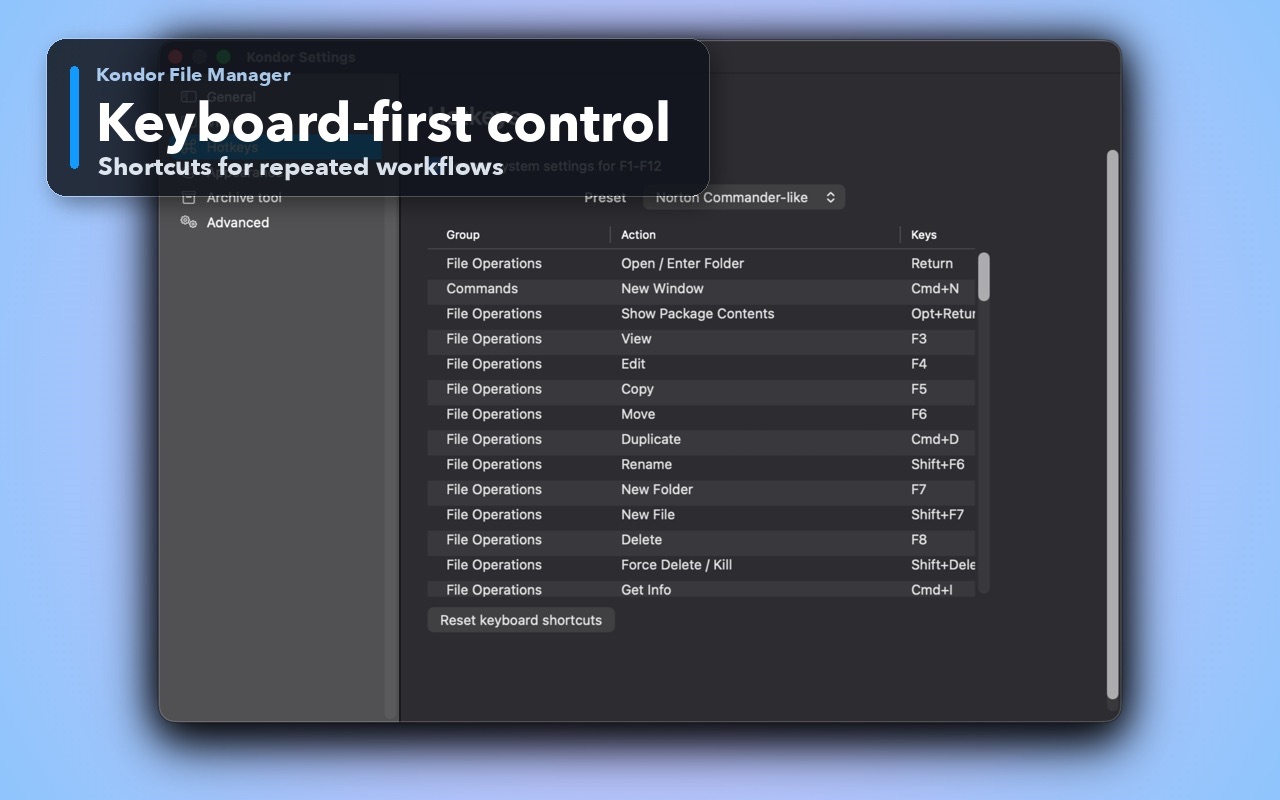
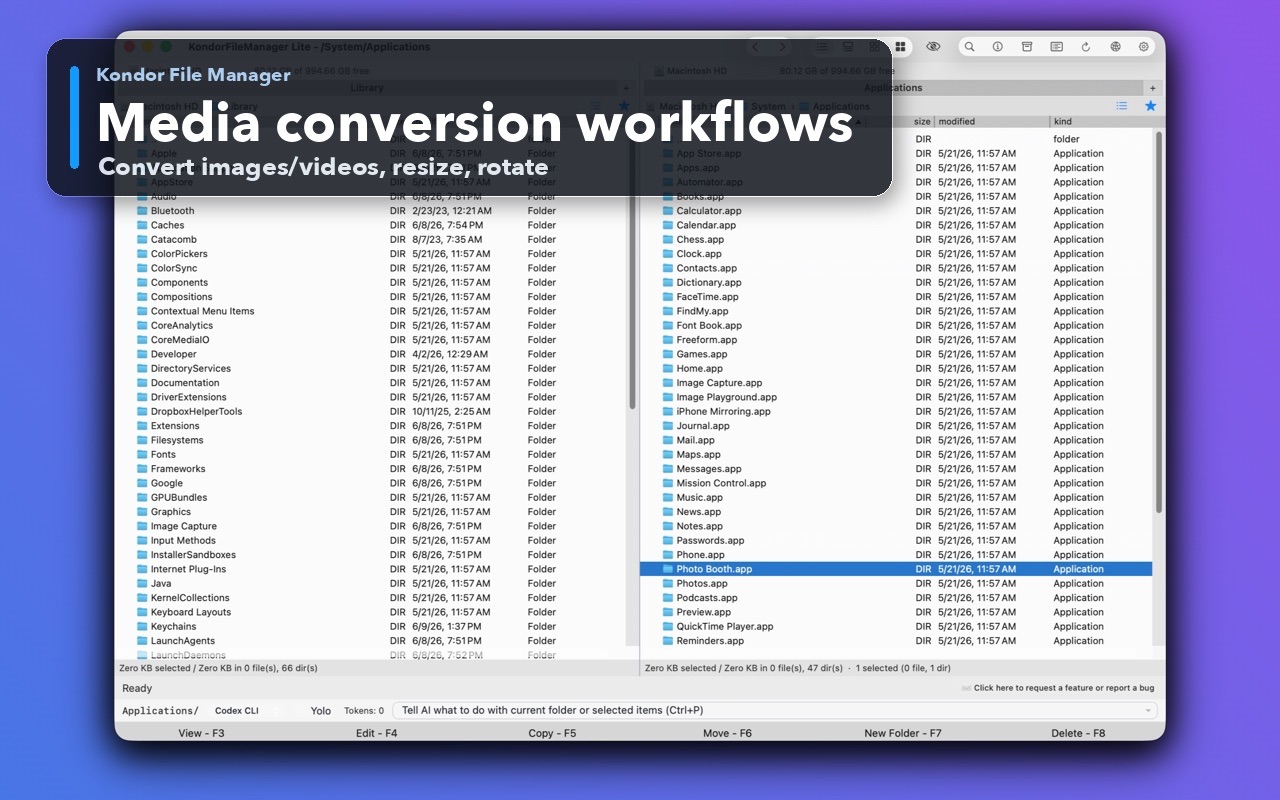
Image and video workflows stay close to the files you are organizing.
Open, inspect, and compare file content without losing folder context.
Compress, extract, and review archive content inside the file-manager flow.
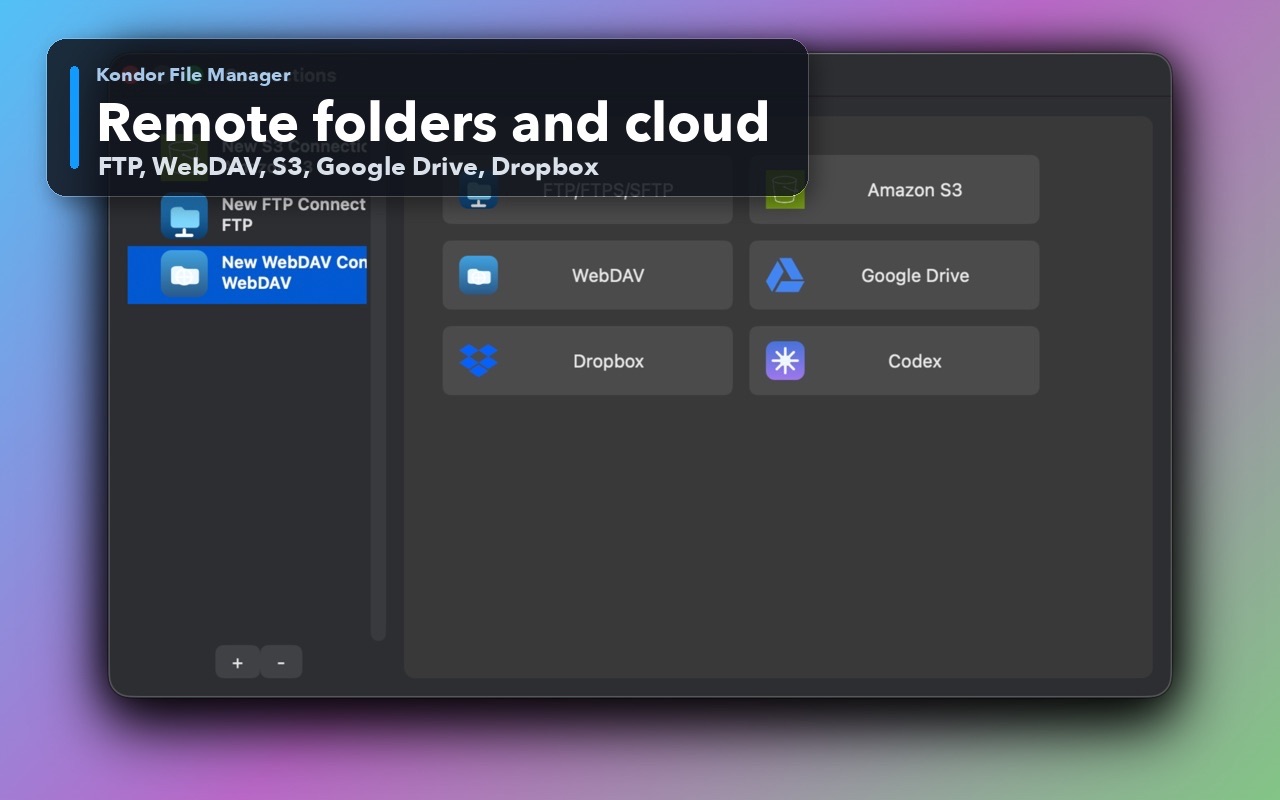
Connect to remote and cloud surfaces when Pro workflows need them.
Direct builds can include device-focused browsing and transfer workflows.
Clear Pro purchase and activation details in the Mac app.
Every feature earns its place by removing navigation, uncertainty, repeated setup, or another trip to a separate utility.
Keep source and destination visible while you copy, move, compare, organize, or transfer. Less window hunting; fewer wrong-folder mistakes.
Restore the folders, tabs, pane layout, filters, and view state for a recurring project instead of rebuilding your setup every time.
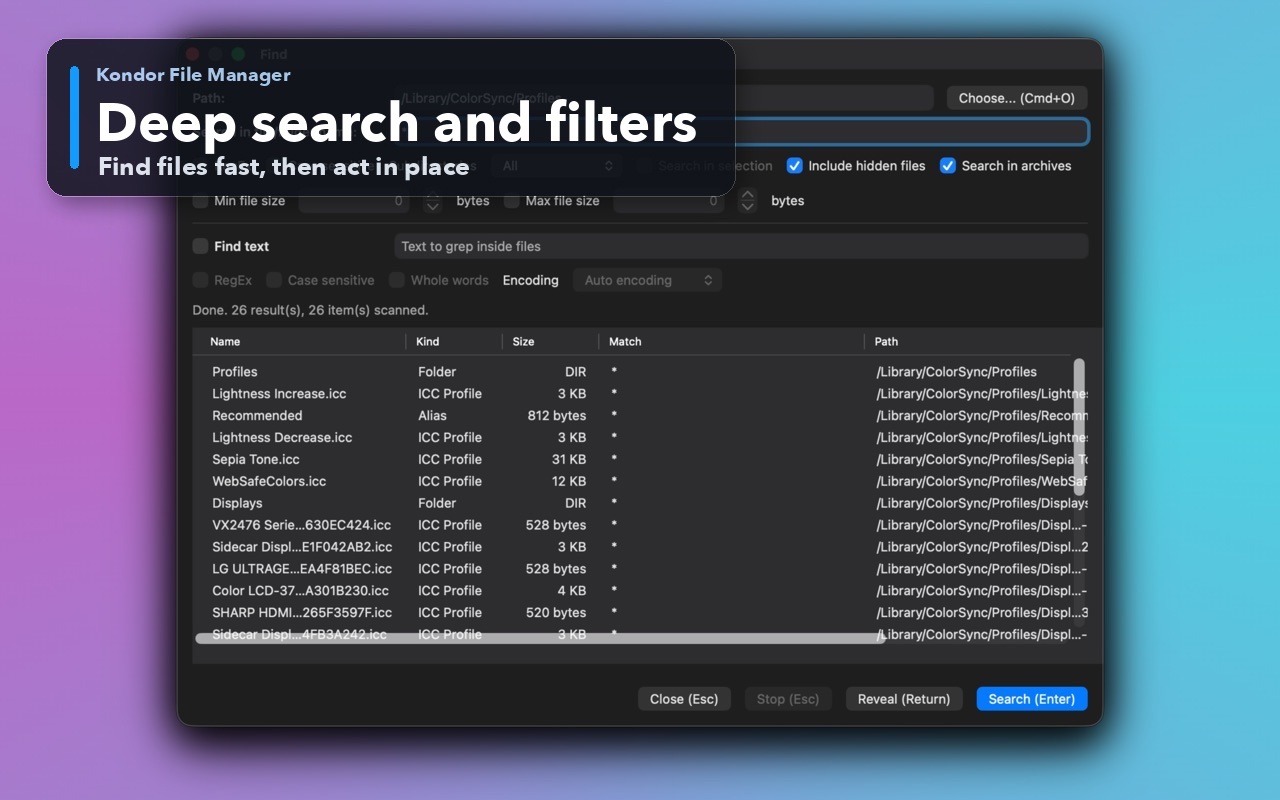
Press Command-F and narrow the active pane as you type with contains, wildcard, regex, and optional subfolder matching.
Move from a tiny pane filter to broader file searches without turning every quick lookup into a heavyweight search window.
Read multi-gigabyte text and binary files through bounded paging. Scroll anywhere without asking the app to load the entire file into memory.
Inspect line-numbered source, config, logs, Markdown, hex and ASCII data, images, and supported video without losing folder context.
Rename hundreds of files with tokens, sequences, regex, case rules, conflict detection, and a complete preview before disk changes begin.
Gather file references from many folders, archives, devices, or servers. Then copy, move, rename, hash, compress, convert, tag, or share the set together.
Compare and edit two files with line numbers, syntax highlighting, live differences, change navigation, copy controls, and save protection.
Calculate streamed SHA-256 hashes, copy results, compare files, or paste a published checksum and get a clear match or mismatch.
Break large files into common numbered or alphabetic parts, detect existing part sets, report gaps, and publish joined output atomically.
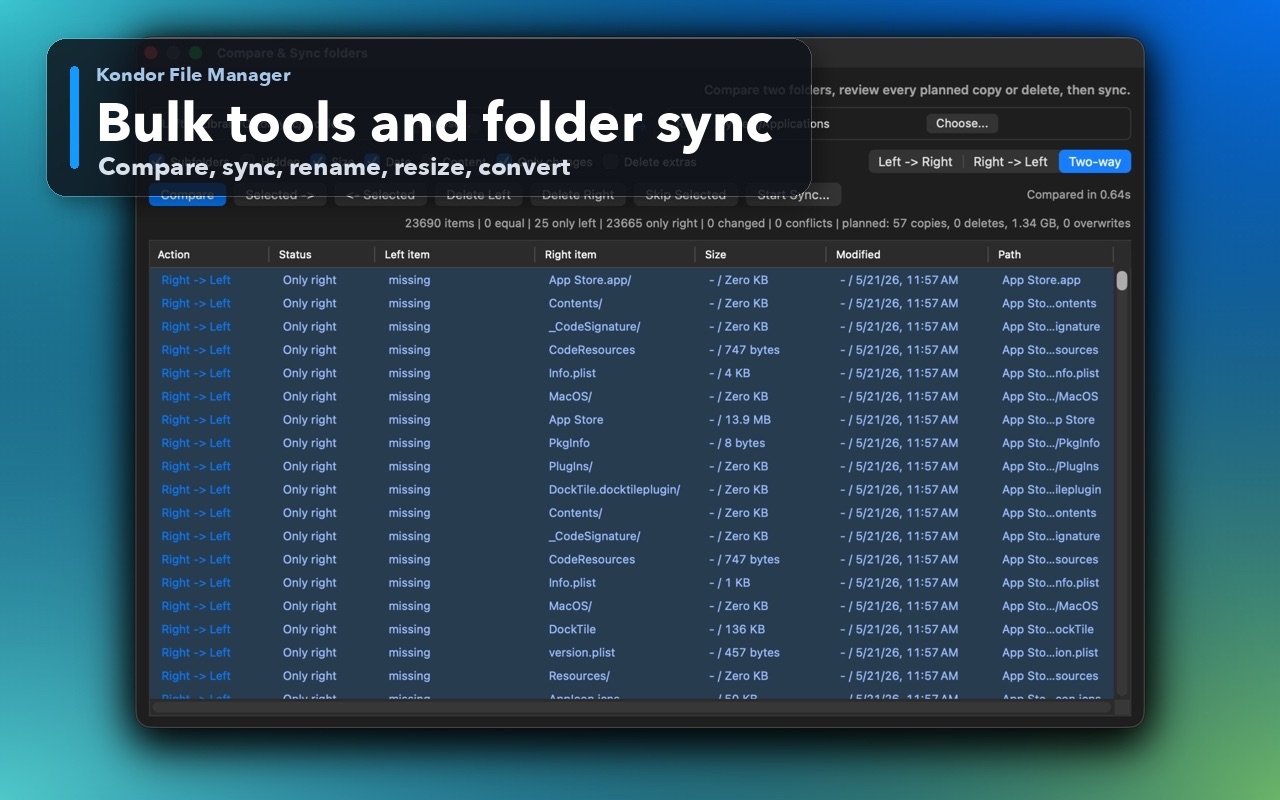
Review differences and planned actions first. Save named presets with include and exclude filters for jobs you repeat.
Turn a loose selection into a named folder in one conflict-checked, rollback-safe action instead of creating, naming, dragging, and verifying.
Protect important locations, reopen closed tabs, cycle by recent use, remember start folders, and pull a tab into a new window.
Browse sibling folders from the path, jump between resources, and drop files onto ancestors without walking the hierarchy again.
Search commands by intent, see shortcuts, and run the right action without memorizing where it lives in the menus.
Create ready-to-use Markdown, text, JSON, shell, HTML, configuration, or project-note files, plus reusable custom templates in Pro.
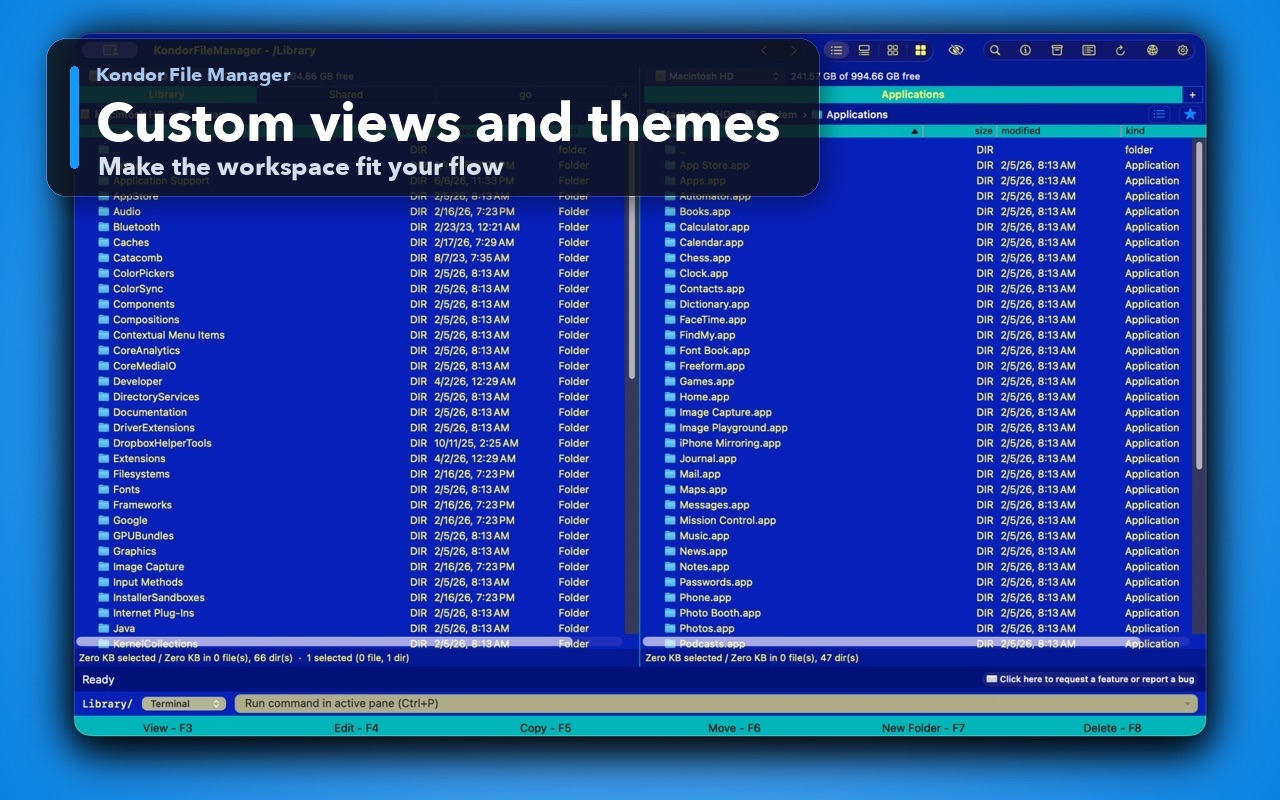
Switch columns, widths, sorting, grouping, icon size, hidden files, bars, and optional preview state without changing the folder.
Spot documents, images, video, audio, archives, source, configuration, and Markdown at a glance with readable customizable rules.
Browse, create, and extract common archives close to the files, with advanced and encrypted workflows where supported.
Work with supported FTP, FTPS, SFTP, WebDAV, S3, Google Drive, and Dropbox locations through the same two-pane mental model.
Convert, resize, rotate, and mirror image batches; run supported video conversion while source, destination, and progress stay visible.
Send selected items to another Apple device or installed sharing service without first revealing them in another app.
Keep long-running work off the main interface, watch progress, cancel where supported, and Undo or Redo compatible file operations.
Use familiar shortcuts, function-key actions, searchable commands, keyboard-friendly dialogs, and customizable bindings across the workflow.
These are the situations where a dedicated macOS file manager, Finder replacement, or commander-style file explorer can save time.
Keep the source, destination, selection, preview, and progress in one visible workspace instead of reconstructing context across scattered windows.
Inspect source, logs, configuration, archives, hashes, releases, remotes, and folder differences without launching a new utility for every step.
Restore a saved workspace, apply a View Style, filter the panes, collect files from several locations, and run the same trusted flow again.
Preview huge files safely, verify hashes, inspect planned renames or sync changes, and keep long work visible and cancellable.
Sort large folders, inspect images and videos, convert media, resize or rotate batches, and keep file details visible while organizing downloads.
Create and extract archives, compare folders before syncing, and move between local files, remote servers, cloud providers, and direct devices where available.
Finder remains the default Mac file browser. Kondor is a stronger workspace for users who need more speed, visibility, and control during repeated file work.
Finder is excellent for everyday macOS browsing. Kondor adds a more operational file-manager workspace for users who repeatedly compare, inspect, transfer, archive, convert, and organize files.
Kondor is built around visible file details, keyboard-first commands, bulk operations, remote resources, folder sync, archive workflows, and media tools inside one native Mac app.
Kondor is local-first. User file names, paths, contents, credentials, remote addresses, and command text are excluded from anonymous diagnostics.
Practical instructions for common Mac file questions, followed by buyer and workflow guides for people comparing file managers.
Website purchases are processed by Paddle. You get the same Direct DMG, then activate Pro in the app with your purchase email and one-time activation code.
Useful local file manager basics: browsing, tabs, file operations, viewing, themes, and basic archives.
Advanced surfaces for serious file work.
File work stays on your Mac, selected device, or chosen remote provider. Limited anonymous analytics and crash diagnostics can be turned off in Settings. User file names, paths, contents, credentials, remote addresses, and command text are not collected.
Read privacy policyPro includes remote/cloud resources, sync, advanced archives, direct-device workflows where available, bulk image/video conversion, resize, rotate, and AI tools.
Read termsShort answers for people comparing Mac file managers, Finder alternatives, file explorers, archive tools, folder sync apps, and media conversion workflows.
Kondor File Manager is a native macOS file manager and Finder alternative for browsing files, searching, previewing content, handling archives, syncing folders, working with remote resources, and running bulk file operations.
Kondor can be used as a Finder replacement for power users who want a dedicated file-management workspace, keyboard shortcuts, detailed lists, quick previews, archive tools, remote file access, folder sync, and image or video conversion close to their files.
Yes. Kondor Pro includes bulk image and video workflows such as convert, resize, rotate, mirror, preview, and helper-backed video conversion where available.
Kondor Pro is designed for remote and cloud file workflows, including FTP, SFTP, WebDAV, S3, Dropbox, Google Drive, and similar provider surfaces as they are available in the app.
Yes. File work stays on your Mac, selected device, or chosen remote provider. Limited anonymous analytics and crash diagnostics are enabled by default and can be turned off in Settings. User file names, paths, contents, credentials, remote addresses, and command text are not collected.
Kondor Lite covers capable local file work. Kondor Pro adds Collect Shelf, editable Text Diff, folder sync, remote and cloud providers, advanced archives, custom templates and actions, reusable View Styles, bulk media tools, and direct-device helpers where available.