
File explorer for Mac
A file explorer for Mac users who want more visible control.
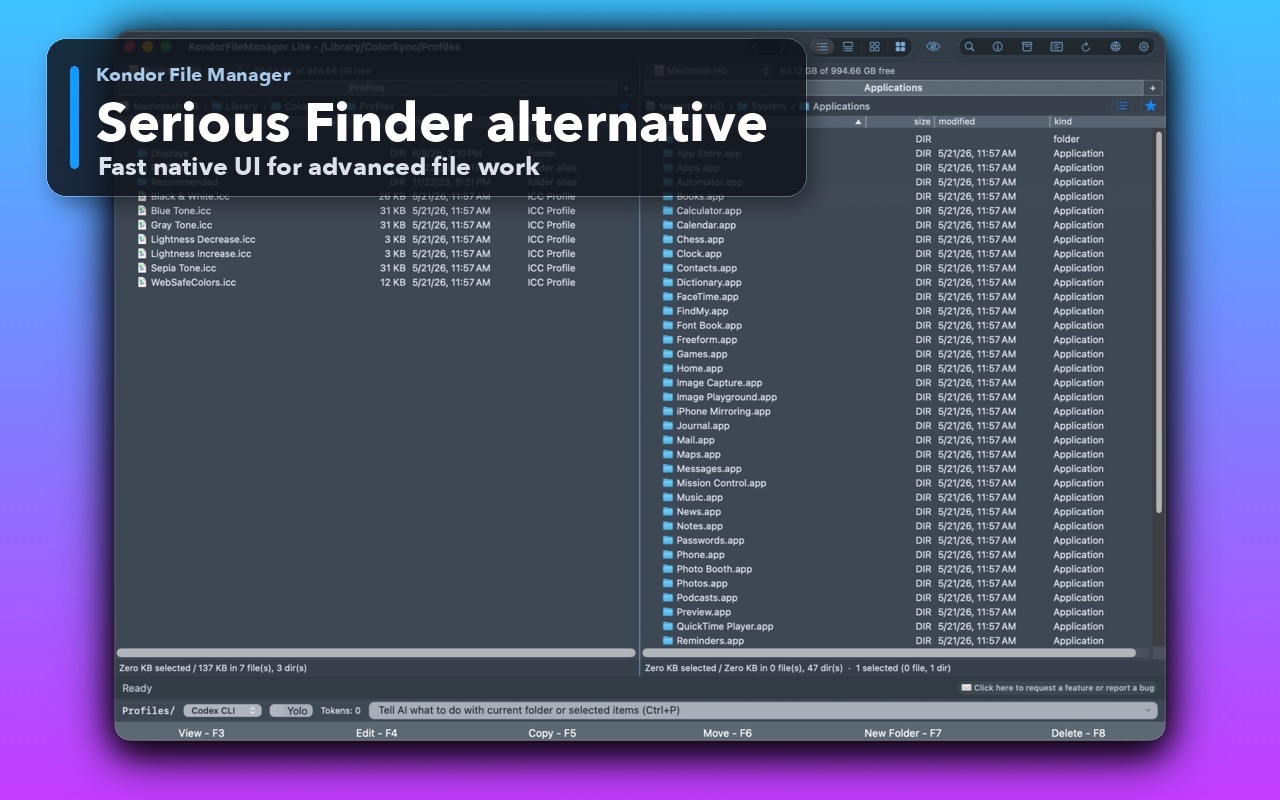
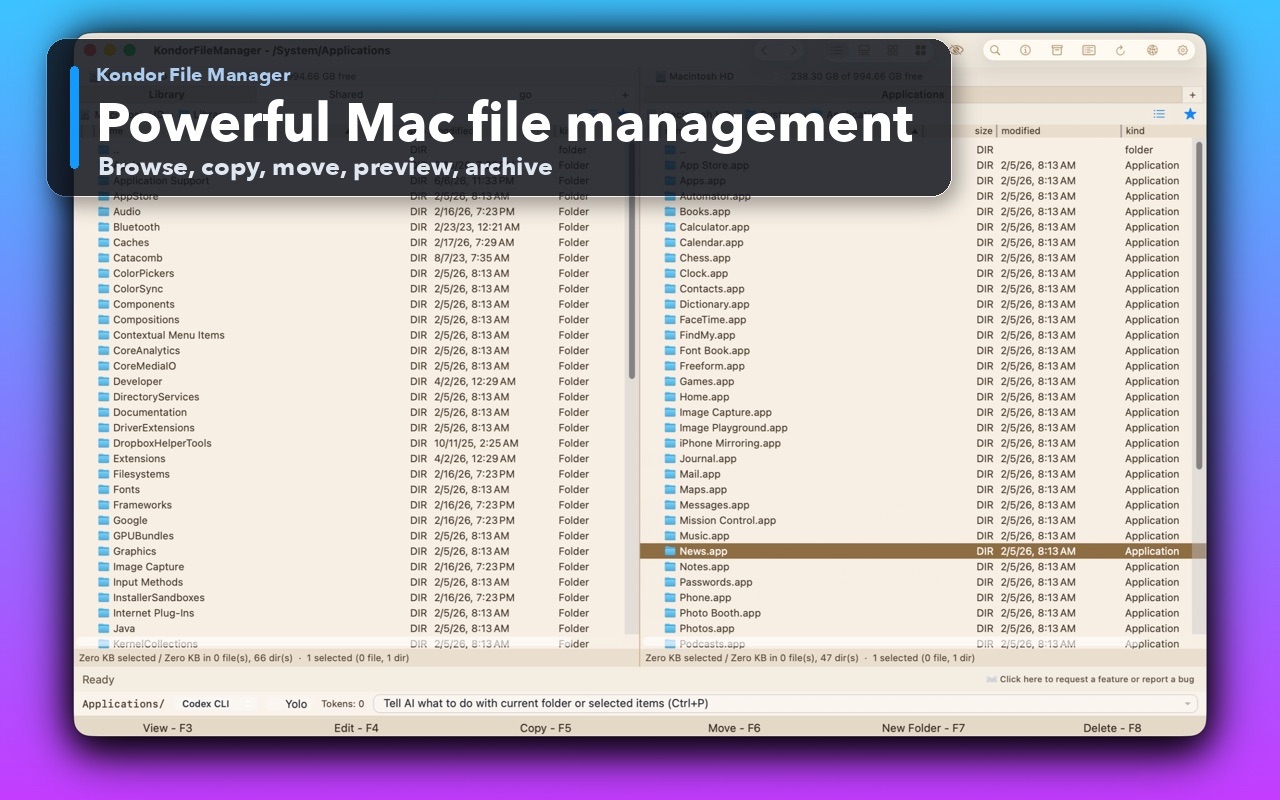
People searching for a file explorer for Mac are often switching from Windows, Linux, or commander-style tools and want something more explicit than Finder. Kondor gives them a native Mac file workspace with dense file details, two panes, tabs, previews, archives, sync, and remote resources where available.
Product screenshots
What this workflow looks like in Kondor.
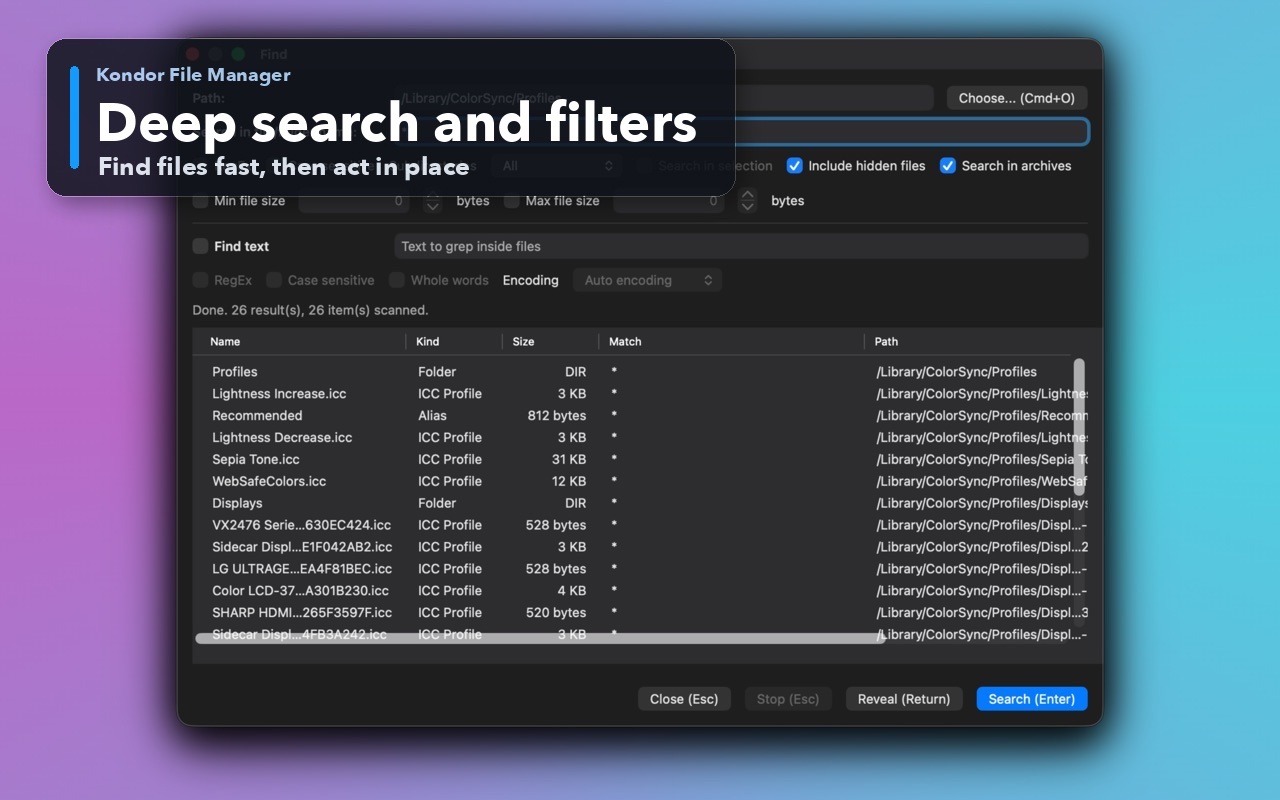
Inspect the real interface before downloading, including the panes, dialogs, and controls used for this job.
Who it helps
Use Kondor when file work needs more control.
Windows switchers who search for a Mac equivalent of File Explorer.
Mac users who want more visible file details and faster repeated actions than Finder windows provide.
Technical users who prefer explicit file paths, tables, panes, and keyboard commands.
What slows people down
Where the default workflow gets slow.
Finder is polished, but switchers often miss a more direct file explorer with visible source and destination context.
Repeated file cleanup can become slow when every action requires another window, utility, or drag target.
Large folders need sorting, previewing, selection, and batch actions without losing orientation.
How Kondor helps
Purpose-built surfaces for this workflow.
Match the tool to the repeated job, then keep the rest of your Mac workflow unchanged.
Keyboard-first actions for copy, move, rename, delete, create folder, view, edit, and refresh workflows.
Pro surfaces for sync, remote/cloud providers, archives, device workflows where available, and media conversion.
Workflow examples
Common ways people use this workflow.
Switch from Windows-style file work
Use a Mac-native app that still keeps explicit file lists, side-by-side locations, and direct actions visible.
Organize large local folders
Sort, preview, move, rename, archive, and delete from a focused file-management workspace.
Keep advanced jobs in one place
Use archives, folder sync, remote resources, and media tools without turning one file job into several separate apps.
Trust
Why the download is lower risk.
Kondor is a native macOS app rather than a browser-based file manager.
Lite is free for local basics; Pro is $19/year for advanced workflows.
Kondor keeps file work local and limits diagnostics to anonymous product, performance, and crash data that users can turn off.
Related pages
Next useful comparison or guide.
FAQ
Quick answers before you choose.
Is there a File Explorer for Mac?
Finder is Apple's built-in file browser. Kondor is a separate Mac file manager for users who want a more operational file explorer with two panes, detailed lists, keyboard actions, previews, archives, sync, and remote resources.
Is Kondor only for Windows switchers?
No. Switchers may recognize the file-explorer style, but Kondor is also for long-time Mac users who manage large folders, archives, remotes, media batches, or repeated file operations.
Does Kondor change Finder or macOS defaults?
No. Kondor can sit beside Finder. Use Finder for ordinary Mac browsing and open Kondor when a file job needs stronger workflow control.