
Bulk media converter
Bulk media conversion where your Mac files already are.
Image and video conversion usually starts with a file-management problem: a folder full of HEIC images, exports, camera files, client assets, or videos that need a consistent format. Kondor Pro keeps conversion close to browsing, previewing, sorting, and moving those files.
Product screenshots
What this workflow looks like in Kondor.
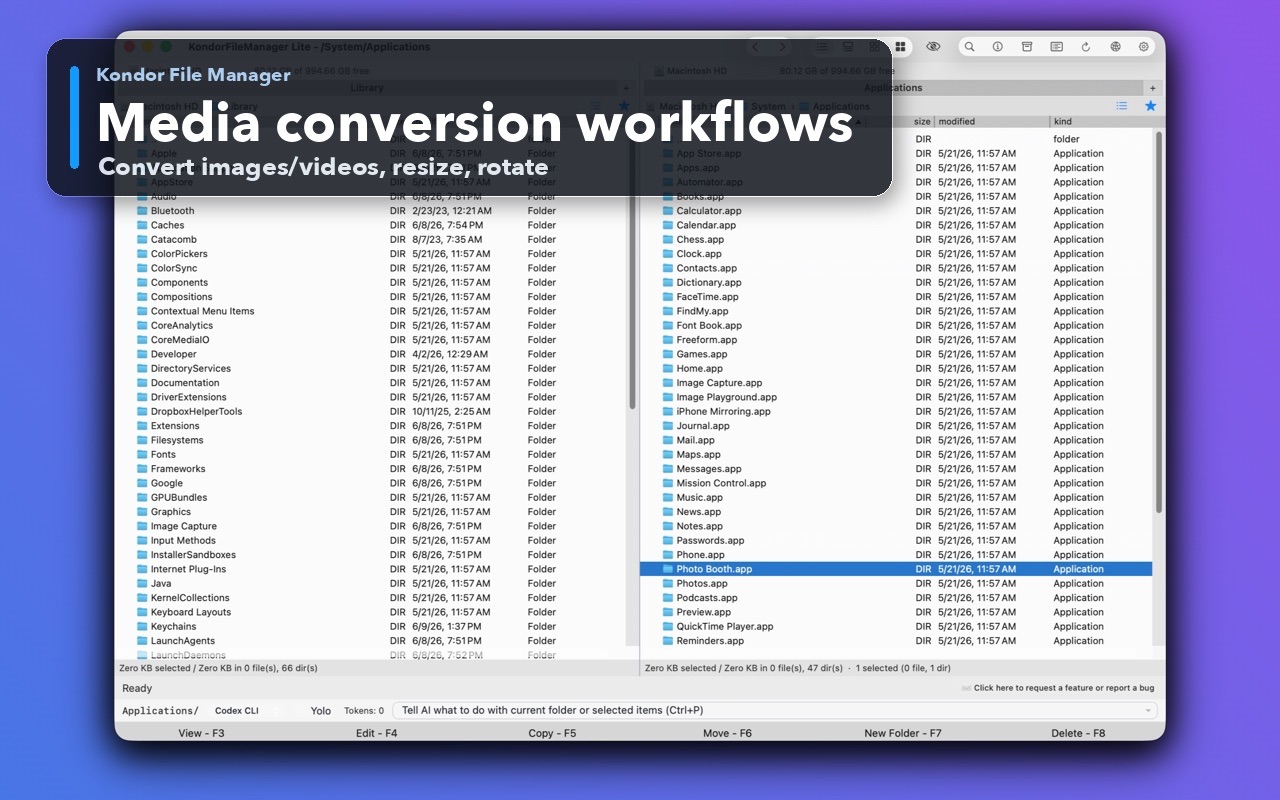
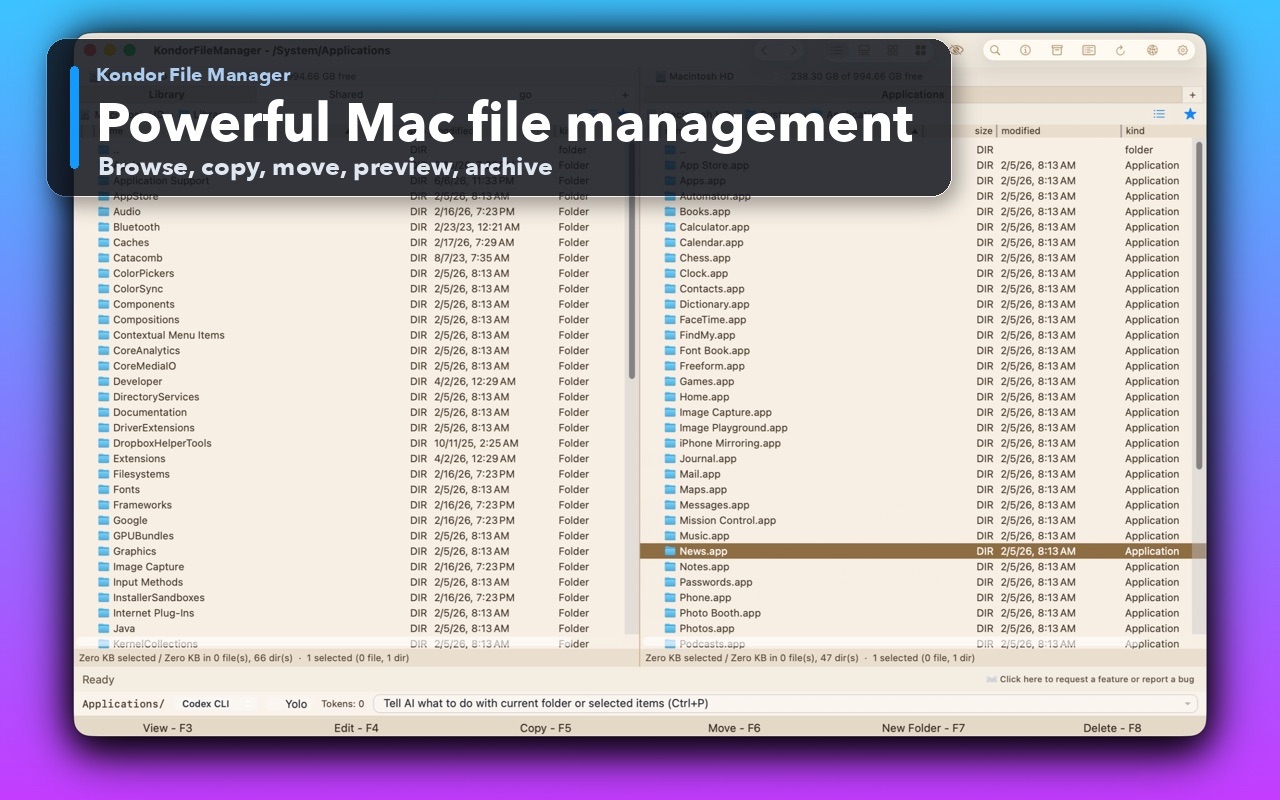
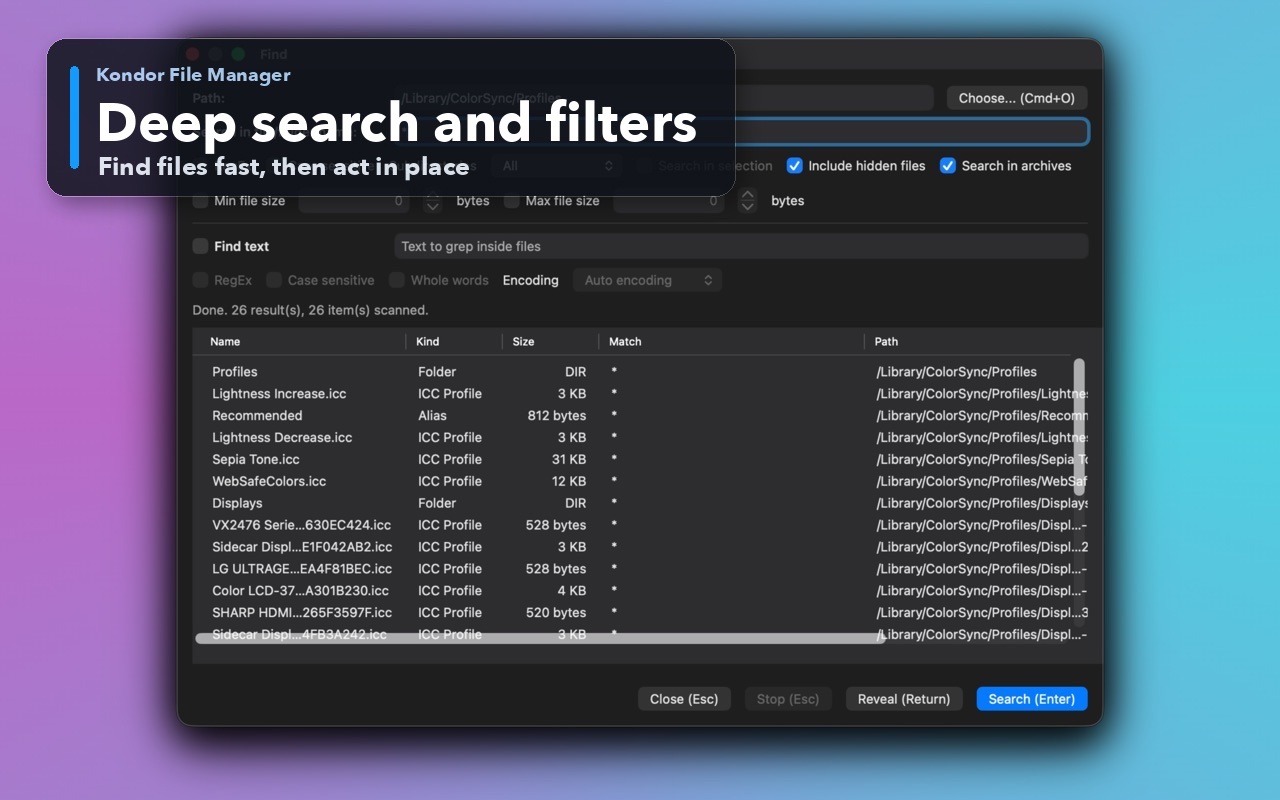
Inspect the real interface before downloading, including the panes, dialogs, and controls used for this job.
Who it helps
Use Kondor when file work needs more control.
Creators organizing image and video folders before delivery or storage.
Mac users converting HEIC images, exports, screenshots, camera files, or mixed media batches.
People who want conversion inside file management instead of a separate single-purpose media app.
What slows people down
Where the default workflow gets slow.
Media conversion starts with selecting the right files, not just choosing an output format.
Separate converters make it harder to compare source and destination folders.
Long-running conversion work needs progress feedback while the rest of the file manager stays usable.
How Kondor helps
Purpose-built surfaces for this workflow.
Match the tool to the repeated job, then keep the rest of your Mac workflow unchanged.
Use previews, file details, sorting, and destination folders before committing to a batch.
Keep image resize, rotate, mirror, conversion, and helper-backed video workflows close to file cleanup.
Workflow examples
Common ways people use this workflow.
HEIC and image batch prep
Select image batches, preview likely files, then convert, resize, rotate, or mirror them for delivery or compatibility.
Video folder cleanup
Convert selected videos while keeping the source folder, output folder, and progress visible.
Client or device exports
Turn messy export folders into a consistent set of files before moving, archiving, or uploading.
Trust
Why the download is lower risk.
Kondor documents bulk image/video conversion as part of the Pro feature set.
Media conversion is attached to selected files and destination context rather than a blank converter window.
Kondor is local-first and does not upload user file names, paths, contents, credentials, remote addresses, or command text to Tepesoft analytics.
Related pages
Next useful comparison or guide.
FAQ
Quick answers before you choose.
Can Kondor convert images in bulk?
Yes. Kondor Pro includes bulk image workflows such as conversion, resizing, rotation, mirroring, and preview-oriented file selection.
Can Kondor convert videos?
Kondor Pro includes helper-backed video conversion workflows where available, designed to stay near the file folders and progress state.
Why use a file manager for media conversion?
Because the hard part is often choosing, previewing, sorting, and placing the right files. A file-manager workflow keeps selection and output location visible.