
Archive manager
Archive management inside a Mac file manager.
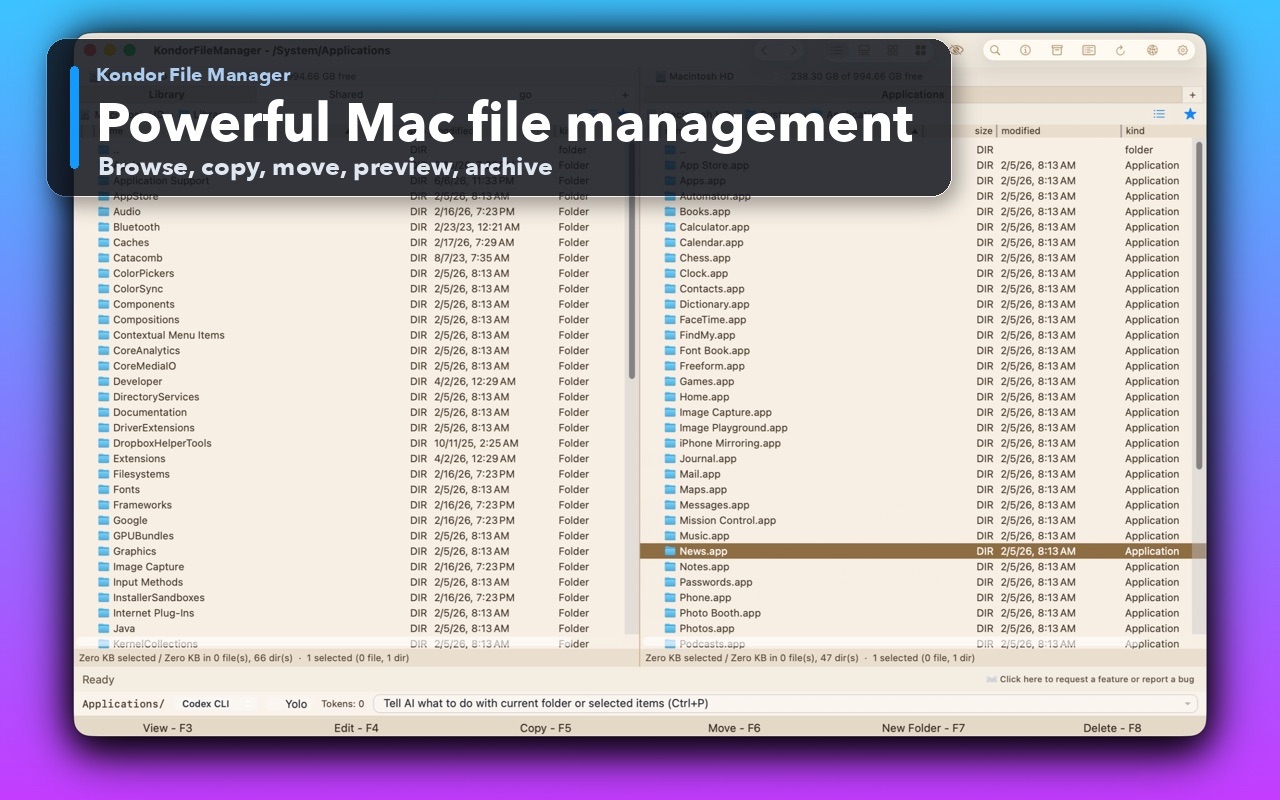
Archive work should not force a jump between Finder, a compression utility, a temporary extraction folder, and another file browser. Kondor keeps archive browsing, extraction, creation, search, previews, and nearby file actions in the same Mac file-management workspace.
Product screenshots
What this workflow looks like in Kondor.
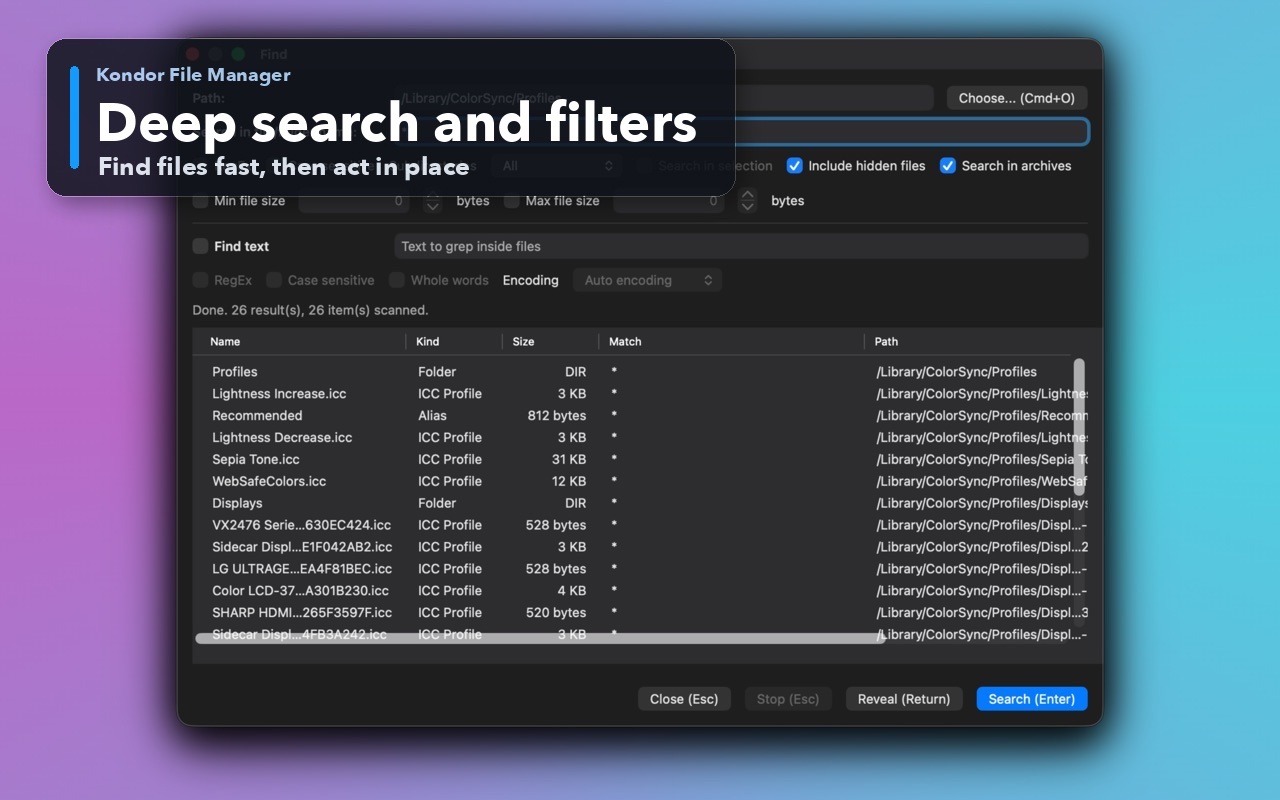
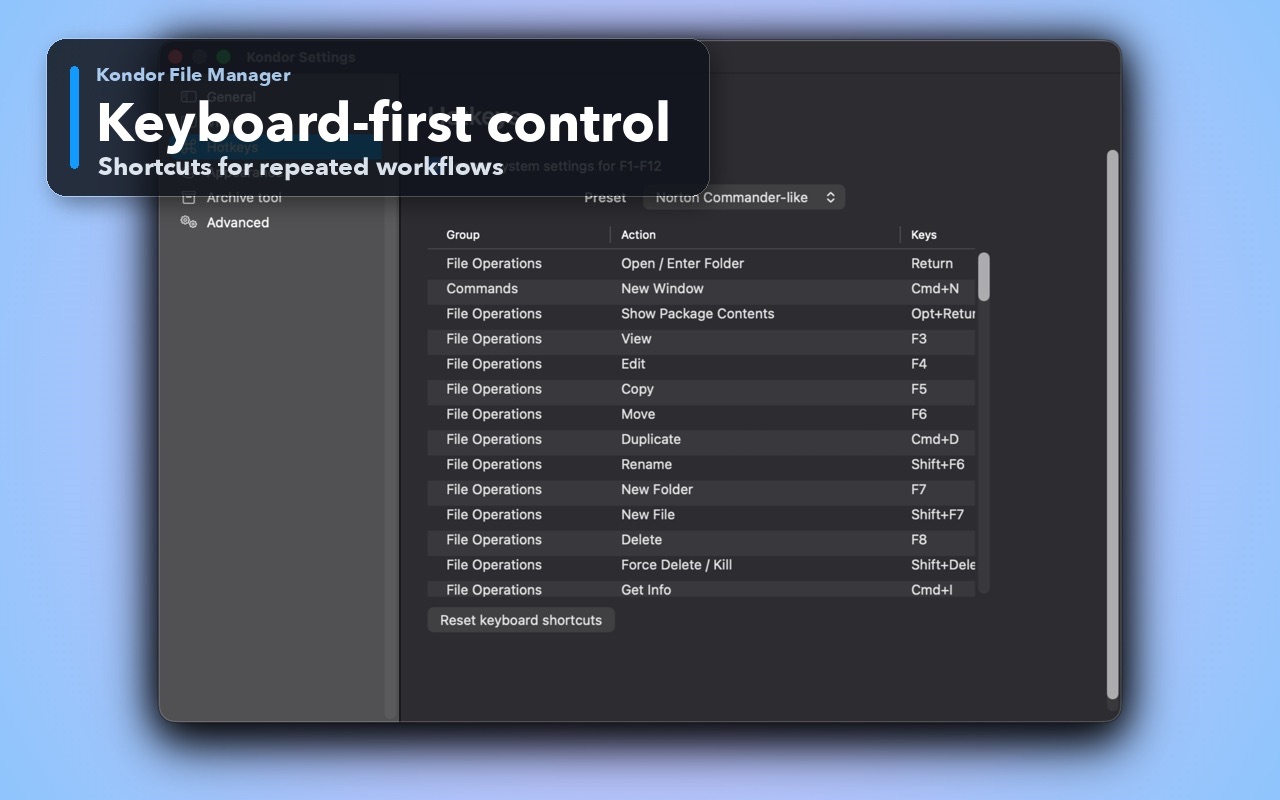
Inspect the real interface before downloading, including the panes, dialogs, and controls used for this job.
Who it helps
Use Kondor when file work needs more control.
Users who regularly handle ZIP, 7Z, TAR, XAR, package-style, or downloaded archive files.
Developers and operators unpacking releases, logs, backups, exports, and project archives.
Creators and power users who need to inspect archive contents before extracting or moving files.
What slows people down
Where the default workflow gets slow.
Archive utilities often hide the surrounding folder context where the next action happens.
Extracting everything first can create clutter when you only need to inspect or copy selected files.
Archive search and preview are more useful when they sit beside normal file operations.
How Kondor helps
Purpose-built surfaces for this workflow.
Match the tool to the repeated job, then keep the rest of your Mac workflow unchanged.
Create and extract common archives without leaving the current file-work context.
Search supported archive folders and traverse archive files during broader find workflows.
Workflow examples
Common ways people use this workflow.
Inspect before extracting
Open an archive, review the structure, preview likely files, then extract only what belongs in the destination.
Package release files
Collect files in one pane and create archives as part of a broader copy, rename, and cleanup flow.
Search inside file collections
Use Kondor's find workflow to include supported archive folders when old exports or logs are compressed.
Trust
Why the download is lower risk.
Kondor documents archive work as a core file-manager capability, not a hidden add-on.
Archive flows stay near previews, file details, search, copy, move, and delete operations.
Advanced archive workflows are part of Pro; Lite still covers useful local file-management basics.
Related pages
Next useful comparison or guide.
FAQ
Quick answers before you choose.
Can Kondor open archives on Mac?
Kondor supports archive workflows for browsing, extracting, creating, searching, and working with supported archive formats from the file-manager context.
Is Kondor only an archive utility?
No. Archive work is one part of Kondor. It is also a Mac file manager for browsing, previews, sync, remote resources, media tools, and keyboard-first file operations.
Why manage archives inside a file manager?
It keeps the archive, source folder, destination folder, previews, and follow-up file actions together instead of splitting the job across multiple tools.