
Folder sync
Folder sync for Mac users who need review before action.
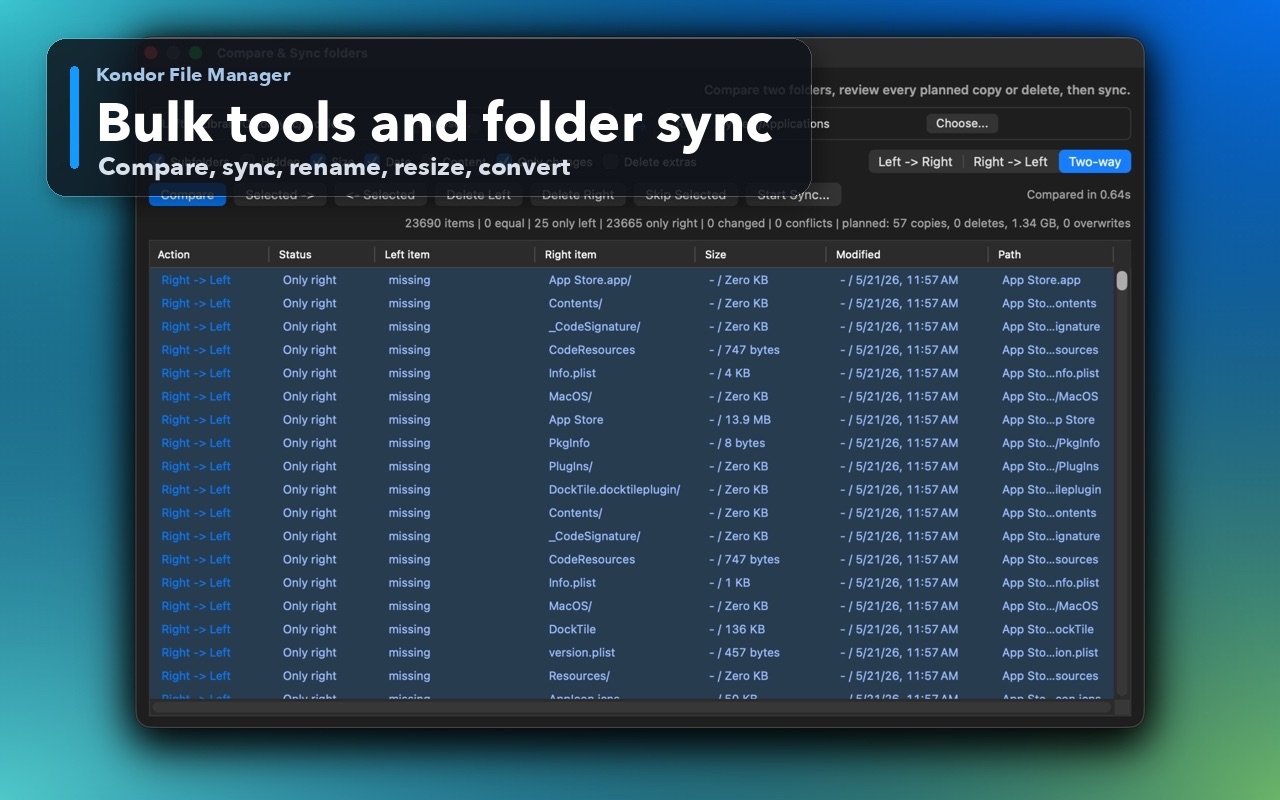
Folder sync is safest when differences are visible before changes happen. Kondor keeps compare and sync decisions close to the file panes, so you can review planned work instead of blindly copying over folders.
Product screenshots
What this workflow looks like in Kondor.
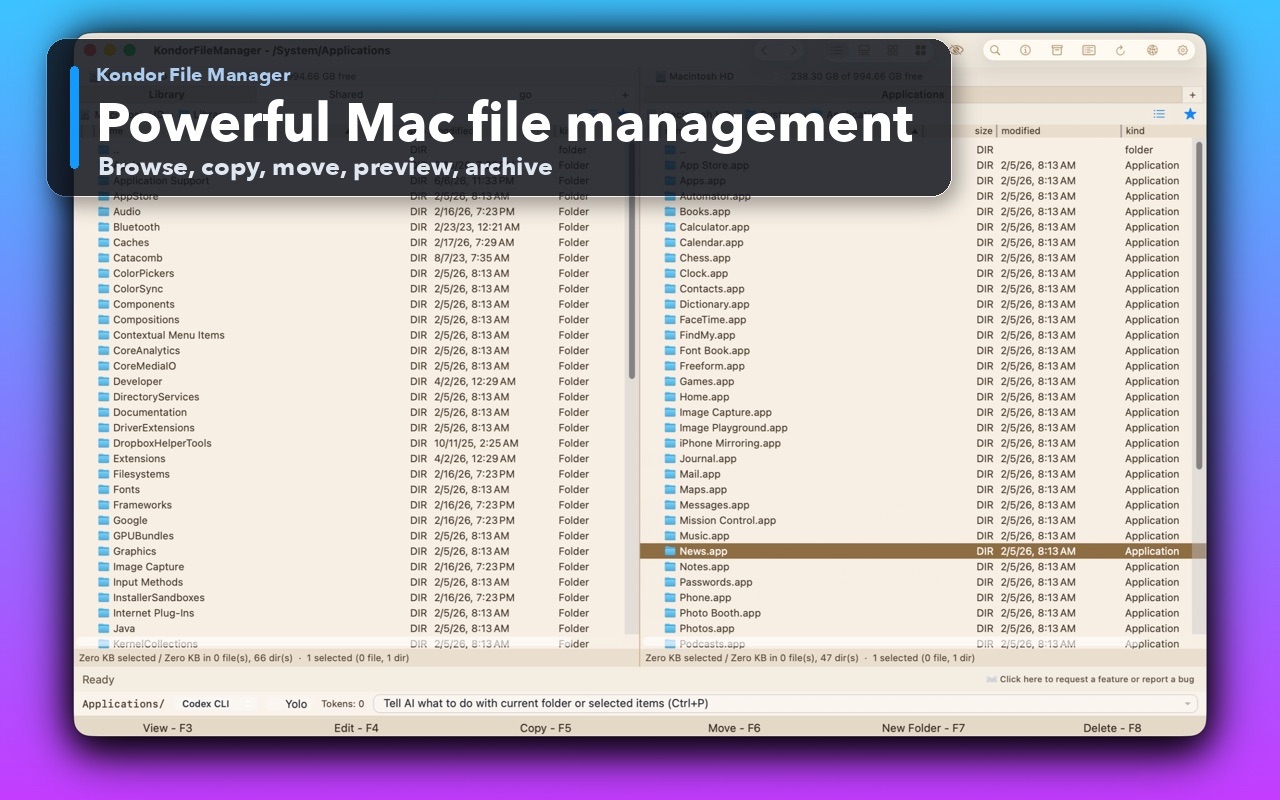
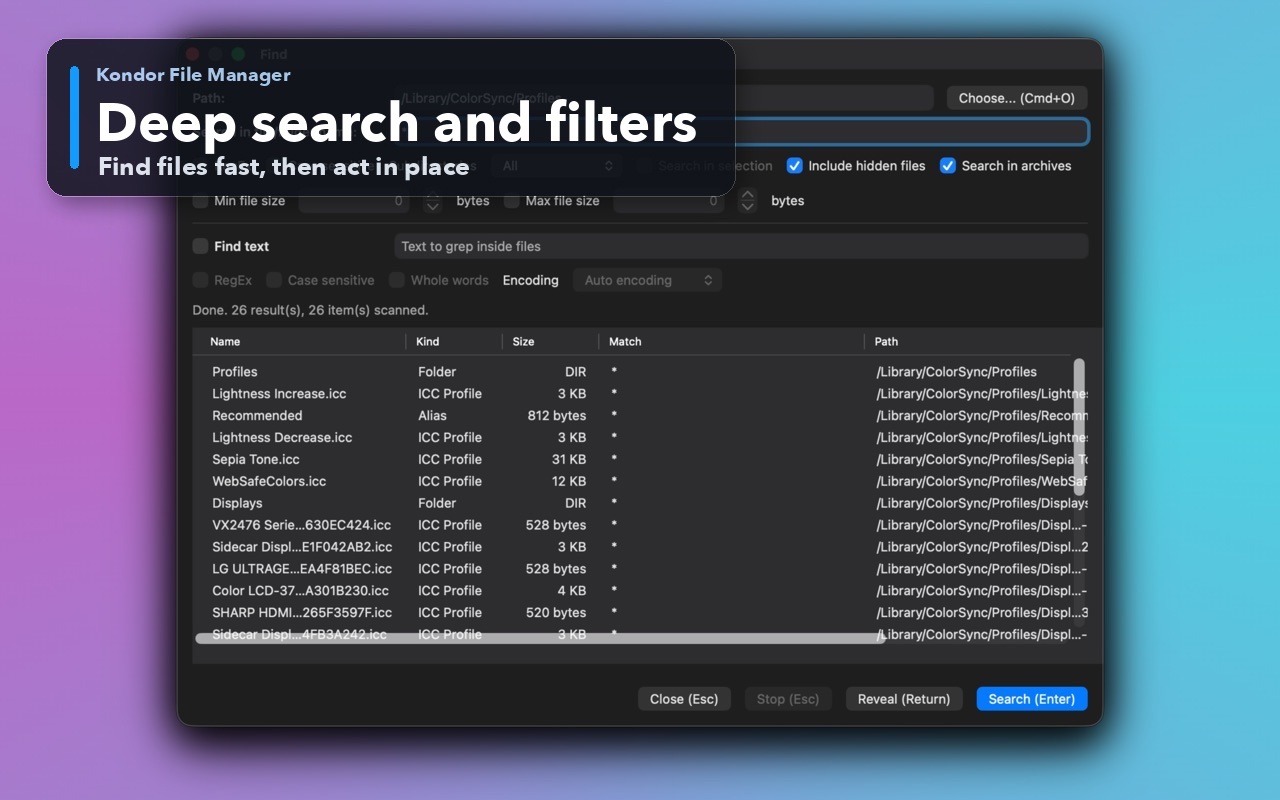
Inspect the real interface before downloading, including the panes, dialogs, and controls used for this job.
Who it helps
Use Kondor when file work needs more control.
Users comparing project folders, backups, exports, downloads, media folders, or external drives.
Creators moving edited files between working folders and archive folders.
Developers or operators checking file differences before copy/move operations.
What slows people down
Where the default workflow gets slow.
Blind copy operations can overwrite or duplicate files when folders drift.
Dedicated sync tools can feel disconnected from normal browsing and file inspection.
Large folder operations need progress feedback and a clear way to keep using the app.
How Kondor helps
Purpose-built surfaces for this workflow.
Match the tool to the repeated job, then keep the rest of your Mac workflow unchanged.
Review differences and planned copy/delete actions before running sync work.
Keep sync as part of a broader file workflow with previews, archives, and Pro file operations.
Workflow examples
Common ways people use this workflow.
Project folder check
Compare a working project folder against an export, backup, or external-drive copy before syncing.
Media folder cleanup
Review changed files, missing files, and duplicate organization steps before moving large image/video folders.
Drive-to-drive sync
Use side-by-side folders and visible planned actions to reduce mistakes during transfer work.
Trust
Why the download is lower risk.
Folder sync is a Pro workflow, so Lite can stay useful without hiding daily local file basics.
Kondor's file operations are designed to avoid blocking the app while long-running work proceeds.
Pricing remains clear: free Lite, Pro $19/year.
Related pages
Next useful comparison or guide.
FAQ
Quick answers before you choose.
Can Kondor compare two folders?
Yes. Kondor Pro includes folder comparison and sync workflows so users can review differences and planned actions before running file changes.
Is Kondor a backup app?
No. Kondor is a file manager with sync workflows. For full automated backup, keep using a dedicated backup system such as Time Machine or another backup product.
Why use folder sync inside a file manager?
It keeps browsing, previewing, comparison, and action in one context. That is useful when you need to inspect files before deciding what should move.