Is ForkLift better for FTP?
ForkLift is well known as a Mac file transfer client. Kondor is better to evaluate when you also want local file-manager, archive, sync, media, and device workflows in the same app.
 Kondor
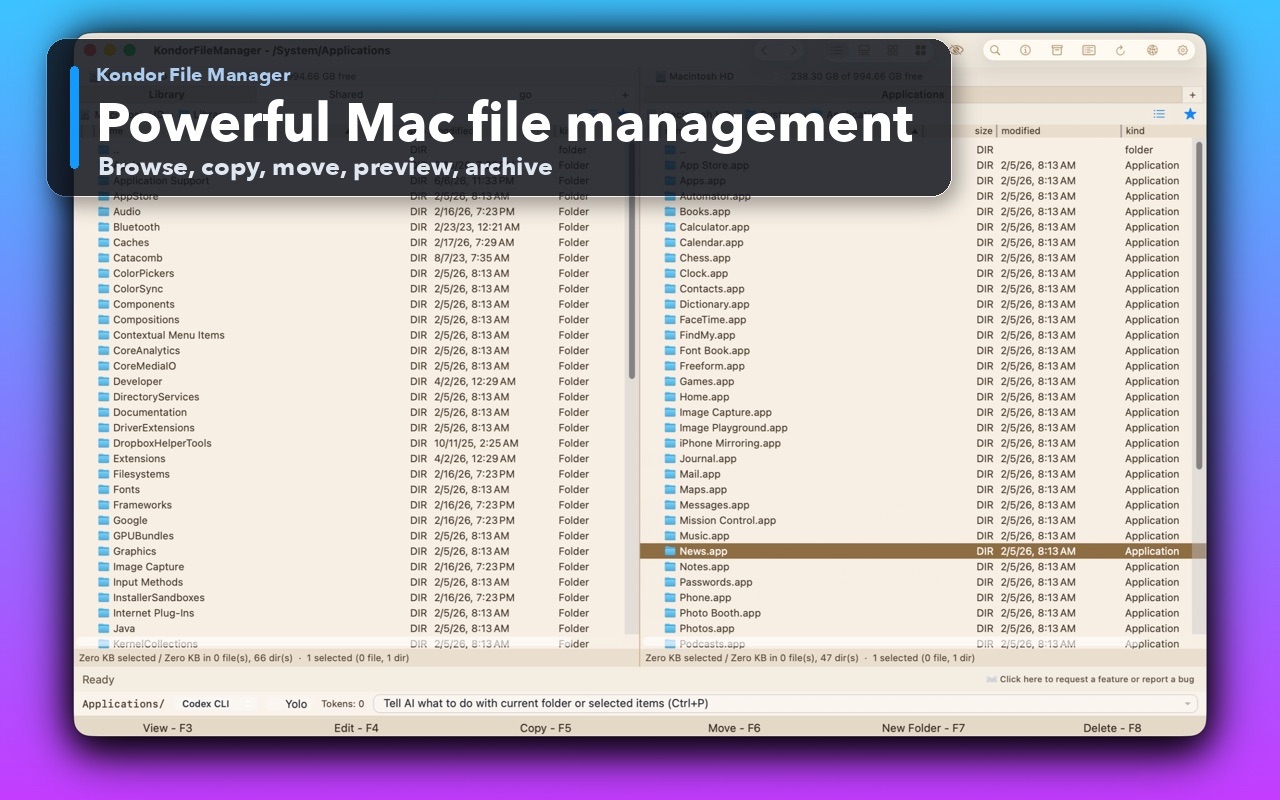
ForkLift is a mature Mac file manager and transfer client. Kondor is a newer native Mac file manager that combines Finder-alternative browsing with Pro workflows for sync, remote/cloud resources, archives, media conversion, and devices where available.
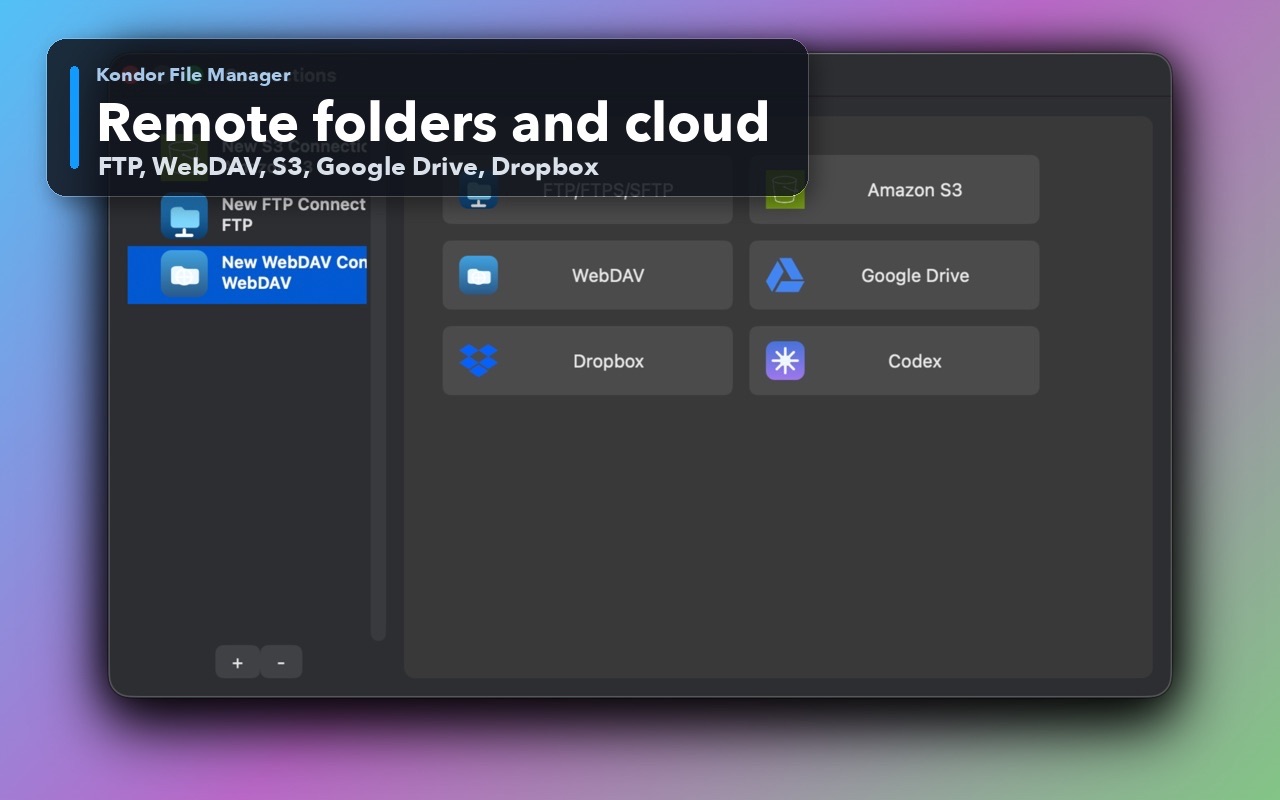
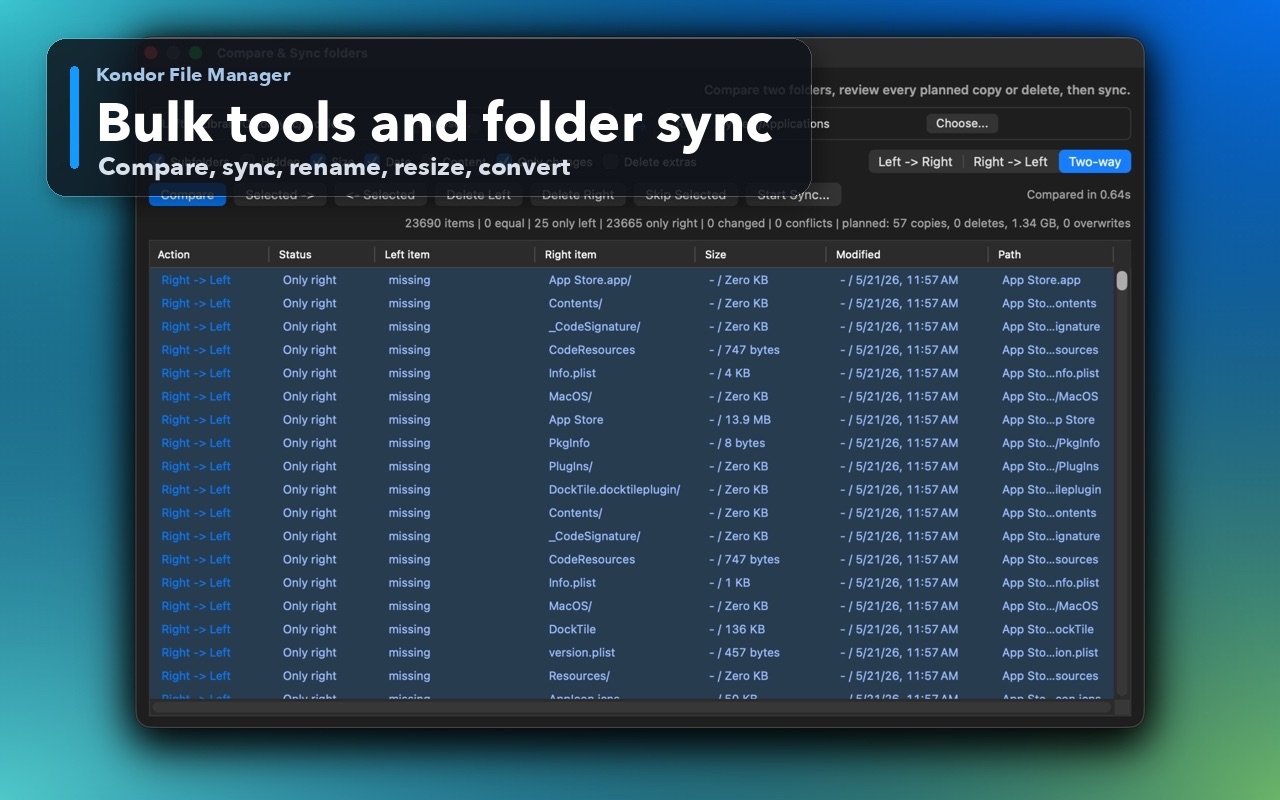
These screenshots show the real Kondor app surfaces that matter when comparing Mac file managers.
You want file browsing, archive work, sync, media conversion, and device workflows under one product story.
You prefer a free Lite mode before choosing Pro.
You want local-first file work with transparent, user-controlled anonymous diagnostics.
Your primary job is FTP/SFTP/WebDAV/S3 transfer and ForkLift's implementation already solves it.
You prefer ForkLift's one-time license with included update window.
You need proven maturity over a newer product that is still growing.
This comparison is intentionally practical: it separates daily Finder-style browsing, transfer-heavy work, pro file workflows, pricing, and trust concerns.
Broader local file manager plus Pro workflows.
Mature dual-pane file manager and file transfer client.
Lite free; Pro $19/year.
Single-user and family/business licenses with update windows.
Remote/cloud providers are part of Pro alongside sync, archives, media, and devices.
Remote transfer is a core long-running strength.
Bulk image/video conversion, resize, rotate, and related file workflows in Pro.
Review ForkLift's current feature set for media-specific tools.
Users who want a broad KFM workspace with low yearly price.
Users who want an established transfer-first Mac app.
Kondor Lite is free for daily local file-management basics.
Kondor Web Pro is $19/year for advanced workflows.
The Direct Edition DMG is signed, notarized, and published from kfm.tepesoft.com.
ForkLift is well known as a Mac file transfer client. Kondor is better to evaluate when you also want local file-manager, archive, sync, media, and device workflows in the same app.
Yes. Kondor Lite is free for daily local file-manager basics, while Pro unlocks advanced workflows.