Is Kondor simpler than Path Finder?
Kondor is designed to be compact and workflow-focused. Path Finder is known for a broader modular environment. The better fit depends on how much customization you want.
 Kondor
Path Finder is a long-running, modular Finder alternative. Kondor is a newer native Mac file manager with a compact workflow, simple Lite/Pro split, and focus on serious local, remote, archive, sync, media, and device file work.
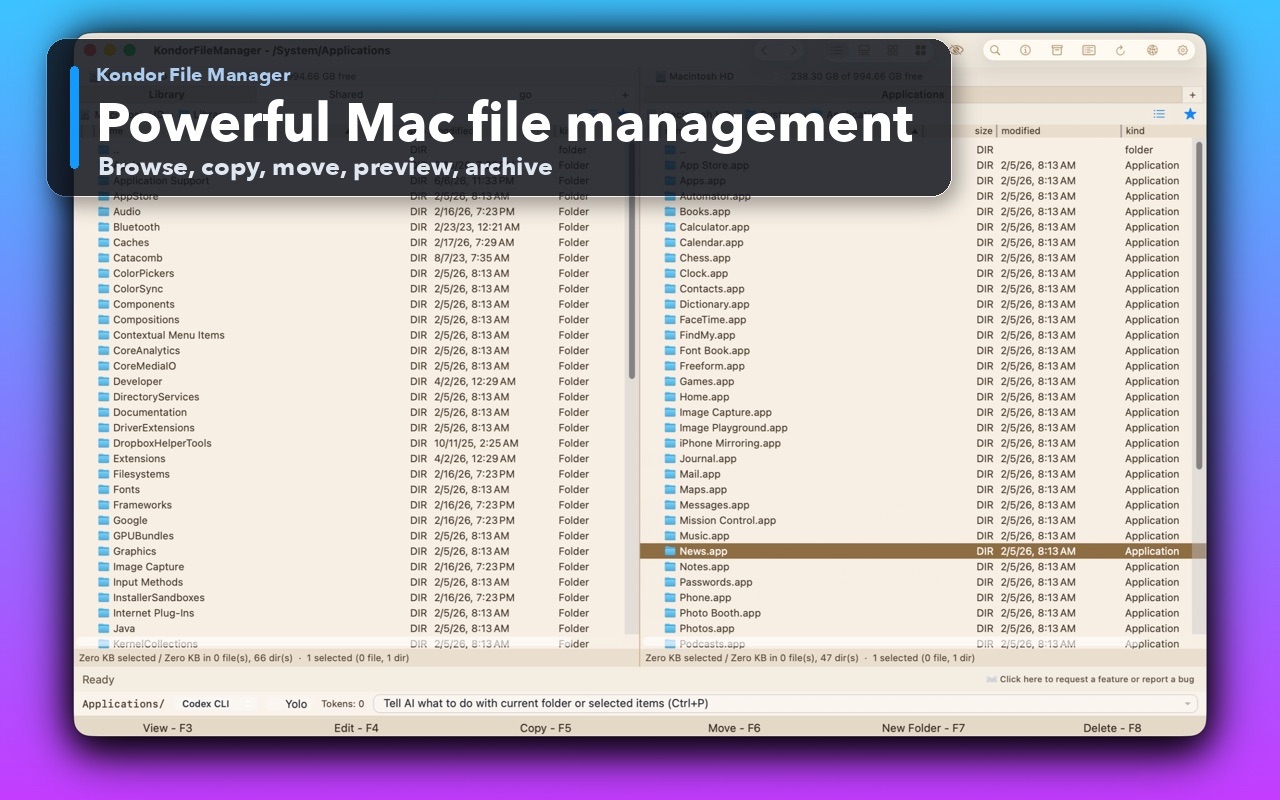
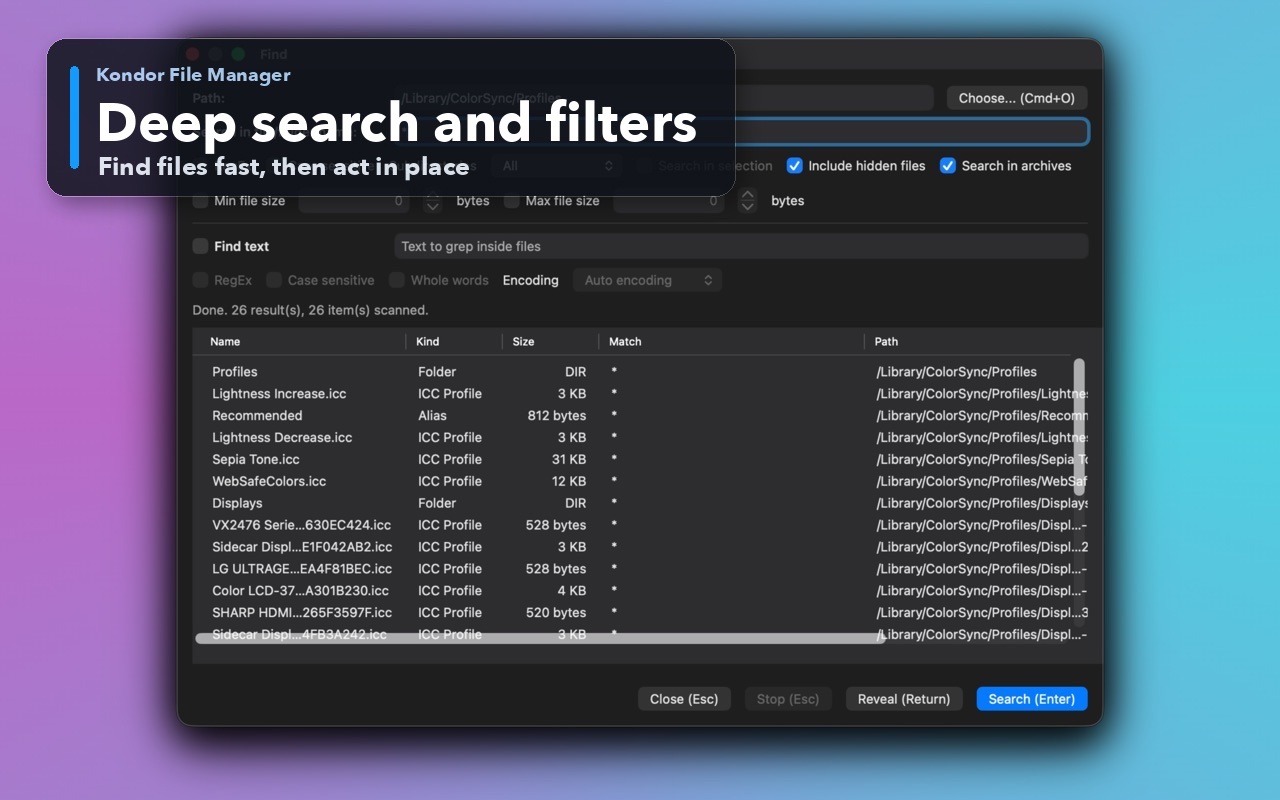
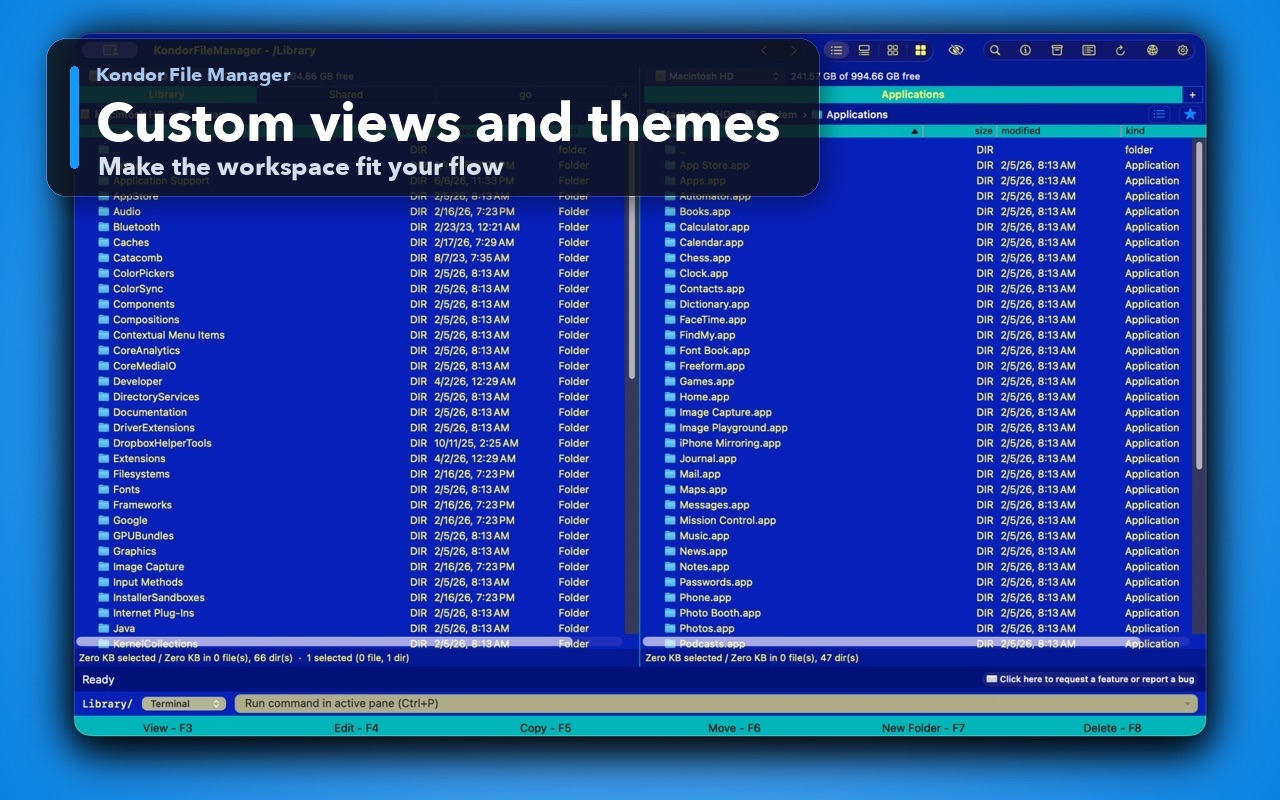
These screenshots show the real Kondor app surfaces that matter when comparing Mac file managers.
You want the file manager to stay compact and direct.
You care about clear free/paid boundaries and a lower yearly entry price.
You want Kondor's Pro mix of sync, archives, remote/cloud resources, media tools, and devices where available.
You want a mature modular file-manager interface with years of history.
You already rely on Path Finder's modules and custom layouts.
You prefer its current pricing, Setapp availability, or established review footprint.
This comparison is intentionally practical: it separates daily Finder-style browsing, transfer-heavy work, pro file workflows, pricing, and trust concerns.
Compact commander-style file workspace.
Modular Finder-alternative environment.
Lite free; Pro $19/year.
Direct yearly license and Setapp availability depending on route.
Local browsing, archives, sync, remote/cloud, media, devices where available.
Long-running power-user modules and Finder-alternative tools.
Signed/notarized direct DMG and explicit local-first privacy posture.
Established product history and broad marketplace presence.
Users who want a focused lower-price alternative.
Users who want a broad modular incumbent.
Kondor Lite is free for daily local file-management basics.
Kondor Web Pro is $19/year for advanced workflows.
The Direct Edition DMG is signed, notarized, and published from kfm.tepesoft.com.
Kondor is designed to be compact and workflow-focused. Path Finder is known for a broader modular environment. The better fit depends on how much customization you want.
A Path Finder user may try Kondor for a different interface feel, free Lite mode, lower annual Pro entry price, local-first privacy positioning, or Kondor-specific workflows.