Is Kondor a Commander One replacement?
Kondor can replace Commander One for some users, but not all. The right choice depends on the remote providers, device workflows, pricing model, and interface style you need.
 Kondor
Commander One is an established dual-pane Mac file manager with a broad remote/cloud ecosystem. Kondor is a newer native macOS file manager focused on compact serious file work, clear Lite/Pro pricing, privacy, and direct workflow visibility.
These screenshots show the real Kondor app surfaces that matter when comparing Mac file managers.
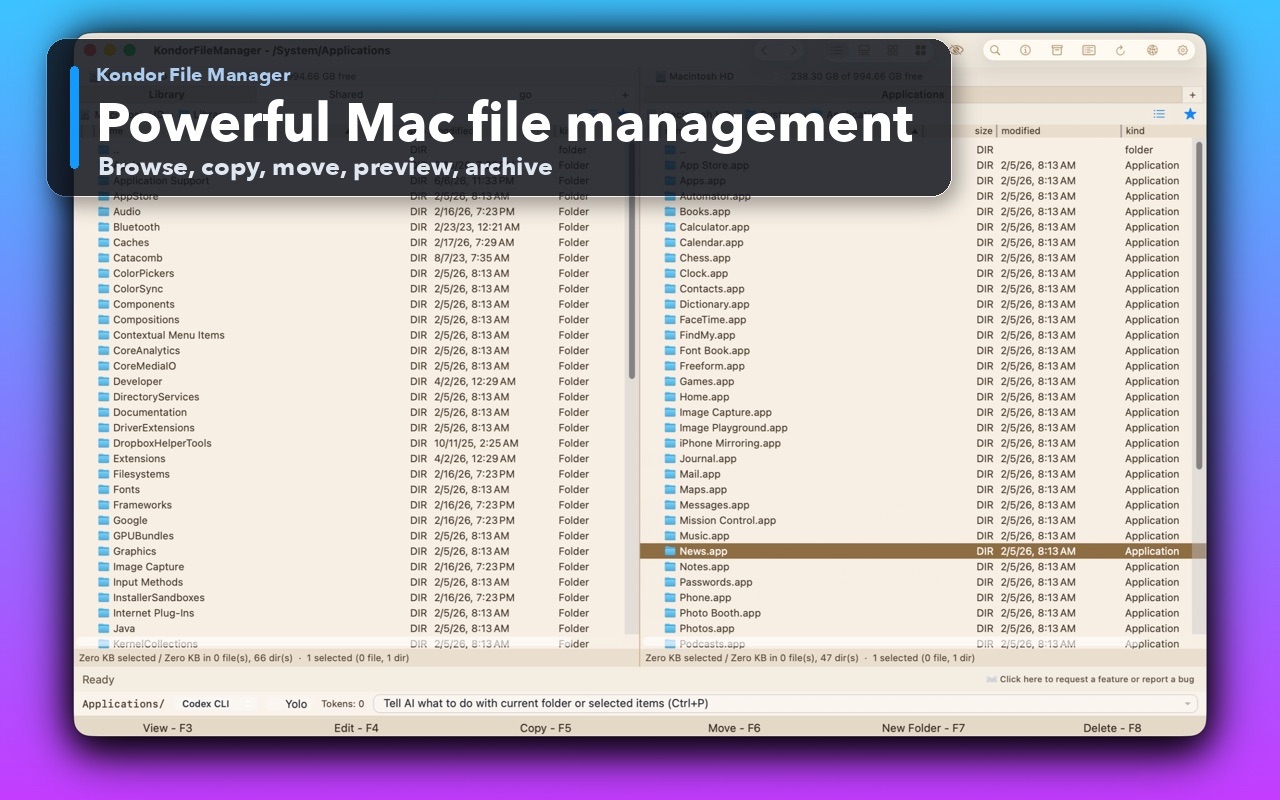
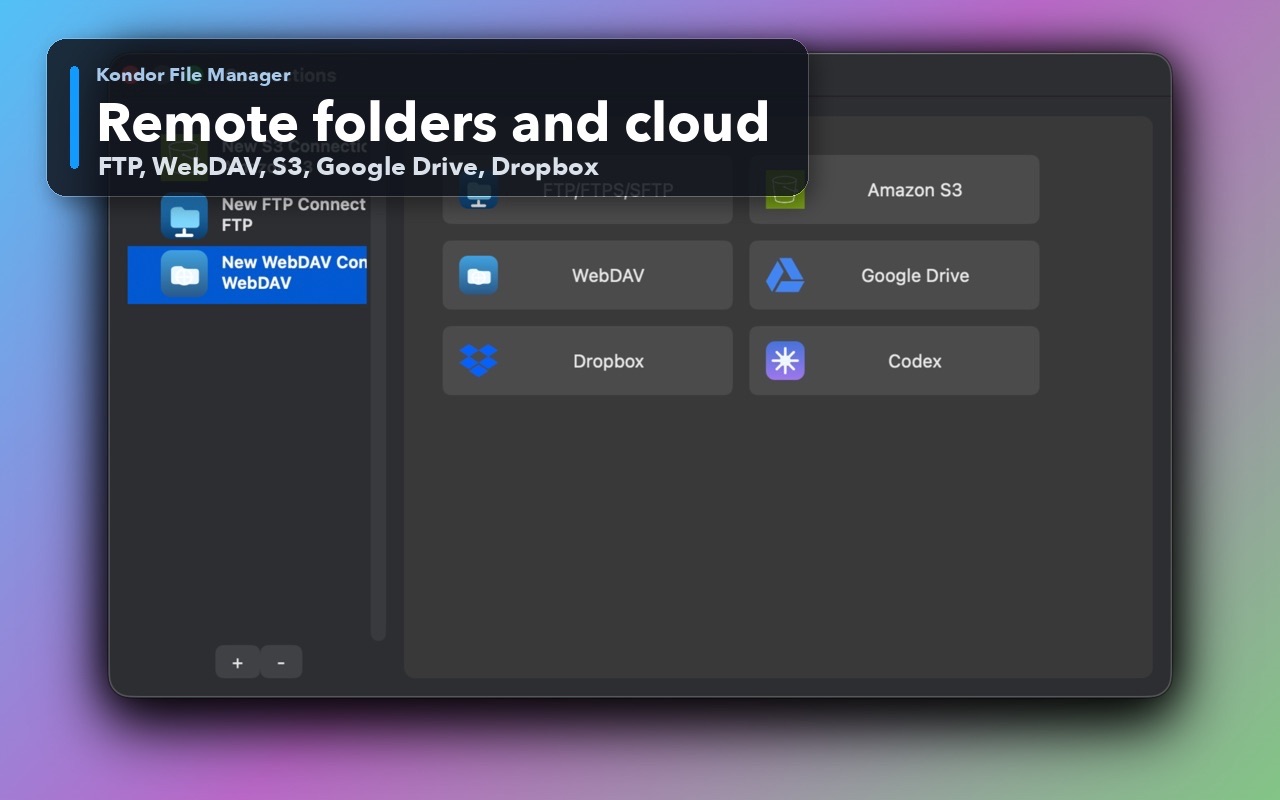
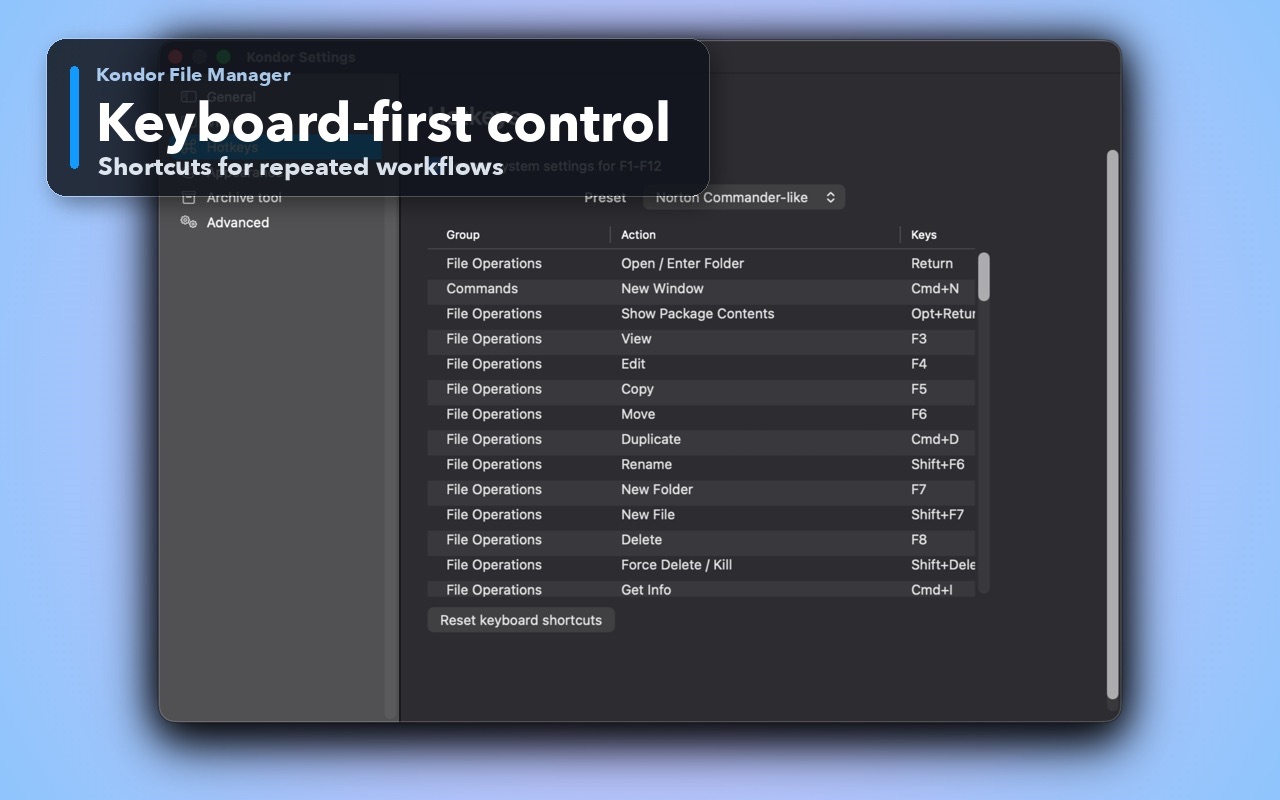
You want a simple $19/year Pro path and a useful Lite mode.
You prefer a compact local-first product with transparent, user-controlled anonymous diagnostics.
You want Kondor's mix of local browsing, archives, sync, media tools, and direct-device workflows where available.
You already use Commander One's exact provider/device set and it fits your workflow.
You prefer a long-established Mac file manager with a large existing review footprint.
You need a specific Commander One feature that Kondor does not yet match.
This comparison is intentionally practical: it separates daily Finder-style browsing, transfer-heavy work, pro file workflows, pricing, and trust concerns.
Newer native Mac file manager and Finder alternative.
Established dual-pane Mac file manager with broad recognition.
Lite free; Web Pro $19/year.
Free + Pro/App Store/direct variants depending on edition.
Pro targets FTP/SFTP, WebDAV, S3, Dropbox, Google Drive, and similar surfaces where available.
Known for broad remote/cloud/service support.
Anonymous diagnostics are user-controlled and exclude user file names, paths, contents, credentials, remote addresses, and command text.
Review the vendor policy for the exact edition used.
Users who want a focused, improving KFM workflow with low entry price.
Users who want the incumbent Commander One ecosystem.
Kondor Lite is free for daily local file-management basics.
Kondor Web Pro is $19/year for advanced workflows.
The Direct Edition DMG is signed, notarized, and published from kfm.tepesoft.com.
Kondor can replace Commander One for some users, but not all. The right choice depends on the remote providers, device workflows, pricing model, and interface style you need.
Both products address Mac users who want more file-management control than Finder, especially dual-pane and remote/cloud workflows.