
Huge-file hex viewer
Inspect an unknown binary without making the file manager pay for it.
A preview should never freeze the rest of your file work. Kondor opens unsupported binary content through a bounded hex and ASCII view, loads only what is needed, and does no preview work while the pane is hidden.
Product screenshots
What this workflow looks like in Kondor.
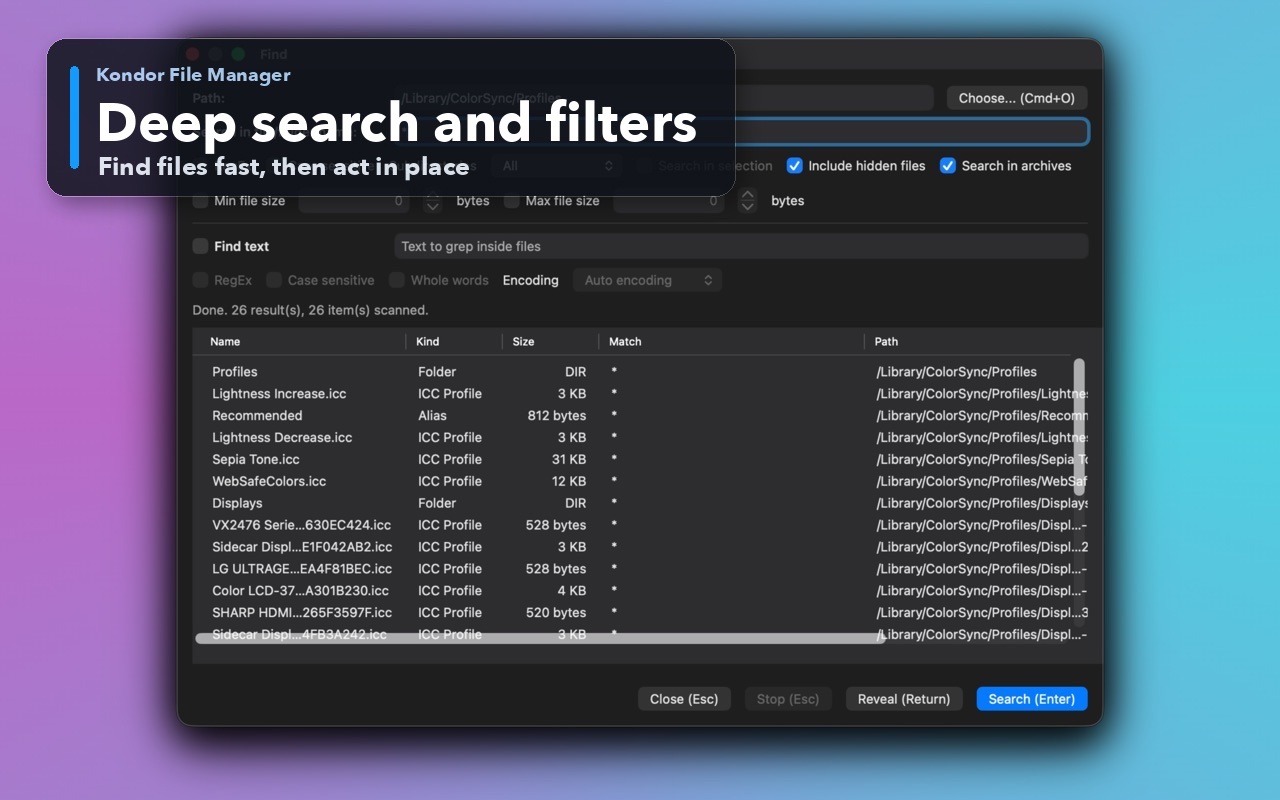
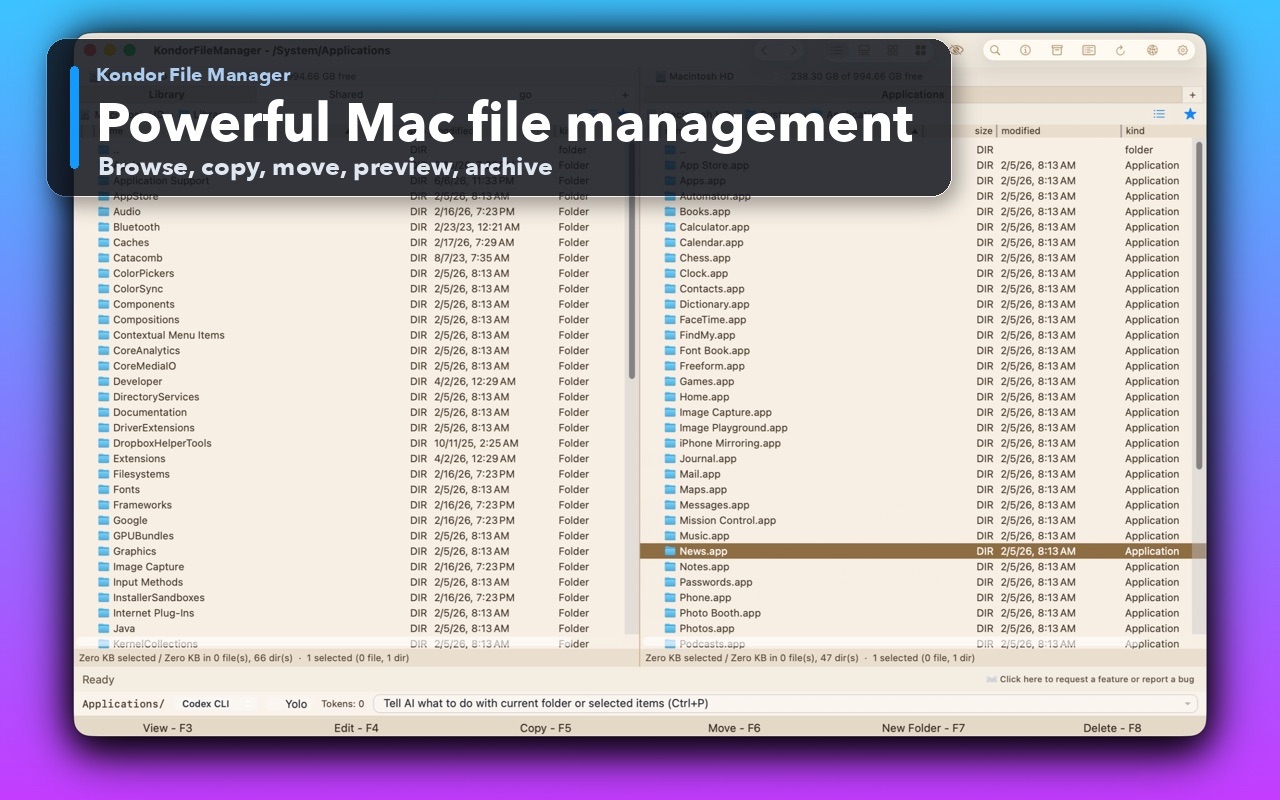
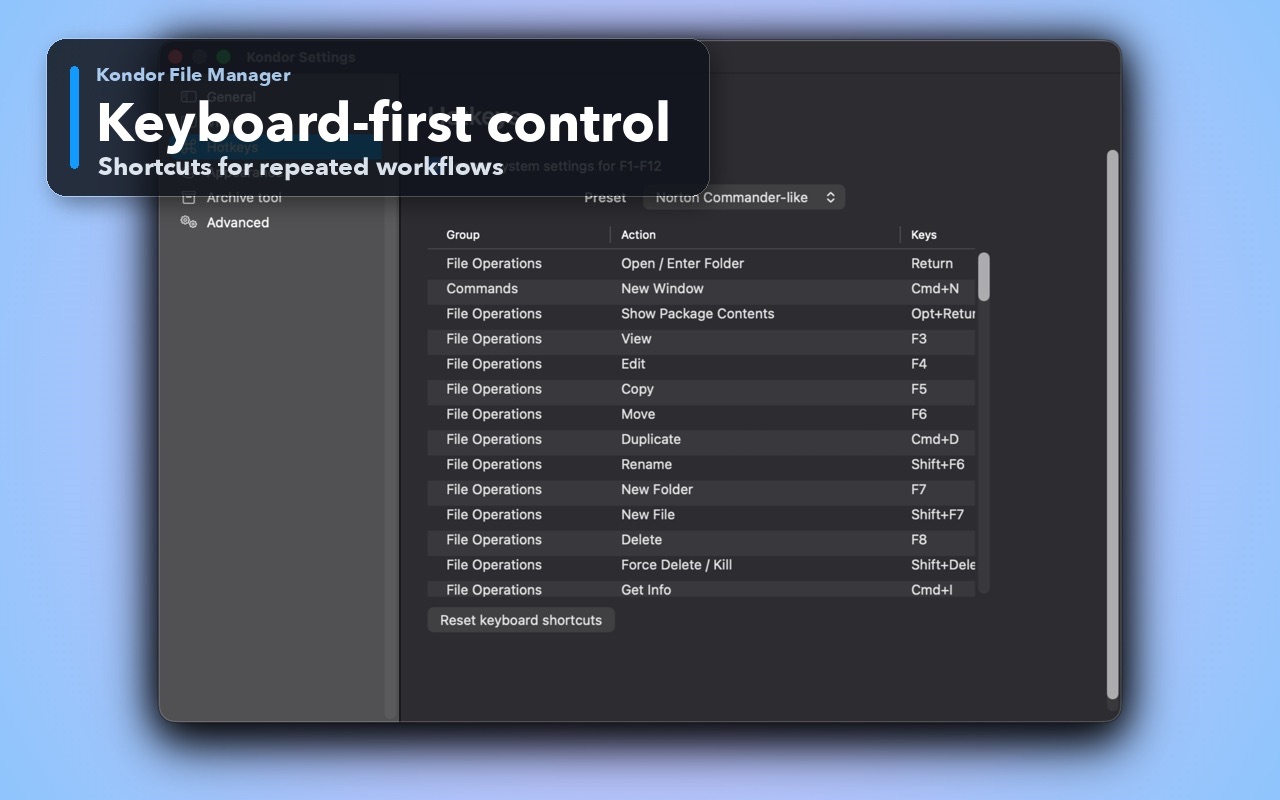
Inspect the real interface before downloading, including the panes, dialogs, and controls used for this job.
Who it helps
Use Kondor when file work needs more control.
Developers inspecting binary output, headers, packages, or dumps.
Users checking whether a file is text, binary, or corrupted.
Anyone who needs a quick look without launching a full reverse-engineering tool.
What slows people down
Where the default workflow gets slow.
Naive previews try to decode or load an entire binary file and become unresponsive.
A separate hex editor is unnecessary for a quick structure check.
Binary-to-text switching can explode memory when handled as one giant string.
How Kondor helps
Purpose-built surfaces for this workflow.
Match the tool to the repeated job, then keep the rest of your Mac workflow unchanged.
Hex bytes, offsets, and ASCII stay aligned in one readable view.
Filtered text replaces non-ASCII data safely; hidden Preview does not load files.
Workflow examples
Common ways people use this workflow.
Identify an unknown file
Inspect opening bytes and readable strings before choosing a dedicated app.
Check a header or marker
Find a byte or text pattern and copy the relevant region.
Explore a huge binary
Move to distant offsets without loading gigabytes into a text component.
Trust
Why the download is lower risk.
Preview loading is inactive while the pane is hidden.
Text and binary inspection use bounded paging for multi-gigabyte files.
Media uses guarded image or video paths instead of being forced through hex.
Related pages
Next useful comparison or guide.
FAQ
Quick answers before you choose.
Can Kondor open multi-gigabyte binary files?
Preview uses bounded paging so you can navigate very large files without loading all content at once.
What happens in Text mode for a binary file?
Non-ASCII bytes are replaced with a consistent placeholder, avoiding an expensive attempt to decode arbitrary binary as one document.
Does Preview load files while hidden?
No. The fixed Preview pane does not load the selected file until the pane is shown.