
File hash verification
Know whether the file that arrived is the file that was sent.
A checksum turns transfer confidence into a concrete answer. Kondor calculates hashes without loading the whole file into memory and makes verification a short, readable workflow.
Product screenshots
What this workflow looks like in Kondor.
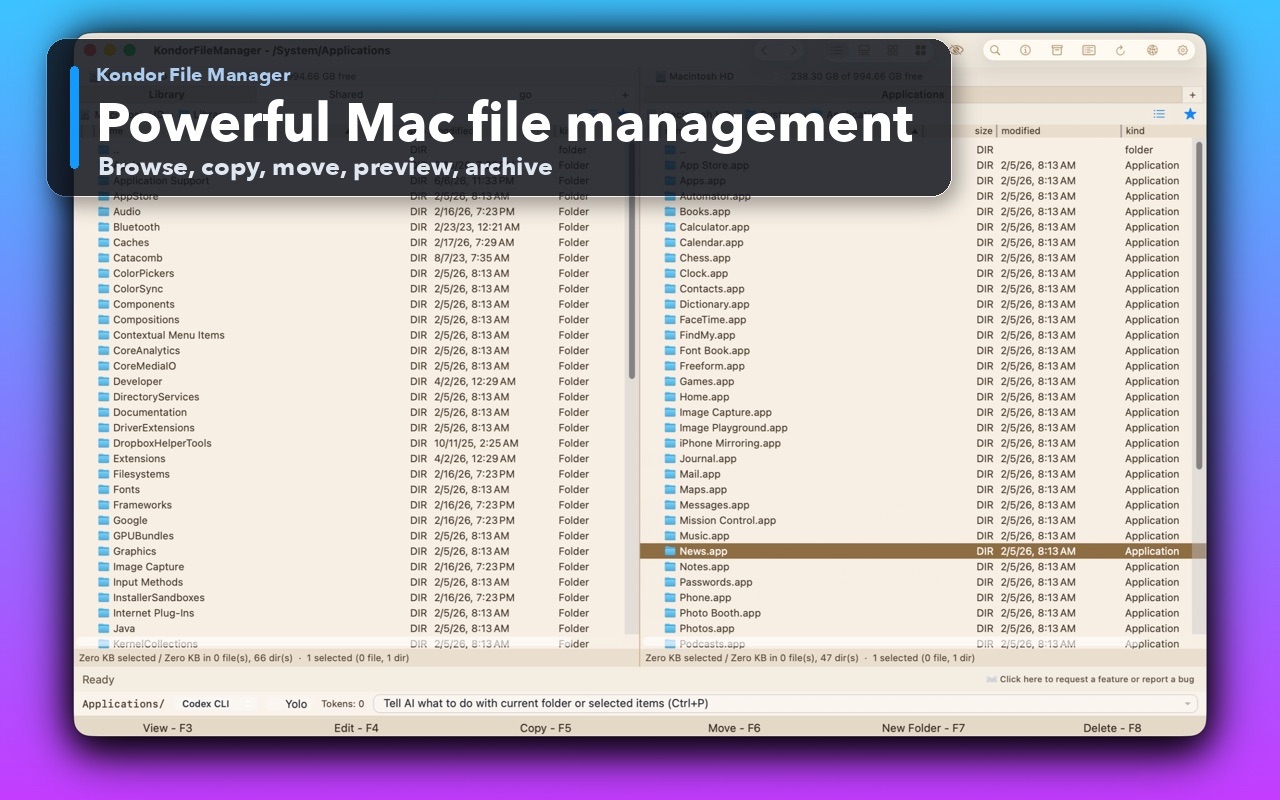
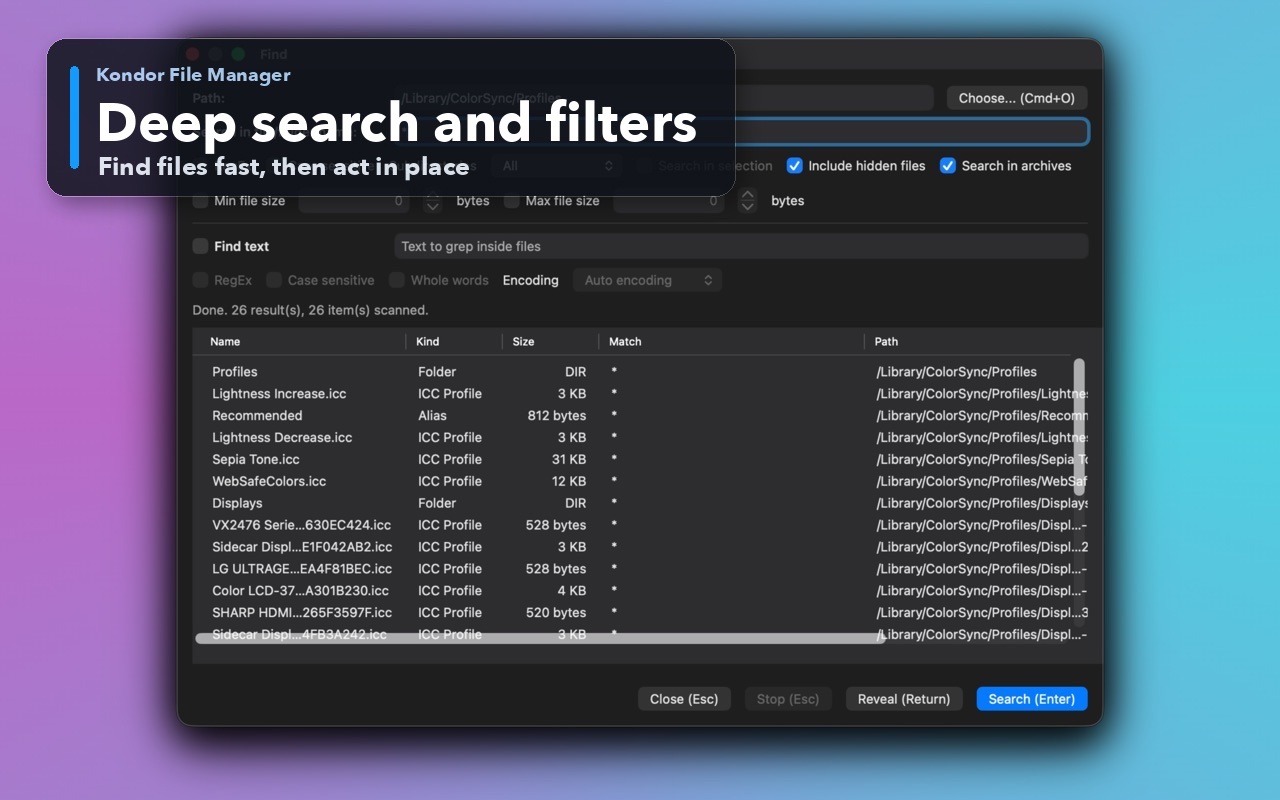
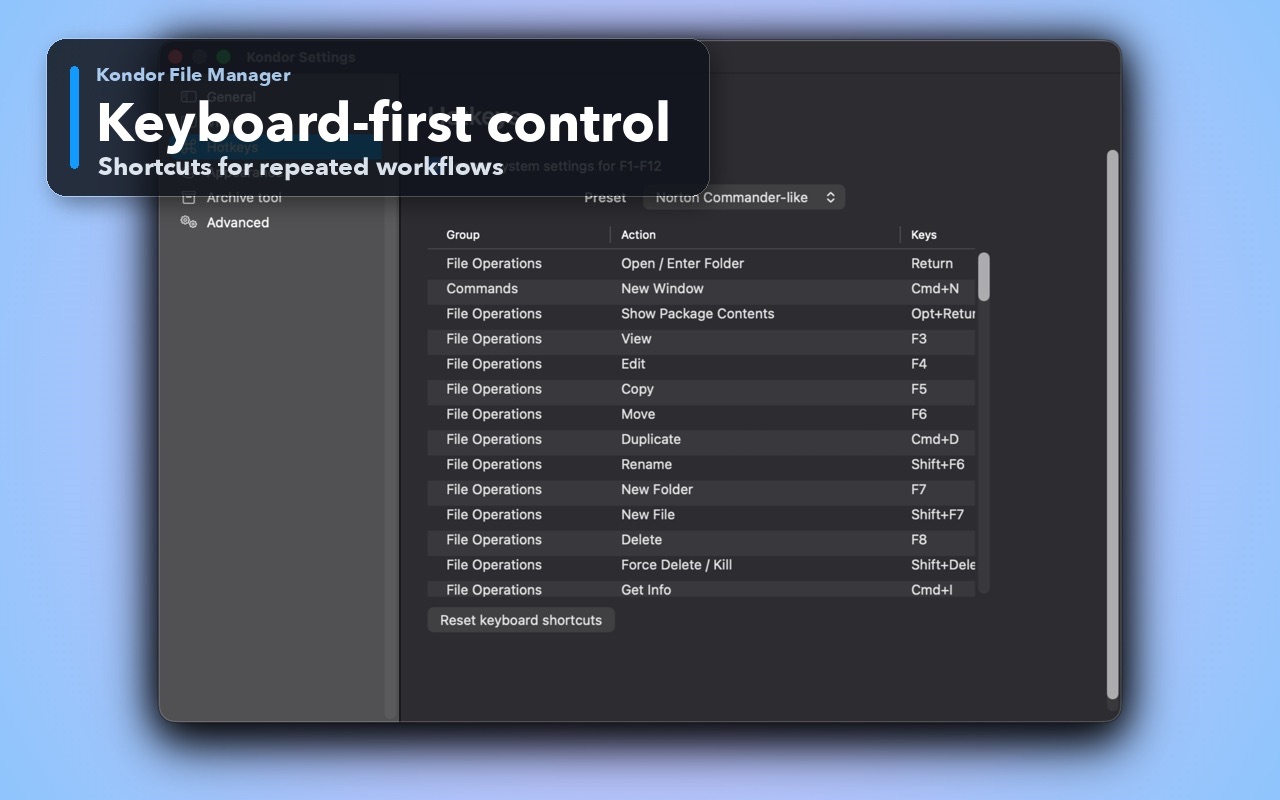
Inspect the real interface before downloading, including the panes, dialogs, and controls used for this job.
Who it helps
Use Kondor when file work needs more control.
People verifying installers, archives, backups, evidence, or release artifacts.
Developers publishing or checking build checksums.
Anyone confirming that a large transfer or split/join completed intact.
What slows people down
Where the default workflow gets slow.
A successful copy dialog does not prove that two file contents are identical.
Command-line hash tools are awkward for occasional verification.
Very large files should not be loaded into memory just to calculate a digest.
How Kondor helps
Purpose-built surfaces for this workflow.
Match the tool to the repeated job, then keep the rest of your Mac workflow unchanged.
Use SHA-256 by default, with older algorithms available for compatibility.
Copy a digest or paste a checksum and receive a clear match or mismatch.
Workflow examples
Common ways people use this workflow.
Verify a download
Paste the publisher's checksum and compare it with the selected file before opening it.
Confirm a transfer
Hash source and destination files to check content equality after a large copy.
Check reconstructed output
Verify that a joined file matches the checksum published for the original.
Trust
Why the download is lower risk.
SHA-256 is the default algorithm.
Hash calculation streams data rather than loading the complete file into memory.
Hash results provide a context-menu action to copy the selected digest.
Related pages
Next useful comparison or guide.
FAQ
Quick answers before you choose.
Which file hash should I use?
Use SHA-256 for modern file-integrity verification unless the publisher specifically provides another algorithm.
Can Kondor verify a pasted checksum?
Yes. Verify by Hash accepts a raw digest or a standard checksum line and reports a clear match or mismatch.
Will hashing a large file freeze the app?
Hash work is streamed and designed to avoid loading the whole file into memory; progress remains separate from normal browsing.