
Mac file transfer client
A Mac file transfer client inside a full file manager.
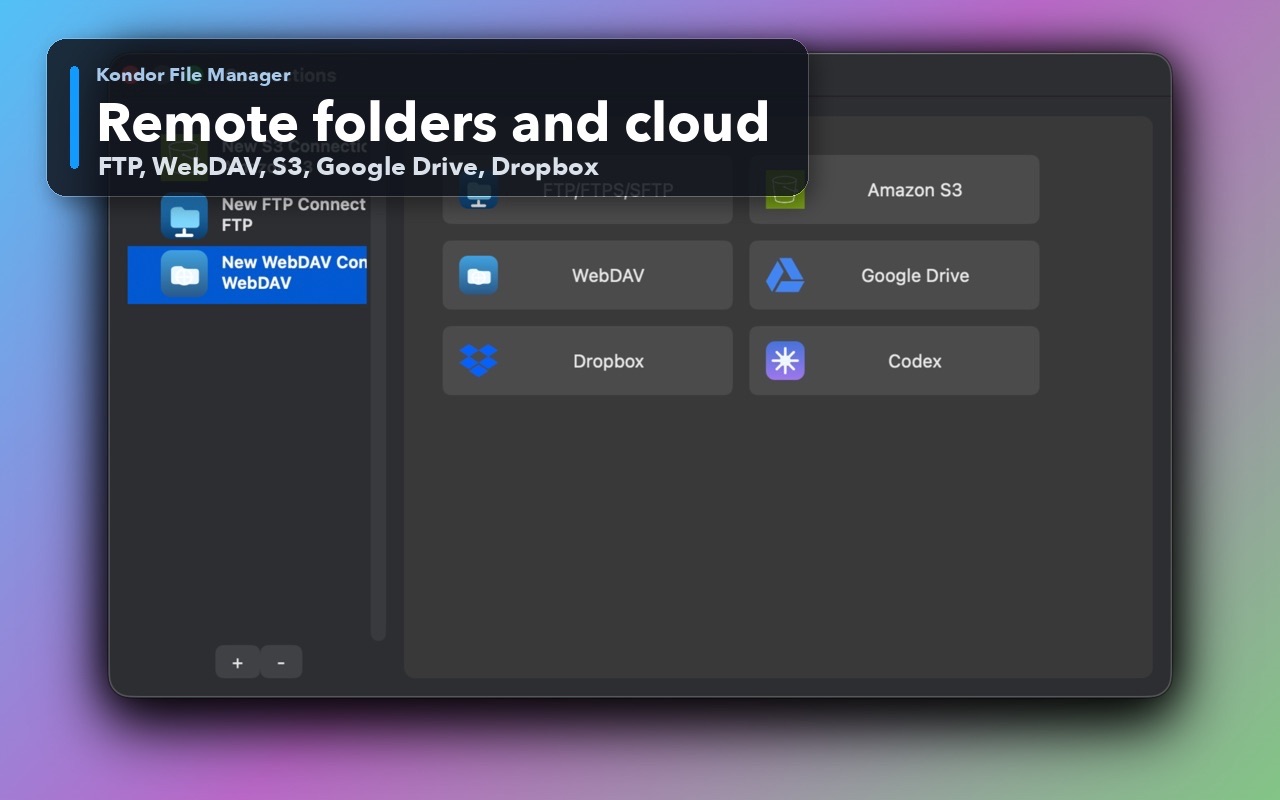
File transfer usually starts and ends in local folders. Kondor Pro is designed for users who want FTP, SFTP, WebDAV, S3, Dropbox, Google Drive, and similar provider surfaces beside normal Mac file browsing, previews, archives, and cleanup work.
Product screenshots
What this workflow looks like in Kondor.
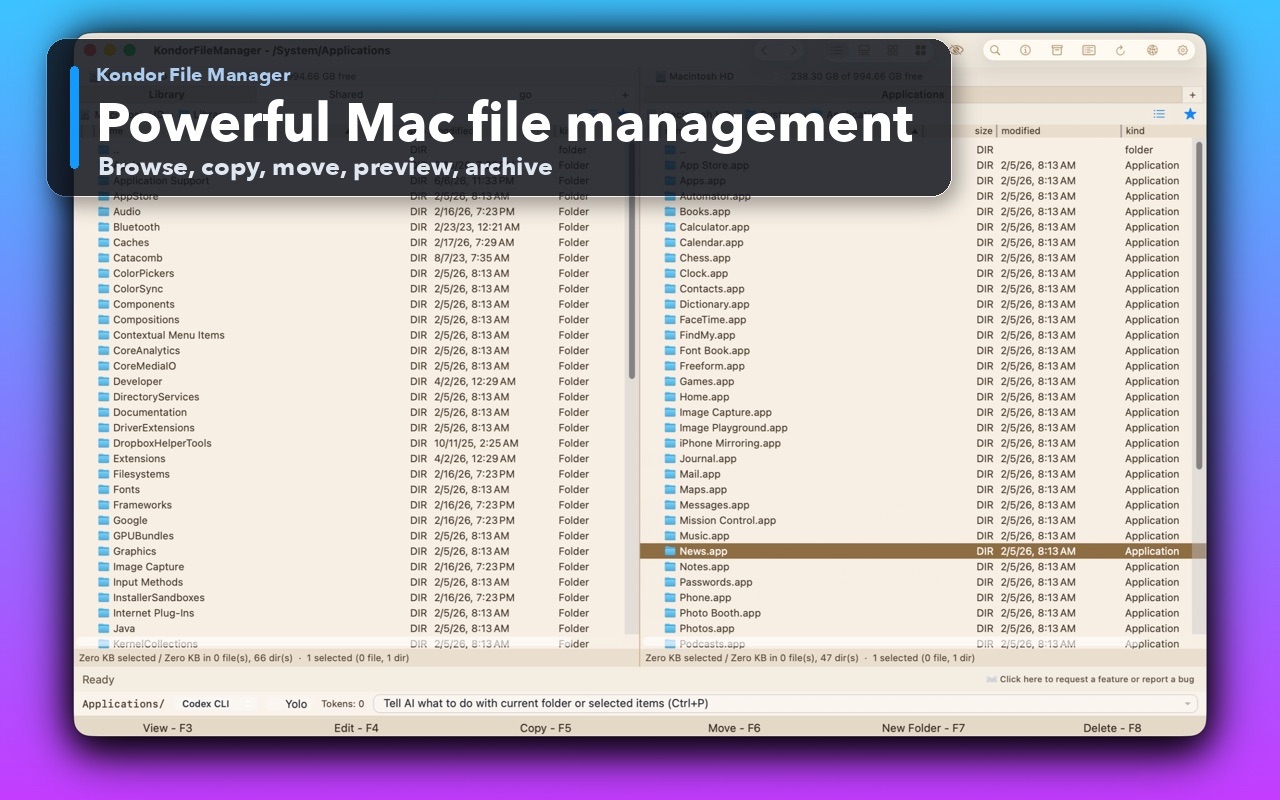
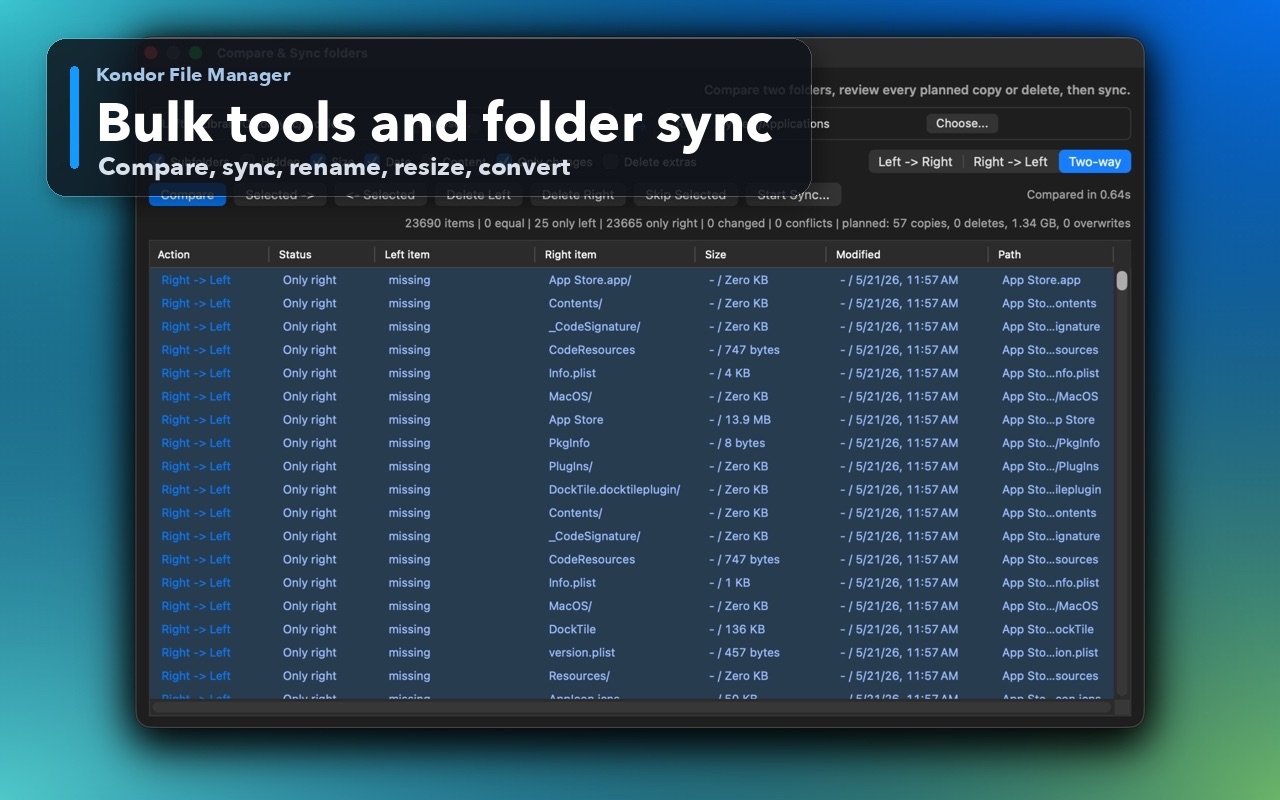
Inspect the real interface before downloading, including the panes, dialogs, and controls used for this job.
Who it helps
Use Kondor when file work needs more control.
Developers uploading project files, release assets, or logs to remote locations.
Site owners moving files through FTP, SFTP, WebDAV, or cloud storage.
Mac users who want transfer work to stay close to previews, archives, local folders, and cleanup actions.
What slows people down
Where the default workflow gets slow.
A transfer-only app can leave source folders, output folders, archives, and previews disconnected.
Remote file work is easier when local and remote locations stay visible together.
Transfer workflows need clear progress and credential boundaries without turning the app into a cloud account dashboard.
How Kondor helps
Purpose-built surfaces for this workflow.
Match the tool to the repeated job, then keep the rest of your Mac workflow unchanged.
Move between local folders and remote locations from a two-pane workspace.
Keep remote credentials in Kondor's encrypted app credential store.
Workflow examples
Common ways people use this workflow.
Local folder to server
Open the local project or export folder on one side and the server/cloud destination on the other.
Remote cleanup
Preview, rename, move, delete, archive, or organize remote files with local context visible.
Transfer plus archive work
Package files, inspect archives, transfer selected results, and keep the destination visible.
Trust
Why the download is lower risk.
Kondor's public product copy names FTP, SFTP, WebDAV, S3, Dropbox, and Google Drive provider surfaces.
Direct and App Store builds may differ where sandboxing or helper libraries constrain provider availability.
Kondor's privacy policy limits diagnostics to anonymous product, performance, and crash data and excludes user file names, paths, contents, credentials, remote addresses, and command text.
Related pages
Next useful comparison or guide.
FAQ
Quick answers before you choose.
Is Kondor a file transfer client for Mac?
Kondor Pro includes remote and cloud provider workflows where available, so it can handle file-transfer jobs while still acting as a broader Mac file manager.
How is Kondor different from a transfer-only client?
Kondor keeps transfer work near normal file-manager tasks: local browsing, previews, archives, folder sync, selection, cleanup, and keyboard actions.
Which remote providers does Kondor target?
Kondor Pro targets FTP, SFTP, WebDAV, S3, Dropbox, Google Drive, and similar provider surfaces where available in the app and build channel.