
Large file split and join
Move a file across a size limit, then put it back together safely.
File splitting is useful only if joining is predictable. Kondor recognizes common part naming, checks for missing pieces and changed inputs, hides incomplete output, and publishes the finished file only after success.
Product screenshots
What this workflow looks like in Kondor.
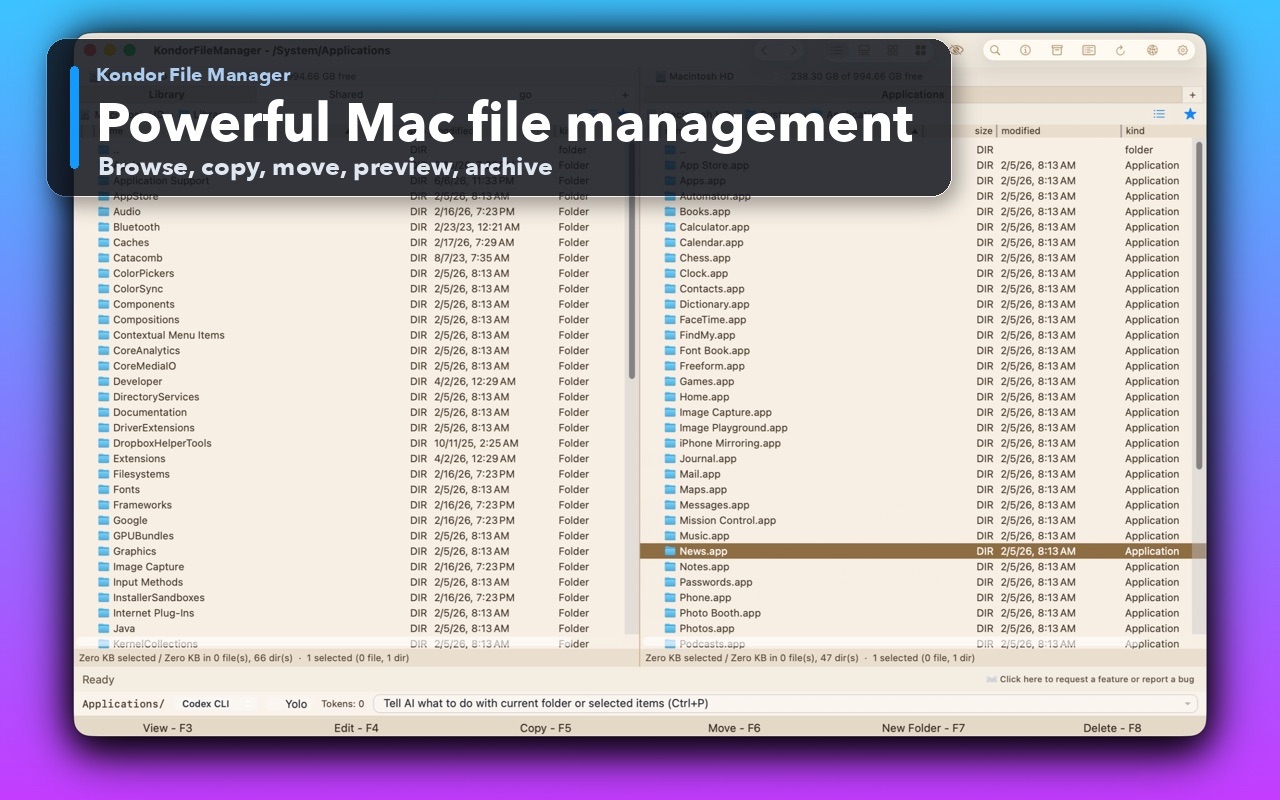
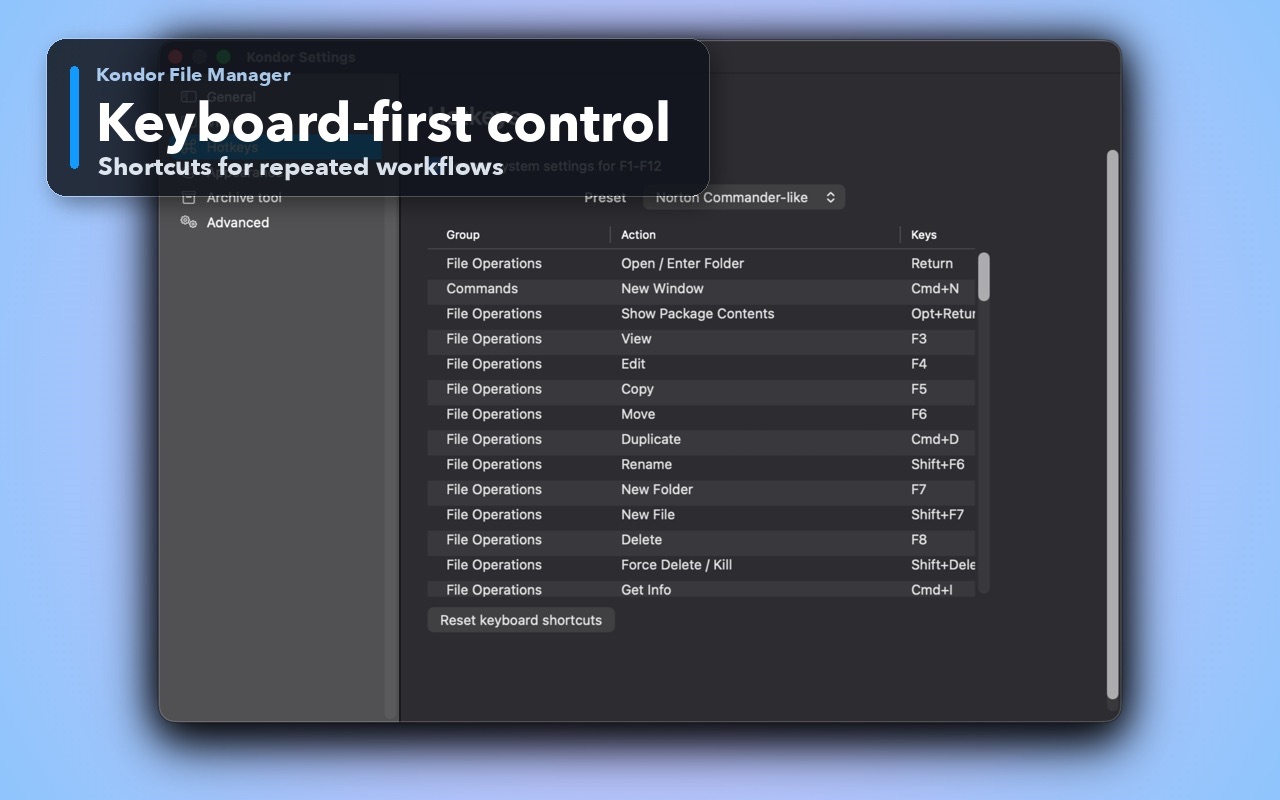
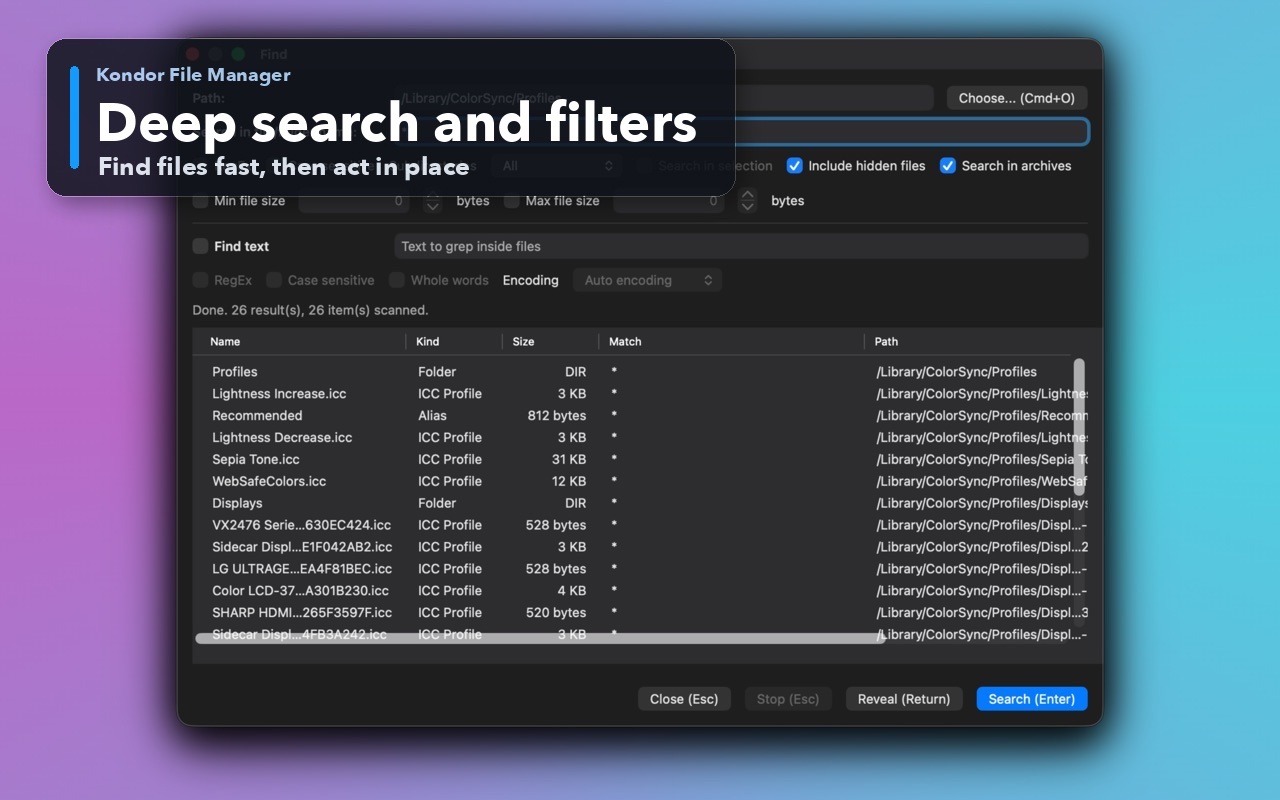
Inspect the real interface before downloading, including the panes, dialogs, and controls used for this job.
Who it helps
Use Kondor when file work needs more control.
People moving large files through systems with per-file limits.
Users receiving numbered part sets that need automatic detection and safe reconstruction.
Developers and media workers packaging large artifacts without changing their contents.
What slows people down
Where the default workflow gets slow.
Part sets are easy to misorder or join with a missing segment.
A failed join can leave a partial file that looks complete.
Inputs can change while a long join is running.
How Kondor helps
Purpose-built surfaces for this workflow.
Match the tool to the repeated job, then keep the rest of your Mac workflow unchanged.
Detect supported names and report missing segments before work begins.
Check changing inputs, support cancellation, hide partial output, and publish atomically.
Workflow examples
Common ways people use this workflow.
Fit a storage limit
Split one large archive or media file into predictable numbered pieces.
Join a received set
Select a recognized piece and let Kondor locate, order, and validate the rest.
Verify the result
Calculate SHA-256 on the joined output and compare it with the original checksum.
Trust
Why the download is lower risk.
Numbered and GNU-style alphabetic conventions are supported.
Incomplete output stays hidden and is not presented as successful.
The workflow pairs with streamed hash verification.
Related pages
Next useful comparison or guide.
FAQ
Quick answers before you choose.
Which split format does Kondor use by default?
Kondor uses the common numbered convention when no existing files determine another recognized format.
Can Kondor join .001 files?
Yes. Kondor recognizes `.001`, `.part001`, `.chunk001`, and GNU-style alphabetic part sets.
What happens if a part is missing?
Kondor reports the gap instead of silently publishing an incomplete joined file.