
Text file comparison
Compare text files without losing the folders around them.
A useful diff is more than red and green lines. Kondor Pro keeps both files editable, makes every changed line easy to navigate, and preserves the folder context that led you to the comparison.
Product screenshots
What this workflow looks like in Kondor.
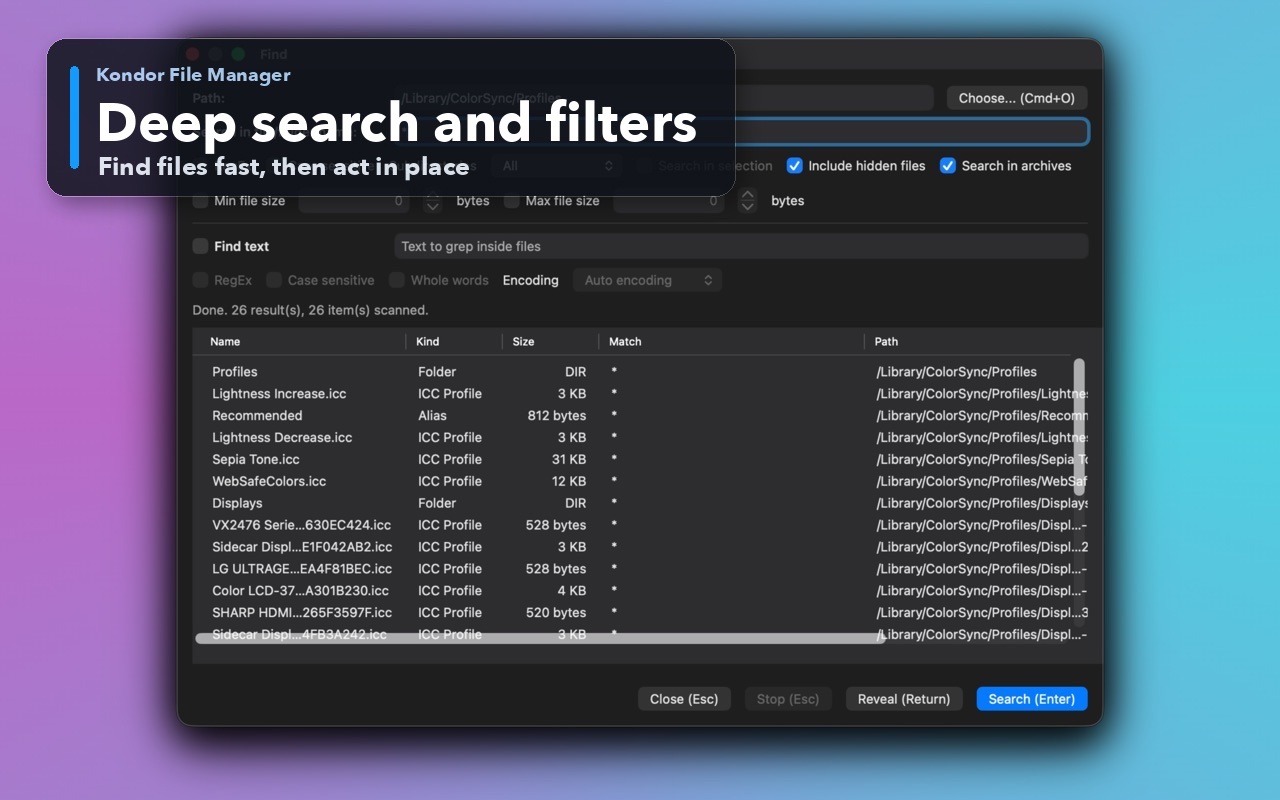
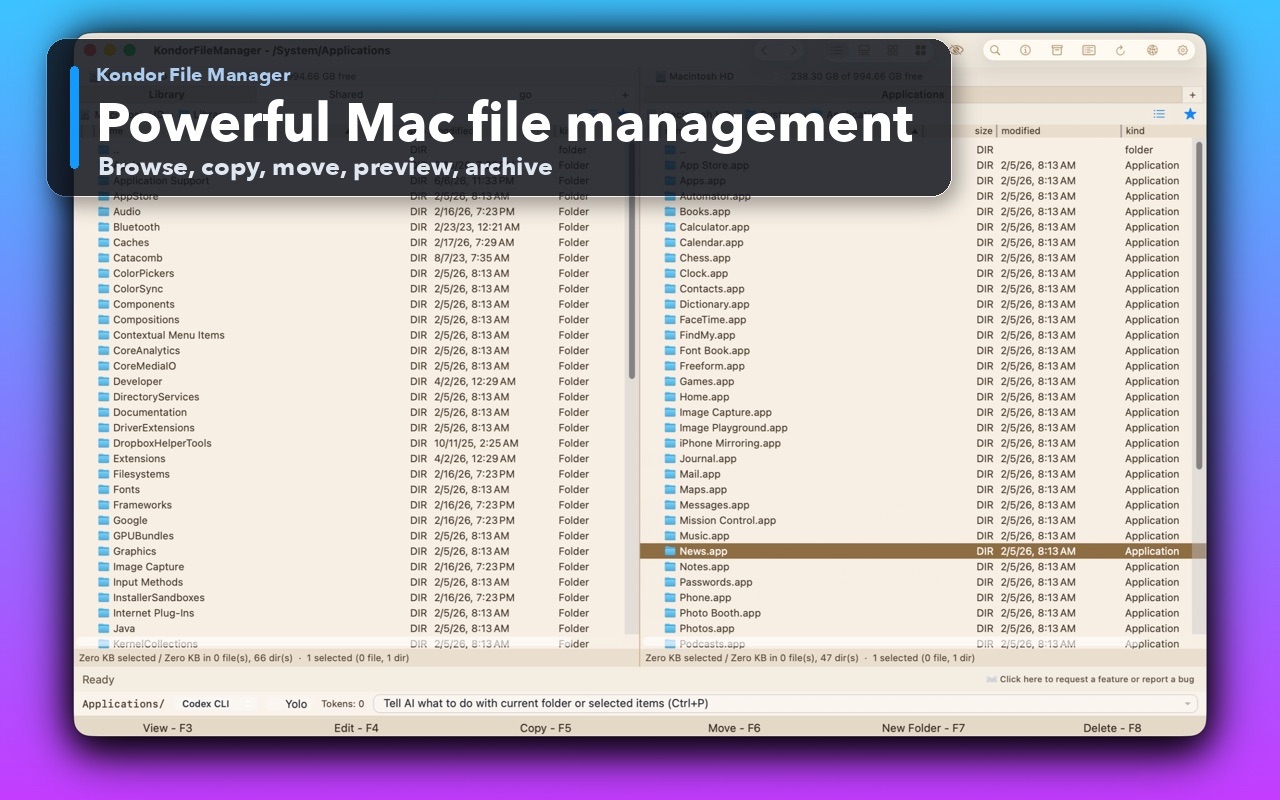
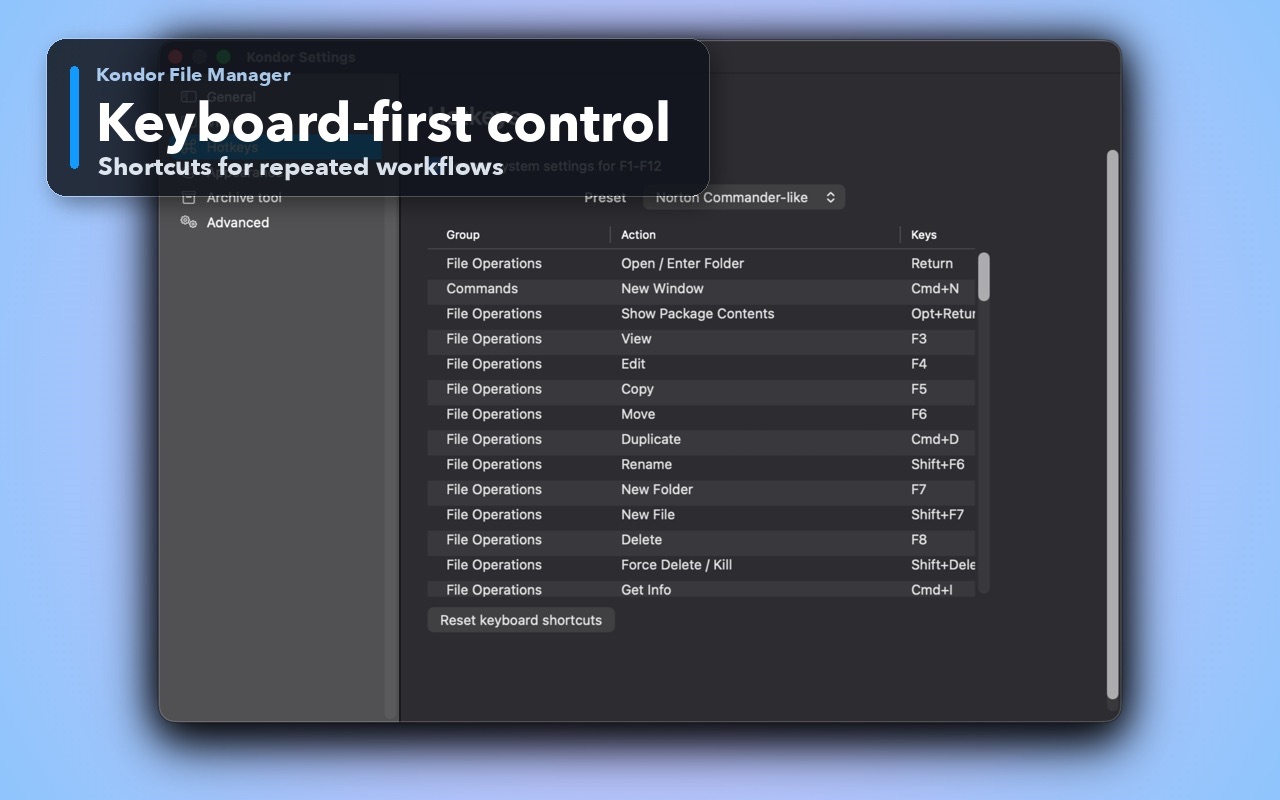
Inspect the real interface before downloading, including the panes, dialogs, and controls used for this job.
Who it helps
Use Kondor when file work needs more control.
Developers reviewing source, generated output, logs, or configuration revisions.
Writers and operators checking two versions before choosing or merging changes.
Anyone who wants to copy a correction between files and save it without opening a separate editor.
What slows people down
Where the default workflow gets slow.
Opening a separate diff app breaks folder context and adds another handoff.
Plain previews show two files but do not explain which lines changed.
Editing during comparison is risky without dirty indicators and save warnings.
How Kondor helps
Purpose-built surfaces for this workflow.
Match the tool to the repeated job, then keep the rest of your Mac workflow unchanged.
Editable left and right sides with live background recomparison and controls for applying the current change.
Per-side save state, keyboard shortcuts, and warnings before reload, close, or quit can discard work.
Workflow examples
Common ways people use this workflow.
Review a configuration change
See the exact changed lines, copy the intended value across, and save the corrected side.
Check generated output
Compare a new build artifact or report with the previous version while its folder remains visible.
Merge a small correction
Navigate directly to each difference and apply only the lines you trust.
Trust
Why the download is lower risk.
Text Diff uses bounded comparison behavior for difficult inputs rather than allowing unbounded quadratic memory growth.
Editable files are intentionally bounded; multi-gigabyte inspection remains the job of the paging Preview pane.
Open it from selected files, Collect Shelf, the Files menu, the command palette, or a keyboard shortcut.
Related pages
Next useful comparison or guide.
FAQ
Quick answers before you choose.
Can I edit both files while comparing them?
Yes. Kondor Pro provides two editable sides, live difference updates, per-side dirty indicators, and save controls.
Does Text Diff show line numbers and syntax highlighting?
Yes. Both sides show source line numbers and syntax highlighting for supported source and configuration formats.
Can Text Diff open multi-gigabyte files?
Text Diff bounds editable files to keep editing predictable. Use Kondor's paging Preview pane to inspect very large text or binary files.