To connect to an SMB share on a Mac, open Finder and choose Go > Connect to Server, or press Command-K. Enter the server and share as smb://server-name/share-name, choose Connect, and authenticate with an account that has permission to use that share. You can also browse Bonjour SMB servers from Kondor's Network resource, open a server, and select a share to mount it in macOS.
A complete SMB address includes the server and, when known, the shared folder name.
The Mac and an advertised server usually need to be on the same local network or connected through an approved VPN.
Kondor discovers Bonjour SMB servers on the local network and uses macOS to mount a selected share.
Real product evidence
See the KFM workflow before trying it.
Real Kondor screenshots show the file workspace. The steps below explain the controls used for this task.
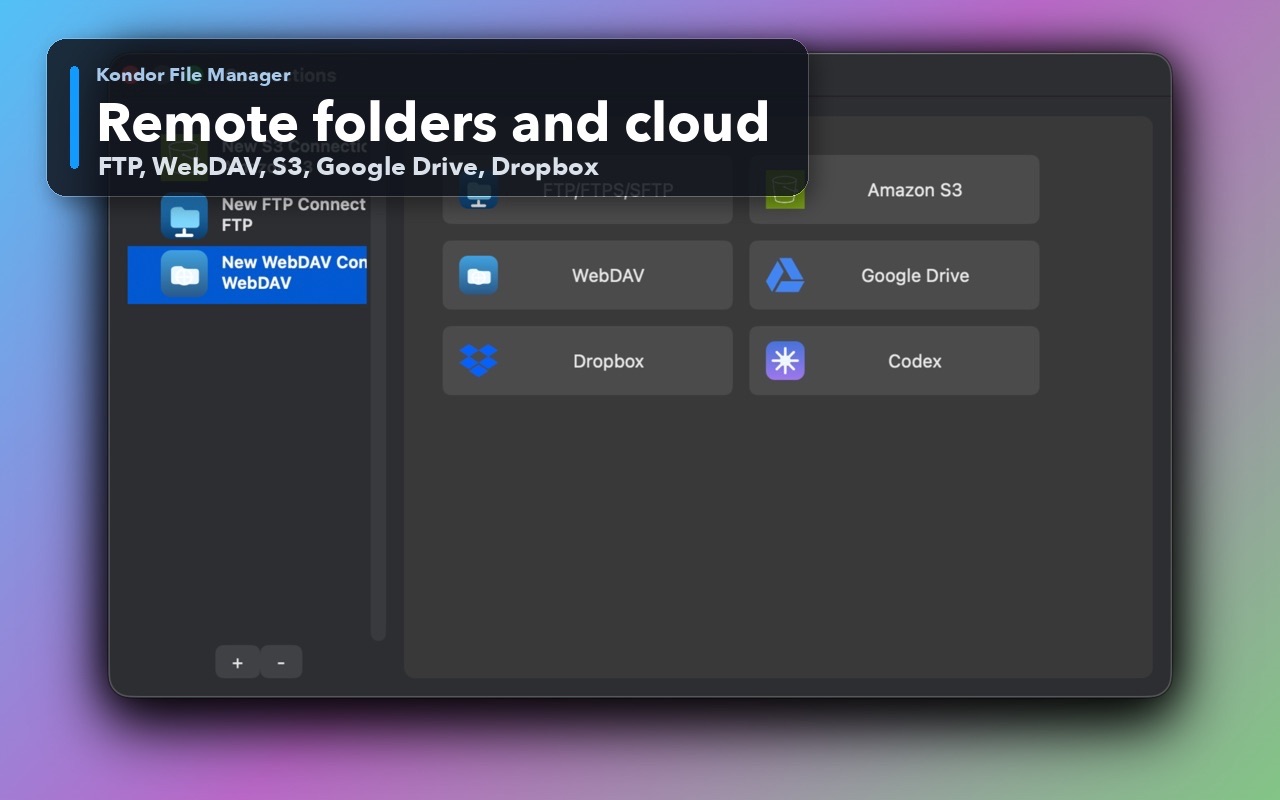
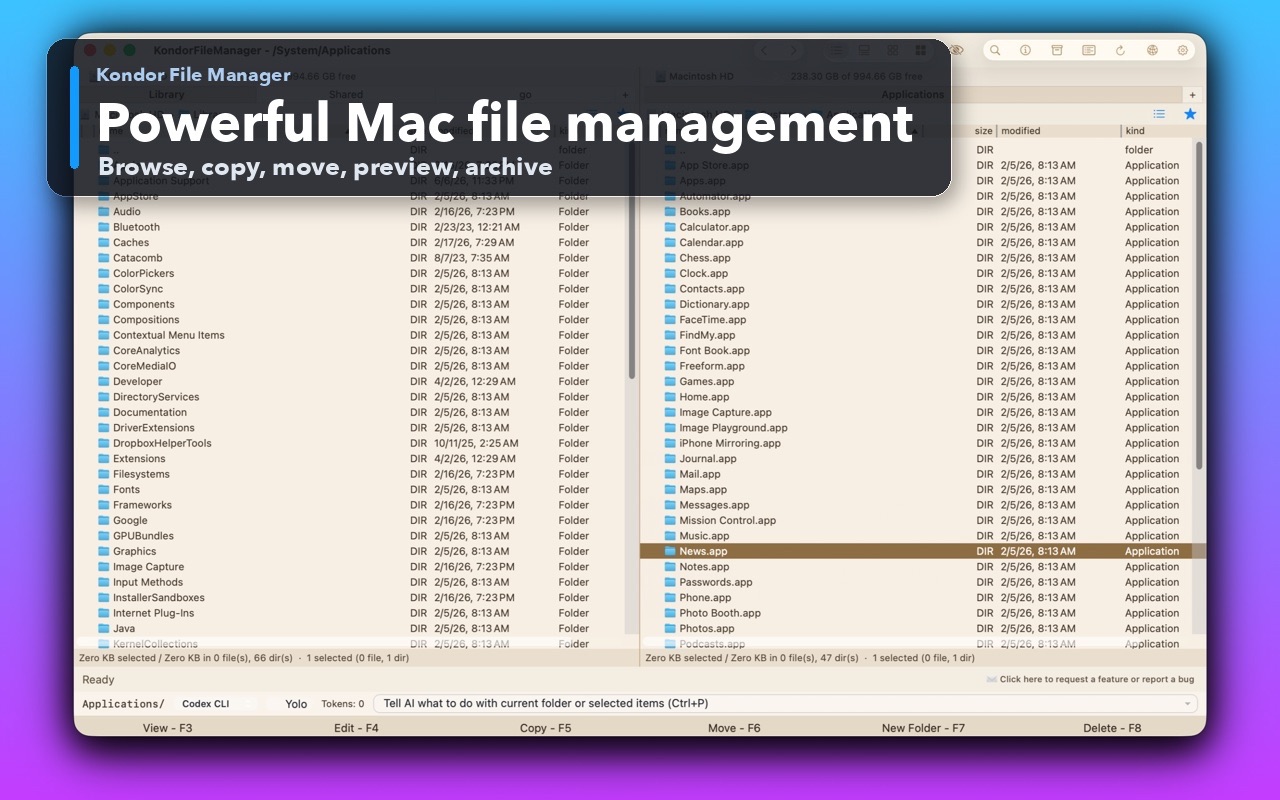
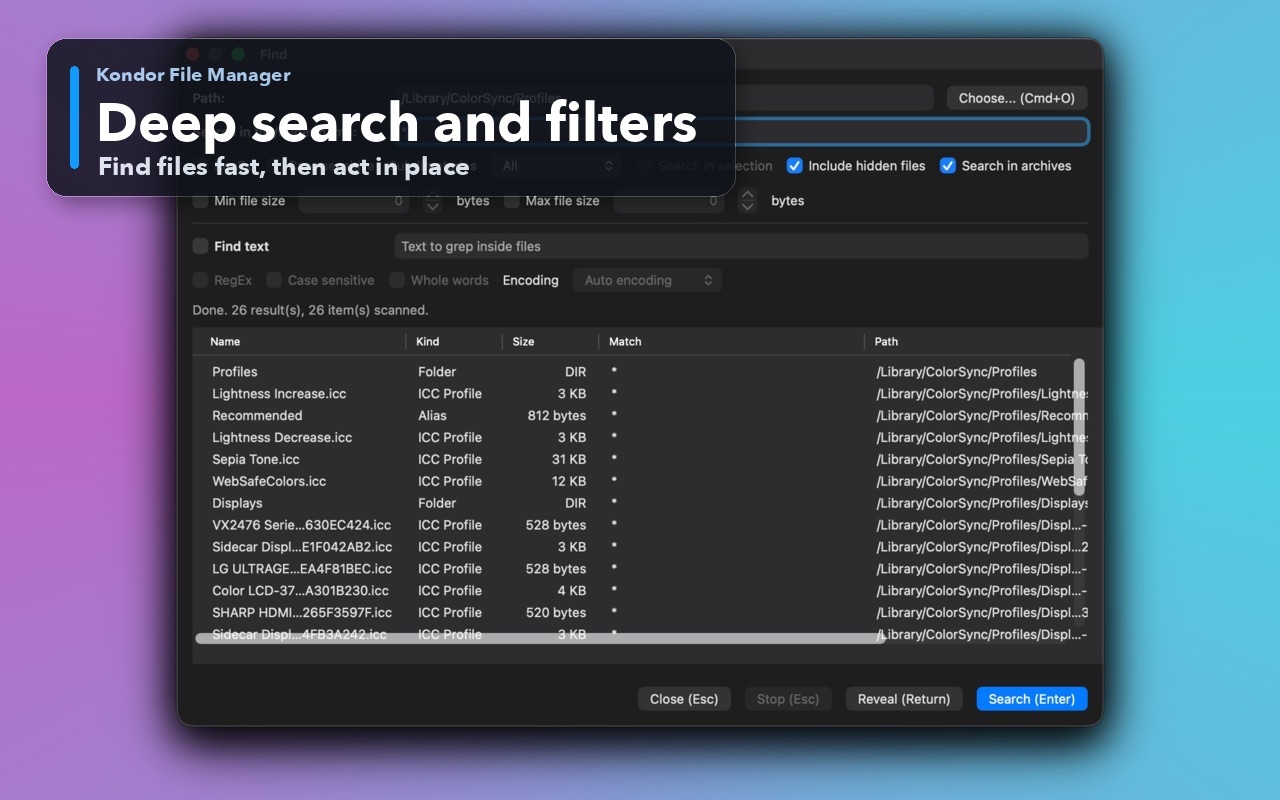
Remote and cloud resourcesKeep local folders beside remote and cloud locations where available.Two-pane Mac file workspaceKeep source and destination folders visible during repeated file operations.Deep search and filtersSearch by name and attributes, with an option to include hidden files.
Step by step
Choose the method that matches the job.
Method 1: connect with Finder
Use Finder when you know the server address or need a connection that is not advertised on the local network.
In Finder, choose Go > Connect to Server, or press Command-K.
Enter an address such as smb://fileserver.local/Projects. Replace the example with the server name and share supplied by its owner or administrator.
Choose Connect. If macOS asks how to sign in, select Guest only when the server permits it; otherwise use an authorized registered account.
Select the shared folder or volume you need. Add a frequently used server or mounted share to Finder's sidebar if that suits your workflow.
Good to know: A server address and a share name are different pieces of information. If the server opens but the share does not, ask the owner for the exact share name and confirm your account has access.
Method 2: browse a local SMB server in Kondor
Use Kondor when you want to discover an advertised server and keep the share beside another working folder.
Open the resource selector in either pane and choose Network.
Wait for nearby Bonjour devices to appear, then open the SMB server you want to use.
Choose the share from the server's list. Kondor asks macOS to mount the SMB share, then opens the mounted location in the selected pane.
Keep a local project in the other pane to review, copy, or move files between the two locations. Access still follows the server's permissions.
Good to know: Kondor's Network browser discovers Bonjour SMB servers on the local network. For a server that is not discoverable, connect with its address in Finder first, then browse the mounted volume in Kondor.
Safety and limits
Keep the useful guardrails.
Network discovery cannot make an offline server, blocked subnet, or unshared folder available.
Use only credentials and shares you are authorized to access. Do not put passwords into a server URL.
If the connection fails, check that the server is powered on, the Mac can reach its network, and the share name and account are correct before changing firewall or server settings.
How do I connect to a shared Windows folder from a Mac?
In Finder, choose Go > Connect to Server, enter the SMB server address and share name, then authenticate with an account allowed to use that folder. The server administrator can provide the exact address and permissions.
What should an SMB address look like on Mac?
A common format is smb://server-name/share-name. Use the host name or IP address and exact share name supplied by the server owner; an address ending at the server may show its available shares.
Why is my SMB server missing from the Mac Network list?
Bonjour discovery is limited to devices advertising services on a reachable local network. The server may be offline, on another subnet, behind a VPN boundary, or not advertising SMB. Try Finder's Connect to Server with the approved address.
Can Kondor connect to an SMB share on Mac?
Yes. Kondor can discover Bonjour SMB servers, list their shares, and ask macOS to mount a selected share. Shares mounted through Finder can also be browsed as mounted volumes.