For a raw split sequence, place all parts in one folder, open a local destination in Kondor's opposite pane, select a recognized part, and choose Files > Join Split Files to Target. Review detected order and missing-part warnings before joining. For a split ZIP, RAR, or 7z archive, use a compatible archive extractor instead.
Raw joining concatenates bytes; it does not extract a compressed multi-volume archive.
Kondor Lite recognizes common .001, .partNN, .chunkNN, and GNU-style .aa/.ab naming sequences.
Keep every original part until the output opens correctly and, when available, its checksum matches the original.
Real product evidence
See the KFM workflow before trying it.
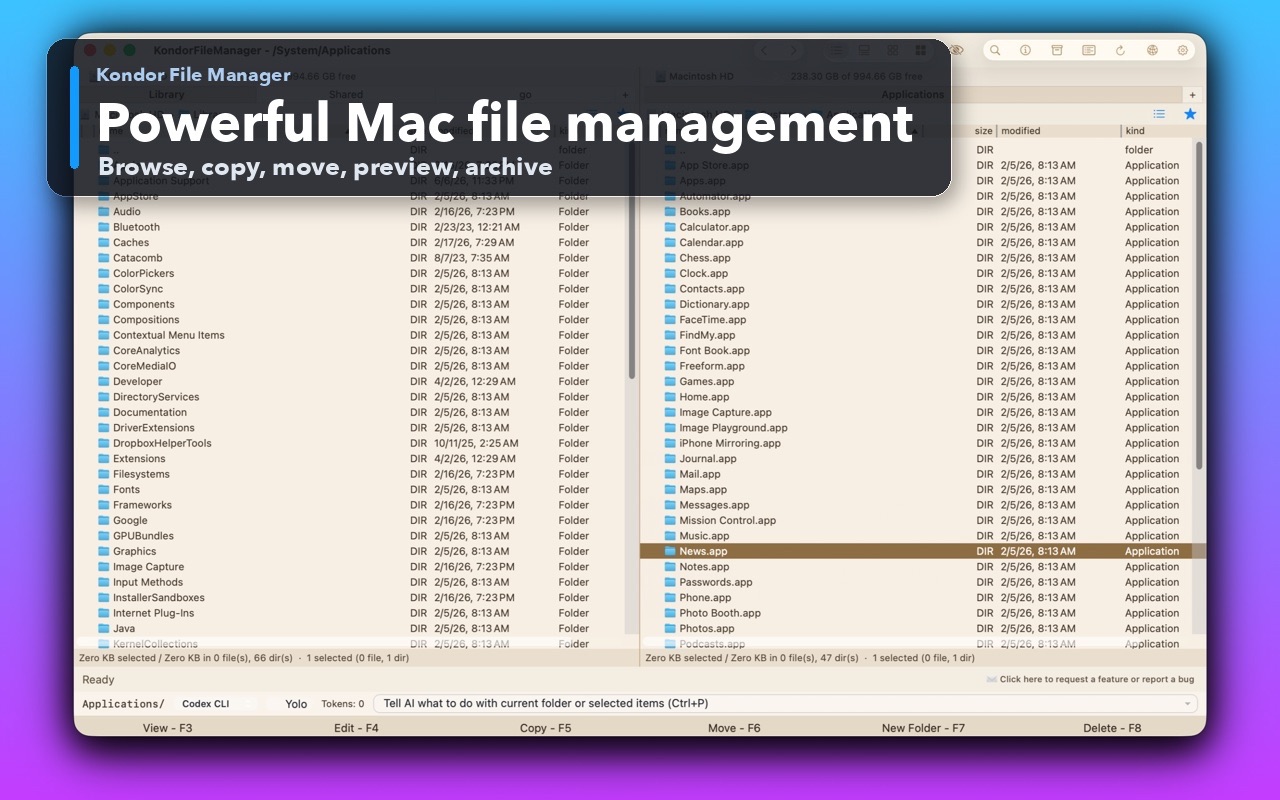
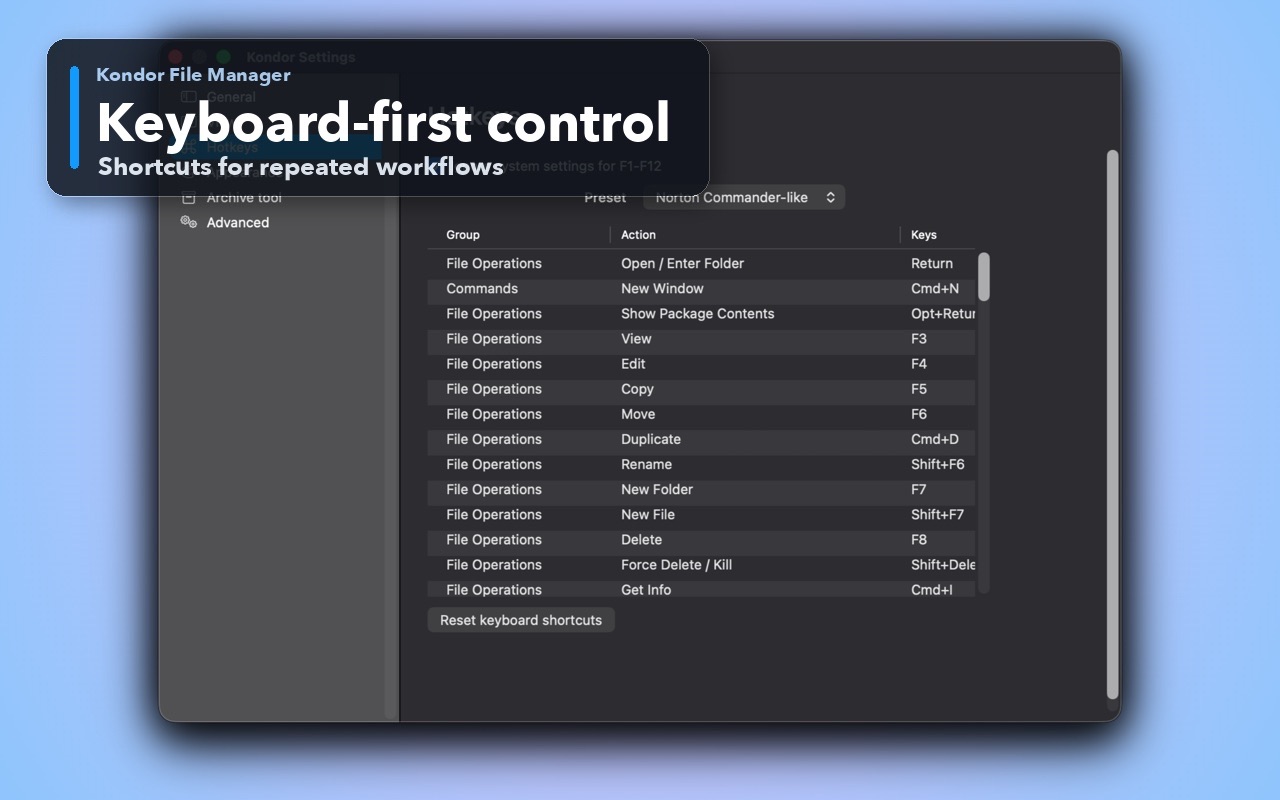
Real Kondor screenshots show the file workspace. The steps below explain the controls used for this task.
Two-pane Mac file workspaceKeep source and destination folders visible during repeated file operations.Keyboard-first controlDiscover and customize commands for fast file work without leaving the keyboard.
Step by step
Choose the method that matches the job.
Identify the sequence before combining anything
A download folder containing numbered parts from a sender or file-splitting tool.
Ask the sender which tool created the parts and whether the original file was split directly or archived into multiple volumes.
Download all parts completely into one folder. Check for skipped numbers, duplicate download suffixes, and zero-byte files.
Treat names such as archive.7z.001, archive.part1.rar, and archive.z01 as reasons to check the archive tool's instructions rather than assume raw joining.
Compare the sum of part sizes with available destination space. Reconstructing a file needs additional space beyond the parts you already have.
Good to know: Do not rename missing parts to make a sequence look complete. A file called .003 cannot replace the missing bytes from .002.
Join a raw split file with Kondor Lite
A recognized byte-split sequence where you want a visible order and destination check.
Open the parts folder in one pane and an existing local output folder in the opposite pane.
Select a recognized part and choose Files > Join Split Files to Target, or press Control-Shift-J with the default keymap.
Review the detected parts, their order, the output filename, and any gap warning. Use a fresh output name if that file already exists.
Start Join and wait for completion. Kondor writes a temporary output and publishes the completed file after the operation succeeds.
Open the reconstructed file with the right app. If the sender supplied a checksum for the original, verify that value before removing any parts.
Good to know: Cancellation and failures clean up Kondor's partial output. Sequence validation can find gaps inside the detected numbering, but cannot prove the sender did not omit the final part; use the expected count, size, or checksum.
These names illustrate raw pieces of one video, not three playable clips. Joining restores the original byte sequence; it does not transcode the video or concatenate independently encoded movies.
Safety and limits
Keep the useful guardrails.
An incomplete final download can have the right filename but wrong bytes. A full original checksum is a stronger check than numbering alone.
Archive volume formats and raw split files are different. Use the creating application's compatible extraction method for multi-volume archives.
The destination filesystem must support the joined file size. FAT32 has a roughly 4 GB individual-file limit even when the drive has more free space.
First identify what created it. A raw split file must be joined with its remaining parts; a multi-volume compressed archive needs a compatible extractor. The .001 extension alone is not enough to choose.
Can I join a file if .002 is missing?
Not into a complete original. Obtain the missing part from the sender or download source; renumbering another file does not restore those bytes.
Can Kondor join HJSplit-style files?
It can join ordinary raw byte-split sequences using common .001-style names. Confirm the sequence and verify the output; this is not a promise to decode every splitter's proprietary metadata.
Is a file joiner the same as a video merger?
No. A raw joiner restores pieces originally cut from the same file. Combining separate video clips requires a media tool that understands their containers and streams.