
Advanced batch rename
Rename a whole folder without holding your breath.
Bulk naming becomes dangerous when the first surprise appears after the files change. Kondor shows the entire proposed result first, flags conflicts, and keeps extensions and recovery in the workflow.
Product screenshots
What this workflow looks like in Kondor.
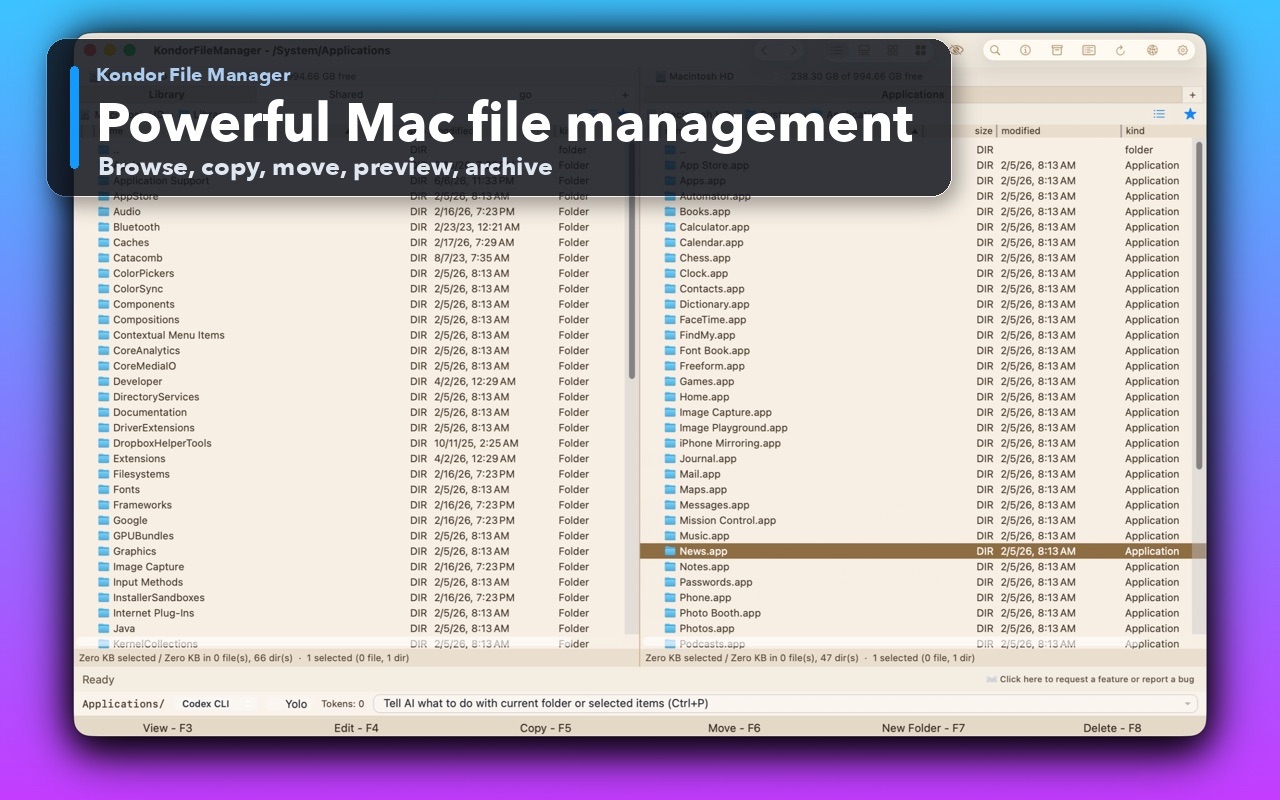
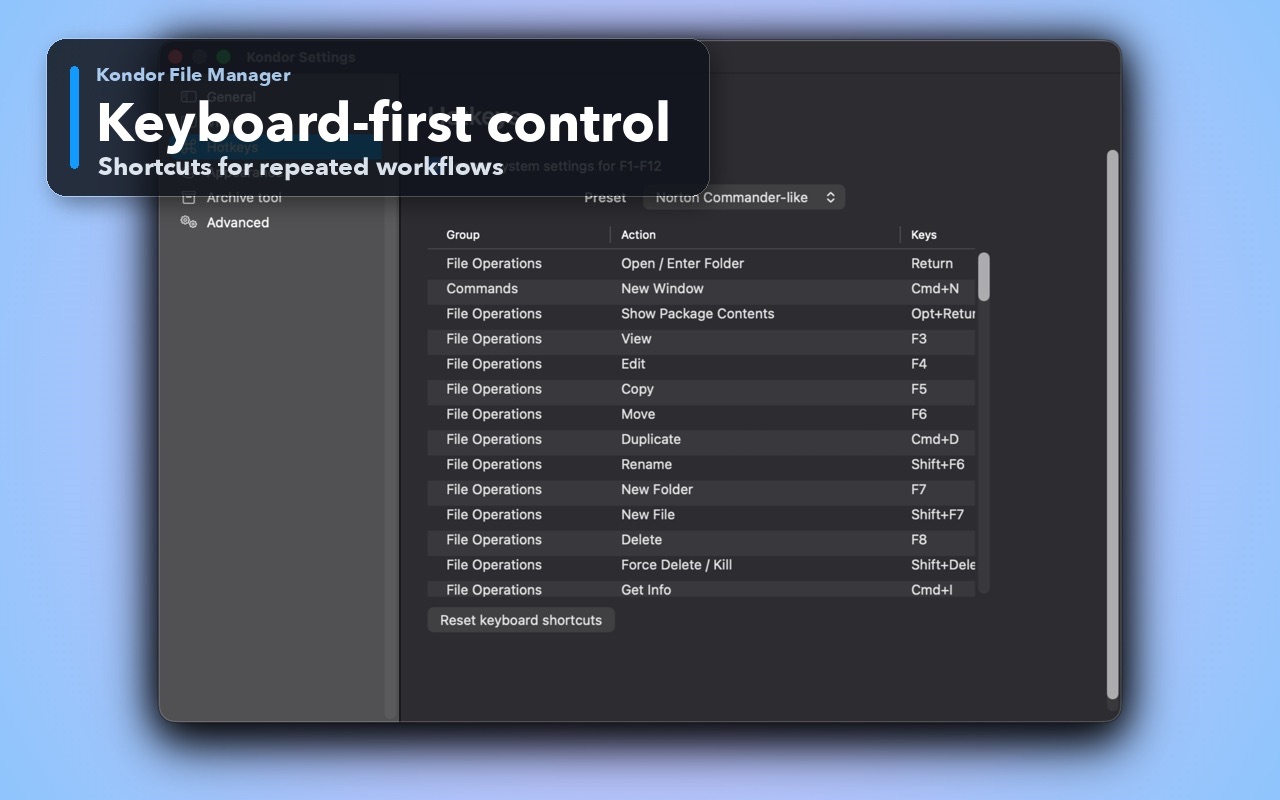
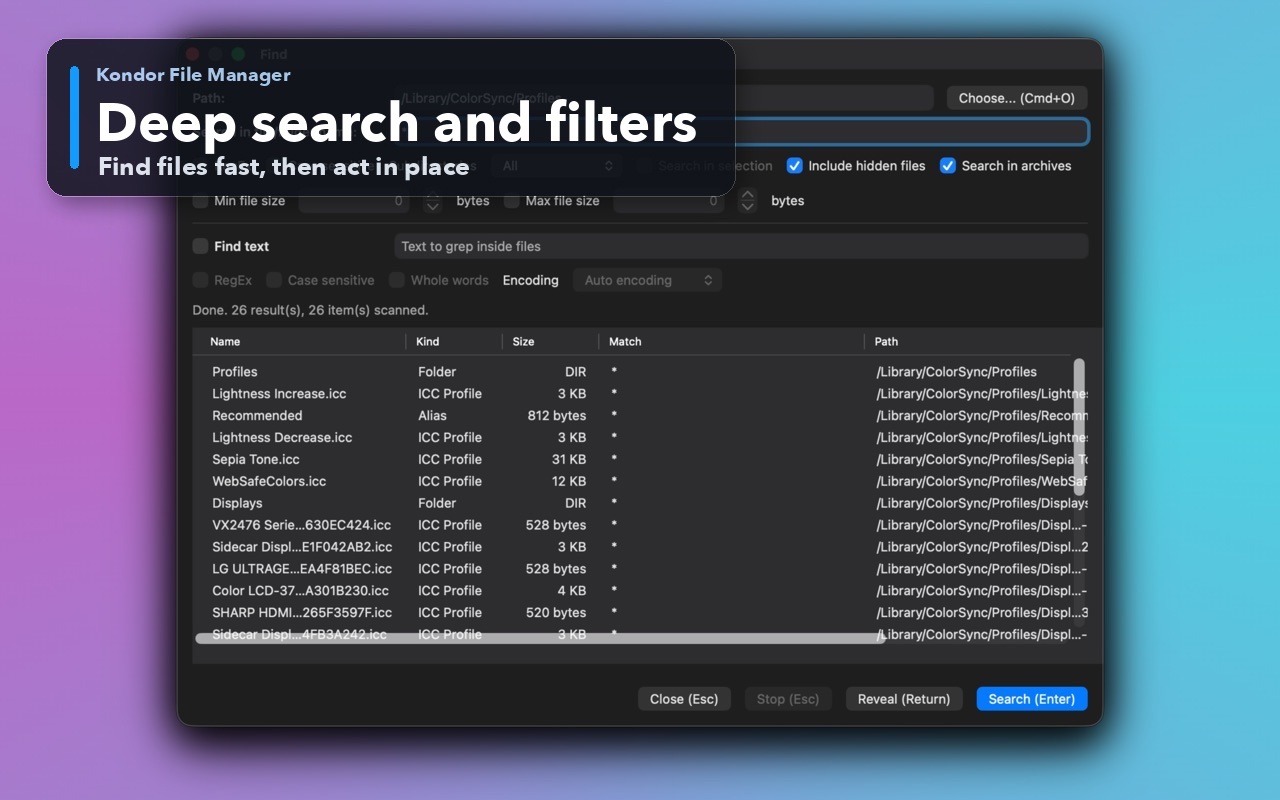
Inspect the real interface before downloading, including the panes, dialogs, and controls used for this job.
Who it helps
Use Kondor when file work needs more control.
Photographers and creators normalizing camera, screenshot, or export names.
Developers cleaning generated files, release assets, and numbered output.
Anyone replacing a repetitive sequence of individual rename actions.
What slows people down
Where the default workflow gets slow.
One malformed rule can rename hundreds of files incorrectly.
Duplicate output names and extension mistakes are easy to miss in a small dialog.
Manual rename work is slow, inconsistent, and hard to repeat.
How Kondor helps
Purpose-built surfaces for this workflow.
Match the tool to the repeated job, then keep the rest of your Mac workflow unchanged.
Combine tokens, sequences, regex, case conversion, and find/replace for precise rules.
Detect conflicts up front and keep supported multi-file changes recoverable through Undo and Redo.
Workflow examples
Common ways people use this workflow.
Normalize camera files
Add a project prefix and padded sequence while preserving each extension.
Clean downloaded names
Remove repeated text, normalize case, and preview every result before committing.
Prepare release assets
Apply consistent version or date naming across a selected batch.
Trust
Why the download is lower risk.
The preview exposes every planned name rather than only a sample.
Conflict detection runs before commit.
The action works with normal selections and Collect Shelf.
Related pages
Next useful comparison or guide.
FAQ
Quick answers before you choose.
Can Kondor preview a batch rename?
Yes. The complete proposed result is visible before any selected file is renamed.
Does it support regular expressions and sequences?
Yes. Batch Rename supports regex, find/replace, tokens, case conversion, and numbered sequences.
Can I undo a batch rename?
Supported multi-file rename operations participate in Kondor's safe Undo and Redo workflow.