Is Kondor better than Finder?
Kondor is better for some repeated file-management workflows, not every Mac task. Finder remains the default for ordinary browsing; Kondor is for heavier file work.
 Kondor
Finder is the macOS default and remains the right tool for basic browsing. Kondor is a dedicated file-manager workspace for repeated file operations that need more visible context and stronger workflows.
These screenshots show the real Kondor app surfaces that matter when comparing Mac file managers.
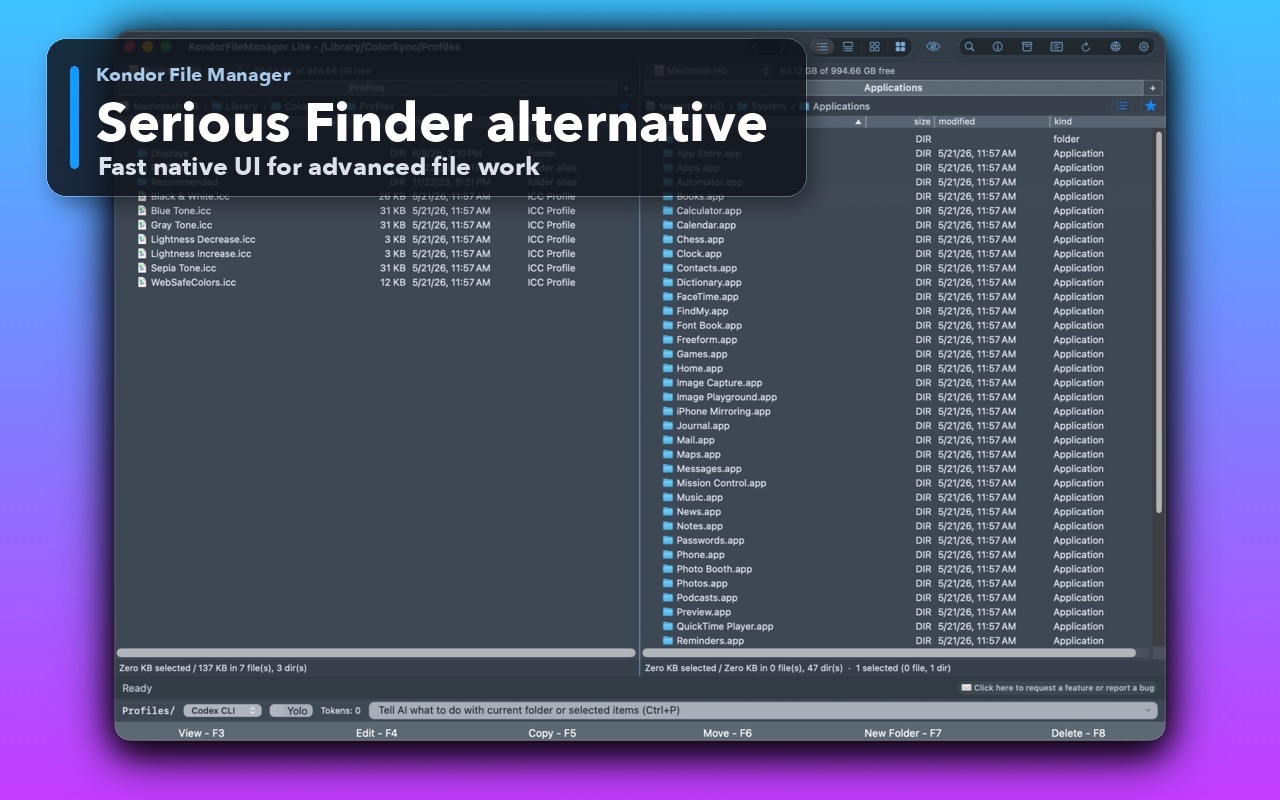
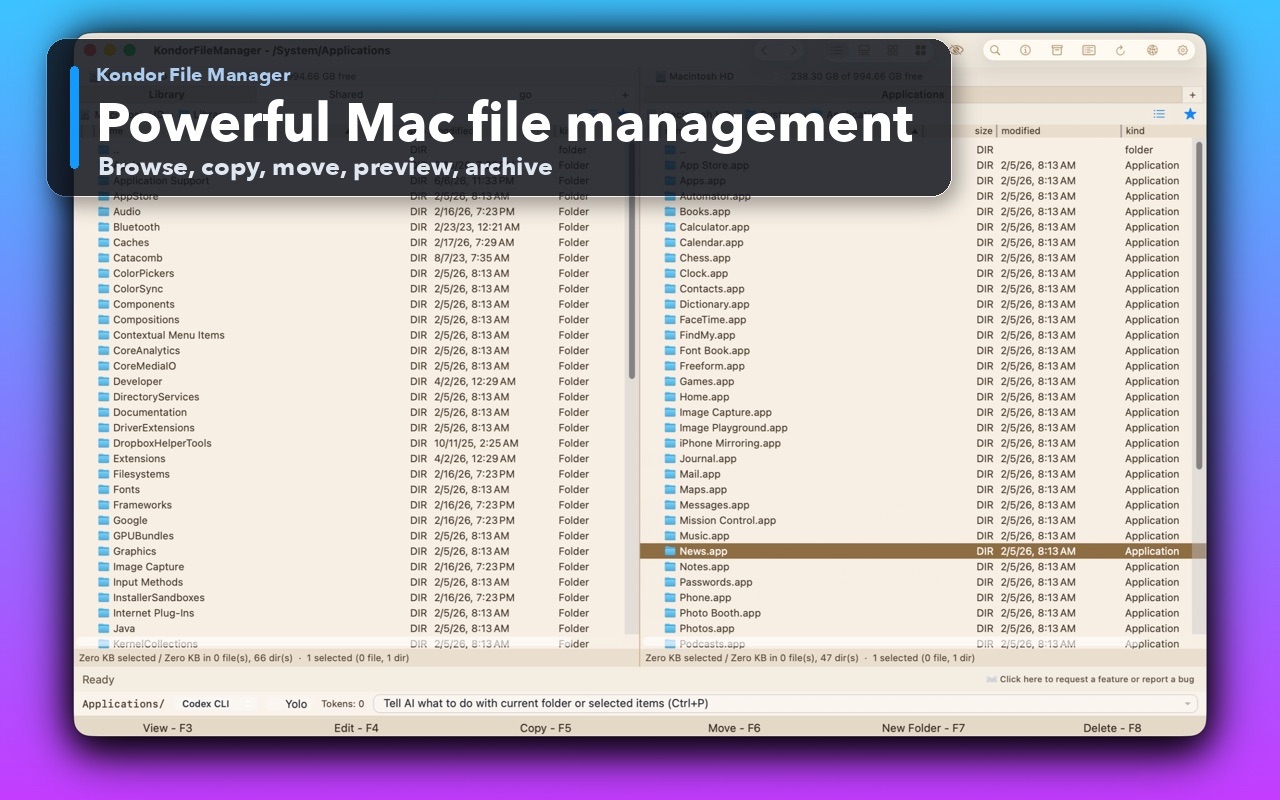
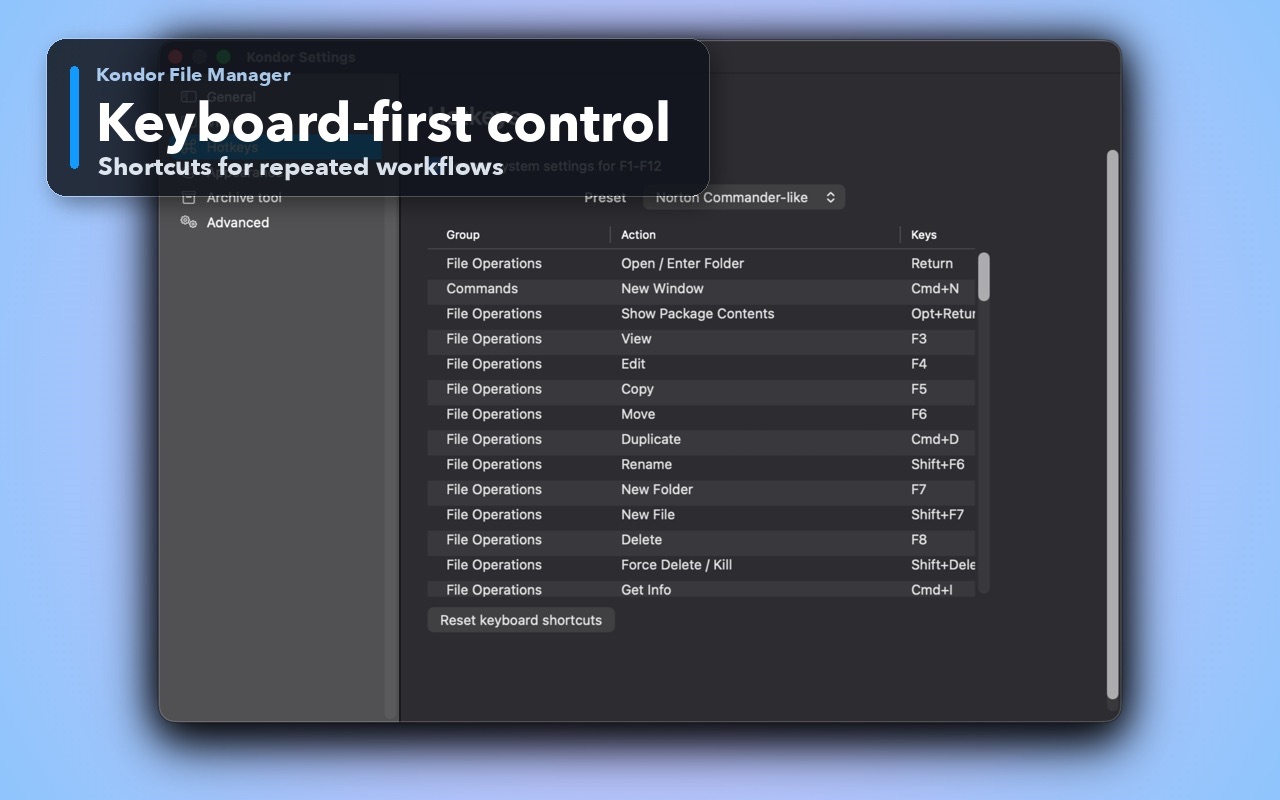
You keep opening multiple Finder windows for the same source/destination work.
You need archive, sync, remote, media, preview, or batch operations close to your file browser.
You want a compact commander-style workflow and clear Lite/Pro boundaries.
You only need basic file browsing, iCloud Drive, tags, desktop integration, or normal macOS open/save workflows.
You prefer Apple's default UI and do not need repeated file operations.
You do not want another app for file work.
This comparison is intentionally practical: it separates daily Finder-style browsing, transfer-heavy work, pro file workflows, pricing, and trust concerns.
Repeated file work, dual panes, archives, sync, remote resources, media batches.
Default macOS browsing, system folders, desktop, open/save panels.
Dedicated file-management workspace with keyboard-first actions.
General-purpose Mac file browser integrated with the system.
Pro unlocks remote/cloud resources, folder sync, advanced archives, media tools, and devices where available.
Often requires separate utilities or manual workflows.
Local-first file work; limited anonymous diagnostics can be turned off and exclude user file data and credentials.
Apple system app governed by Apple's macOS privacy model.
Lite free; Pro $19/year.
Included with macOS.
Kondor Lite is free for daily local file-management basics.
Kondor Web Pro is $19/year for advanced workflows.
The Direct Edition DMG is signed, notarized, and published from kfm.tepesoft.com.
Kondor is better for some repeated file-management workflows, not every Mac task. Finder remains the default for ordinary browsing; Kondor is for heavier file work.
Yes. The practical setup is to keep Finder for system/default browsing and open Kondor when a file job needs stronger workflow control.