Does Double Commander work on Mac?
Yes. Double Commander is cross-platform and publishes macOS builds. Check its official download and release pages for the current supported macOS versions and processor builds.
 Kondor
Double Commander is a free, open-source, cross-platform two-pane file manager inspired by Total Commander. Kondor is a Mac-focused file manager with a native AppKit workflow, signed and notarized distribution, free Lite mode, and a broader paid workspace for sync, cloud, media, and device file jobs.
These screenshots show the real Kondor app surfaces that matter when comparing Mac file managers.
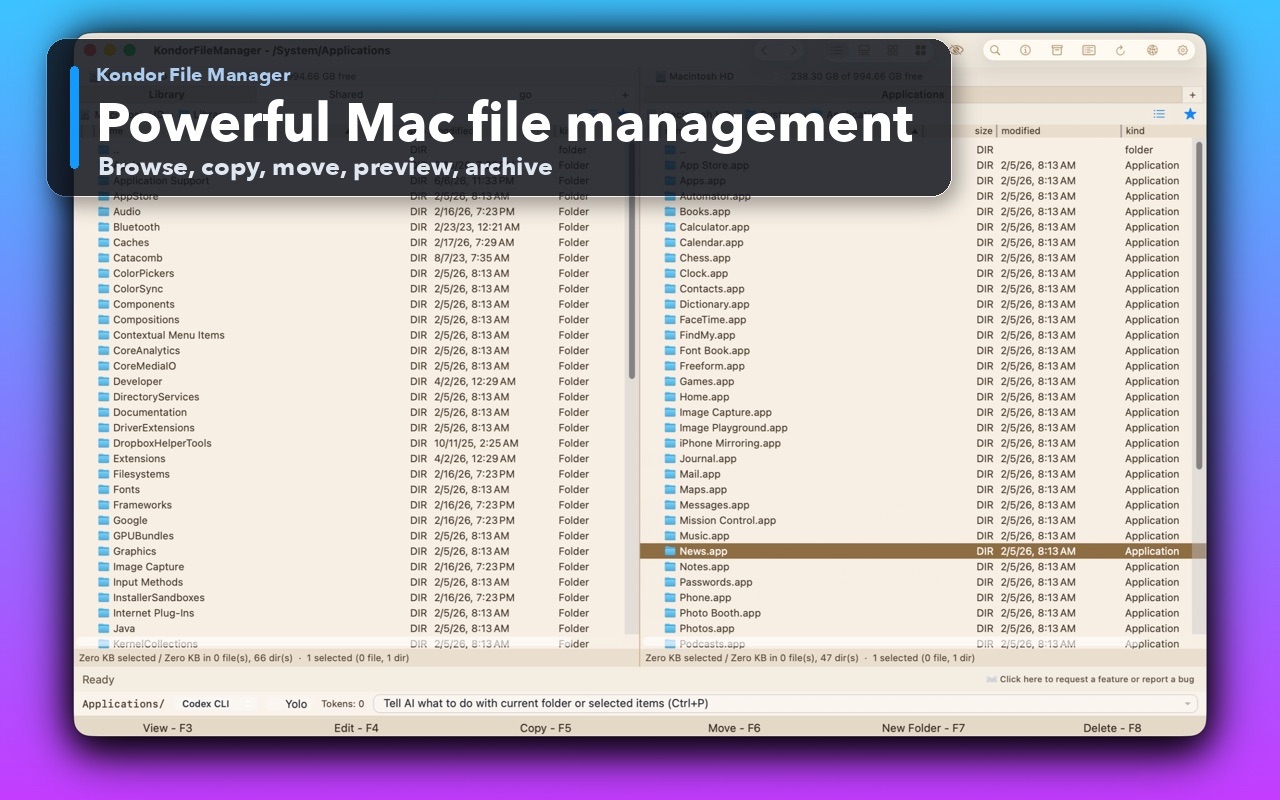
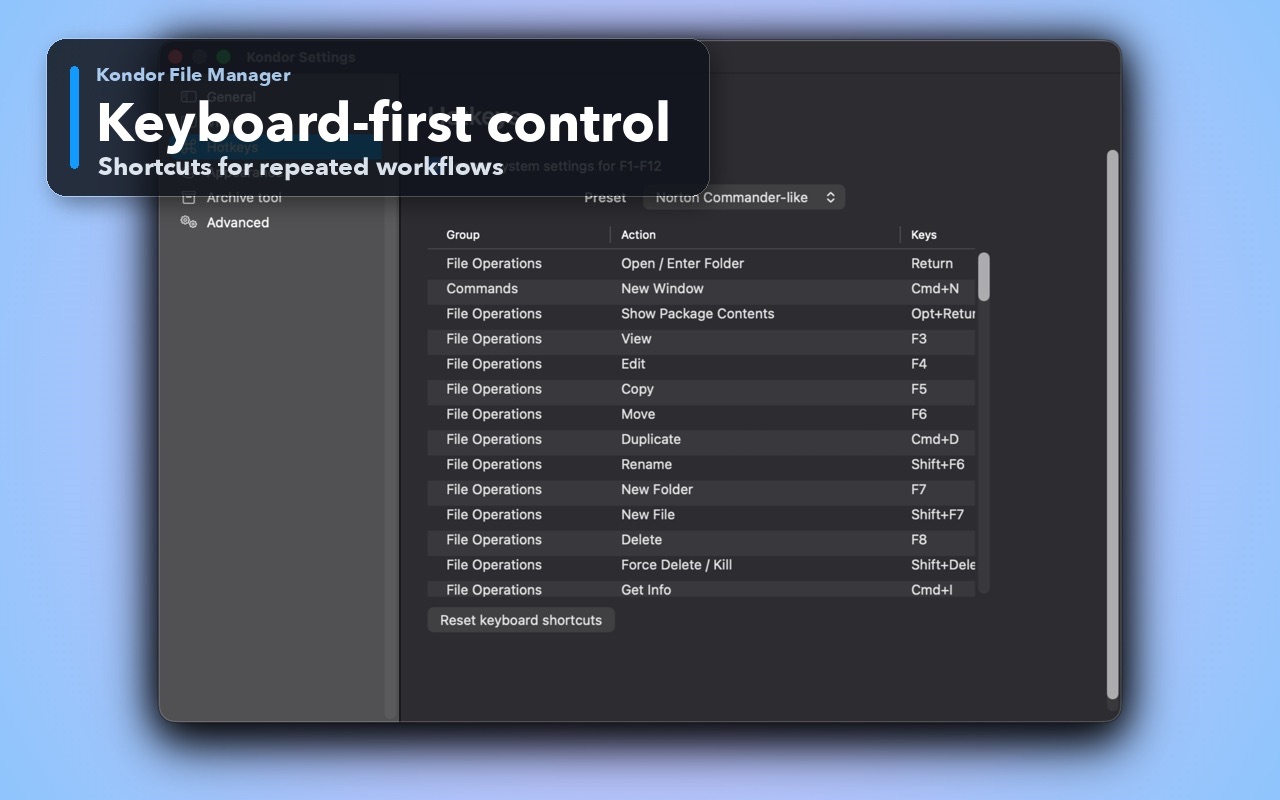
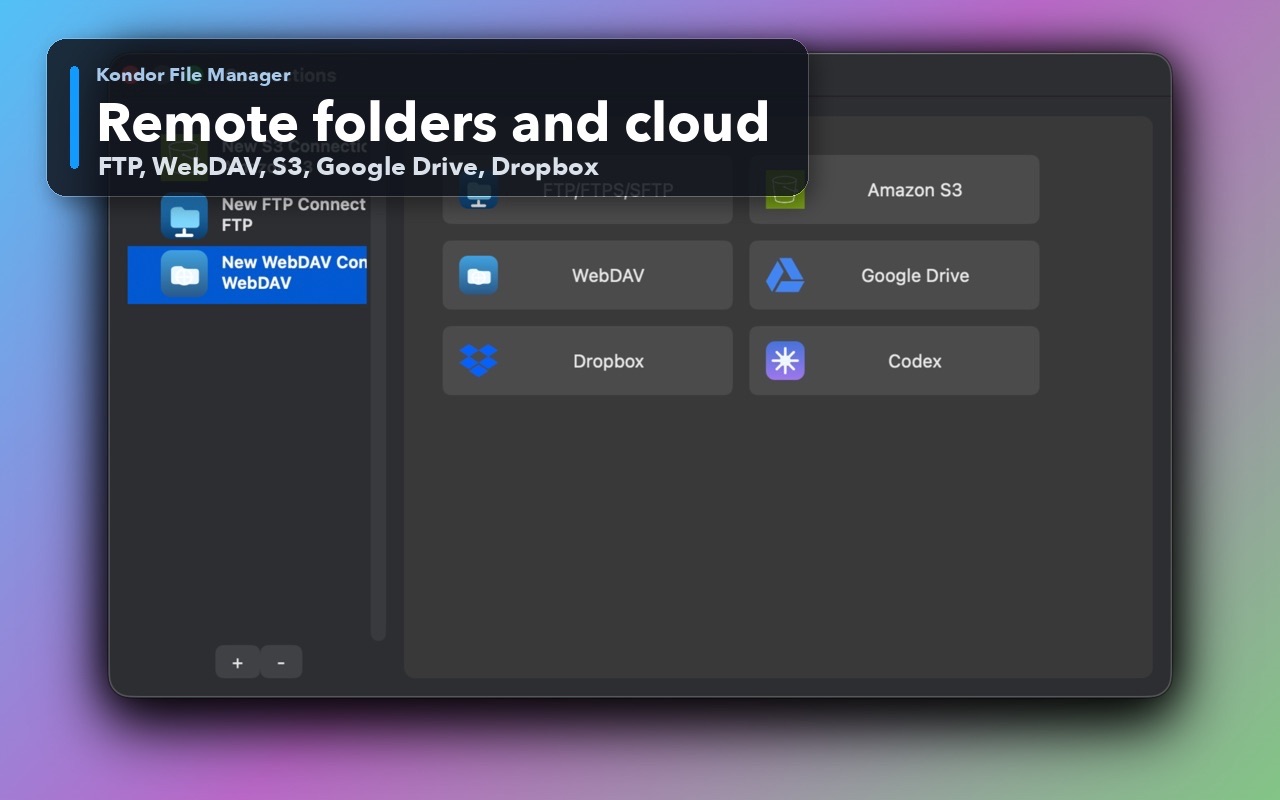
You want a file manager designed specifically around macOS conventions and distributed as a signed and notarized Mac app.
You want a free local mode with an optional $19/year path for sync, remote/cloud, archive, media, and device workflows.
You prefer a focused commercial product with visible support, privacy, and release pages.
Free and open-source software is a requirement, or you want the same file manager across macOS, Windows, and Linux.
You rely on Double Commander's Total Commander plugin compatibility, built-in editor/viewer, or multi-rename tool.
You want a highly configurable community project and are comfortable evaluating its platform-specific packaging and workflow.
This comparison is intentionally practical: it separates daily Finder-style browsing, transfer-heavy work, pro file workflows, pricing, and trust concerns.
Mac-focused commercial product with free Lite and paid Pro workflows.
Free, open-source, GPL-2.0 cross-platform project.
Native Mac workspace with two panes, tabs, previews, and commander-style actions.
Two-pane cross-platform interface inspired by Total Commander.
Pro covers advanced archives and remote/cloud resources alongside local file work.
Official features include archive browsing plus FTP, FTPS, SCP, and SFTP support.
Folder sync, media conversion, Mac-focused privacy, and device workflows where available.
Built-in editor/viewer, extended search, multi-rename, custom columns, logging, and Total Commander plugin support.
Mac users who want a focused supported product and native Mac feel.
Users prioritizing open source, cross-platform consistency, plugins, and deep configurability.
Kondor Lite is free for daily local file-management basics.
Kondor Web Pro is $19/year for advanced workflows.
The Direct Edition DMG is signed, notarized, and published from kfm.tepesoft.com.
Yes. Double Commander is cross-platform and publishes macOS builds. Check its official download and release pages for the current supported macOS versions and processor builds.
Neither is universally better. Double Commander is stronger when open source, cross-platform use, plugins, or multi-rename are decisive. Kondor is stronger when you prefer a Mac-focused supported product with a native workflow and its specific Pro tools.
Kondor Lite is free for local file-management basics, but Kondor is not open source. Advanced Kondor workflows require Pro; Double Commander remains free and open source.
Competitor capabilities change. These official pages support the platform and feature distinctions above.